· RustDesk Team · Guides · 3 min read
RustDesk for MSPs: One Self-Hosted, Brandable Tool
Compare consolidating TeamViewer, AnyDesk, and ScreenConnect onto one self-hosted, brandable remote-support platform.
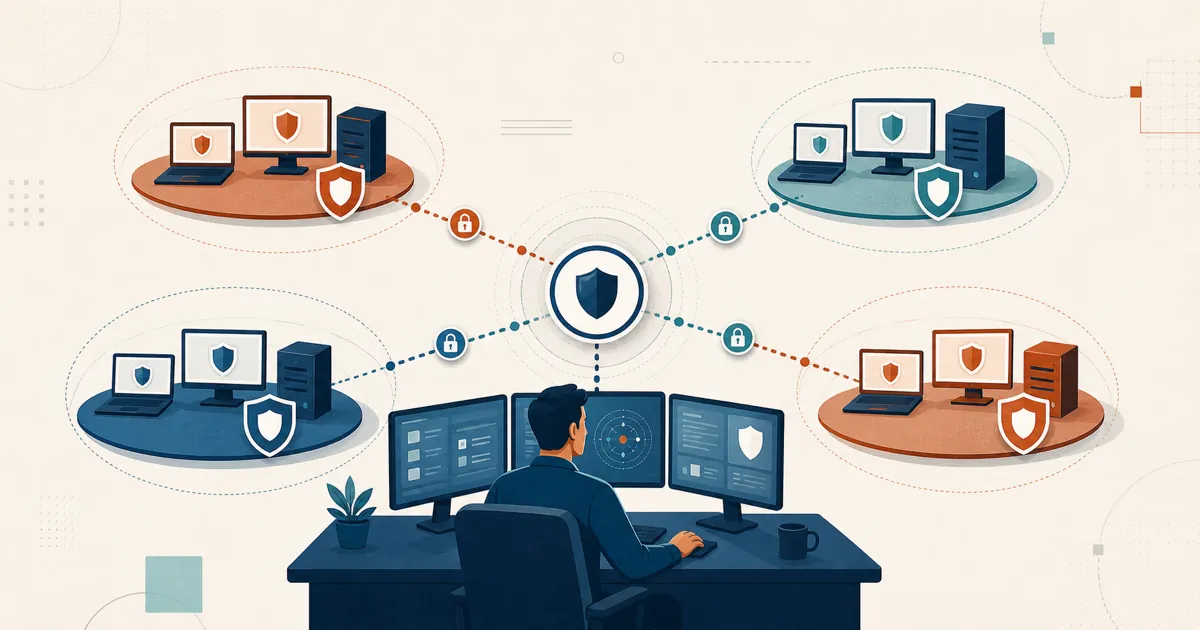
Most MSPs are not looking for another remote-support tool. They are looking for fewer of them. The stack accretes for structural reasons, not preference: a cloud remote-support seat here, a per-technician tool there, a standalone quick-support utility for one-off jobs — different vendors, and the same three complaints about cost that climbs, licensing that limits how you work, and control you never actually had.
This is a guide to RustDesk for MSPs: how one self-hosted, open-source, brandable tool can replace that pile — and, just as important, where the trade-offs are.
The core difference: you host it, you own it
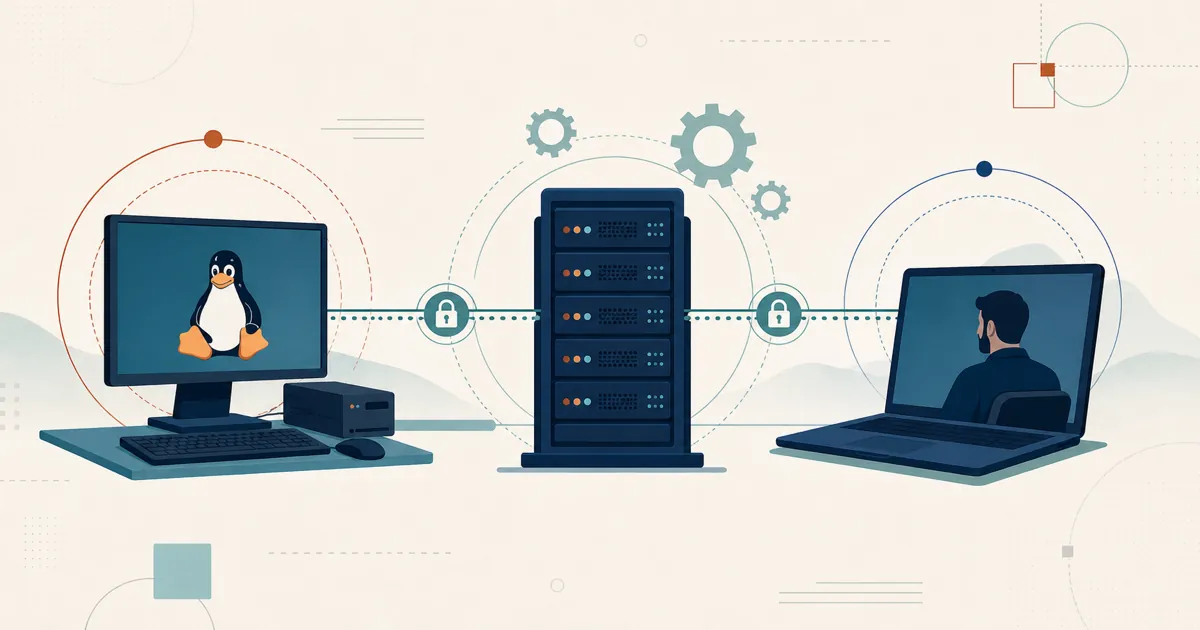
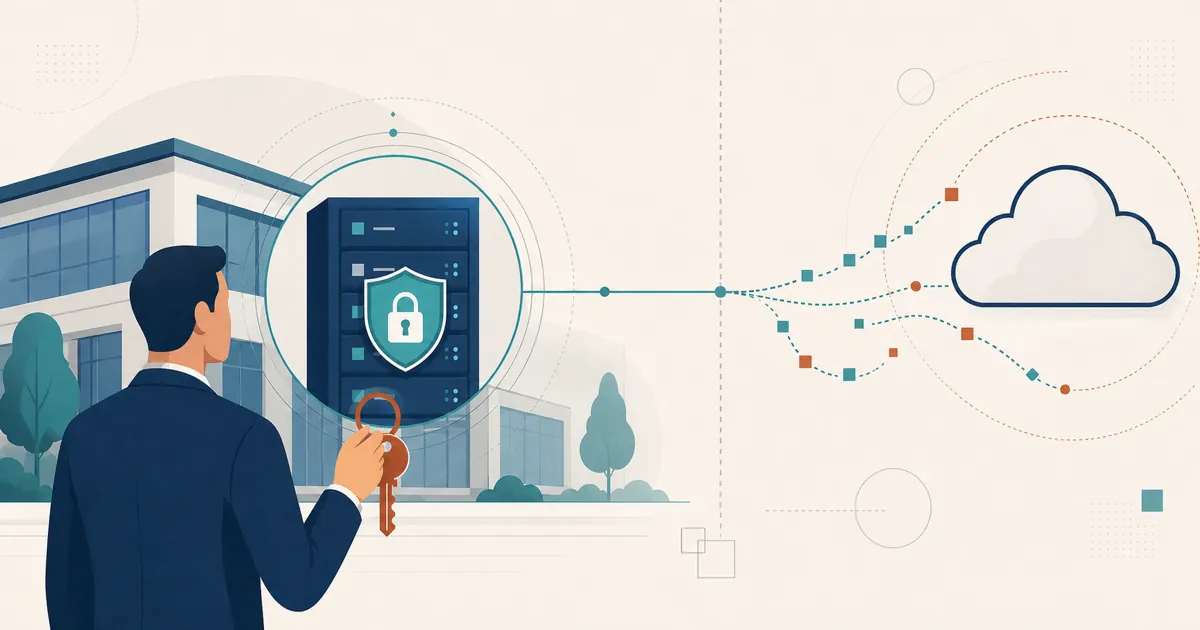
RustDesk Server Pro is self-hosted: the ID/rendezvous server, relay, console, and stored device data run on infrastructure you control, not a vendor’s (why self-hosting matters for MSPs). And because the core is open source (AGPL), when a client’s security review asks “what is this agent doing on our endpoints?” you can point at the source instead of a closed binary.
Here is how one self-hosted platform maps against the pile MSPs consolidate away from:
| Separate cloud remote-support tools | RustDesk Server Pro | |
|---|---|---|
| Consoles to manage | One per tool | Single self-hosted console |
| Client branding | Add-on or unavailable | Custom-branded client generator (Basic plan and up) |
| Hosting | Vendor cloud | Self-hosted (on-prem or your VPS) |
| Source | Closed | Open source (AGPL) core |
| Concurrent sessions | Often capped / per-channel | Unlimited on standard plans; limited on Customized V2 |
| Licensing basis | Per seat / per channel | Per login-user + per managed-device |
For exact plan tiers and current prices, see rustdesk.com/pricing.
Plan-dependent concurrent connections
You pay per login-user (your technicians) and per managed-device (the machines you support), and standard plans include unlimited concurrent connections — several techs can run sessions at the same time without buying “channels,” while Customized V2 limits and prices them separately. If three engineers are on three different client sites at once during an outage, that is just Tuesday — not a metered event. If you have been rationing simultaneous sessions or timing your team around a channel count, that constraint disappears.
Brand it, and put access control on it
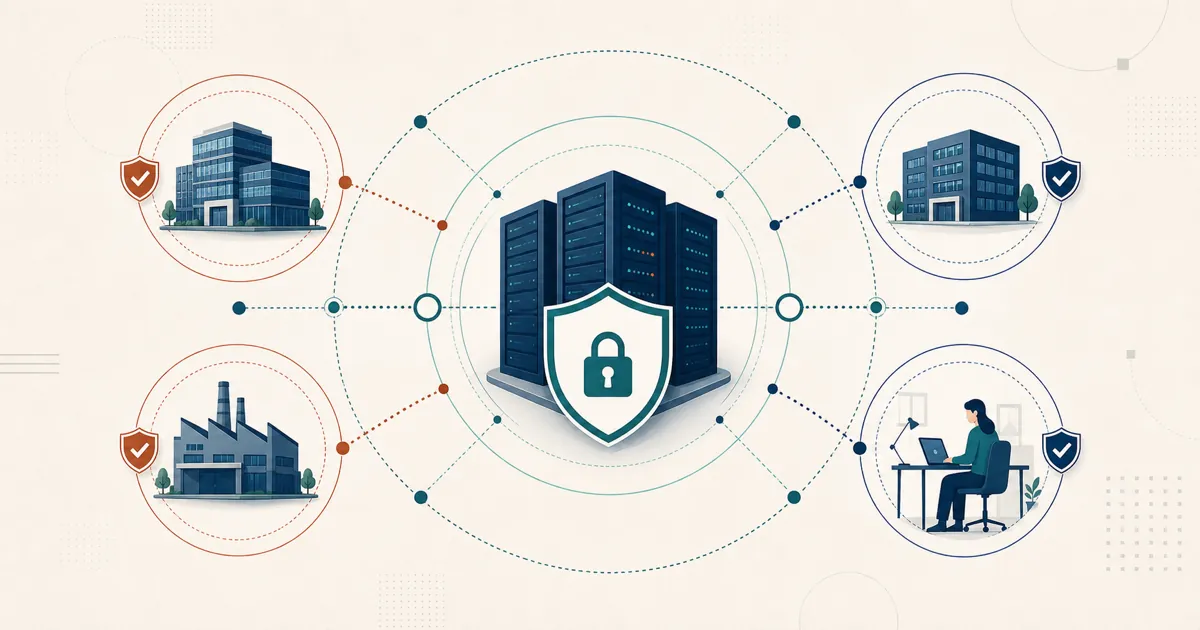
RustDesk ships the pieces an MSP actually needs to operate at scale: a self-hosted web console, a custom-branded client generator, and device groups plus a shared address book for per-user access control. LDAP/SSO (OIDC) is available from the Basic plan and up.
The branded client matters because your clients see your brand on the tool they install, not a vendor’s. Access control can scope technicians to assigned device groups. Verify the current plan matrix before relying on these features.
Control over server-side data location
Self-hosting gives an MSP control over server-side data location. It does not guarantee that direct endpoint traffic stays in one country or establish GDPR compliance by itself; map endpoint locations, routing, retention, and legal obligations.
Put it to the test on your own terms
You can evaluate RustDesk today with no meeting booked:
- Stand up the free community server on a spare VM. It is open source and never expires, so you can validate a real client workflow before spending anything.
- When branding and access control enter the picture, compare tiers at rustdesk.com/pricing and ask [email protected] what evaluation terms currently apply.
- Short on lab time? See RustDesk in action first, or browse the walkthroughs on the RustDesk YouTube channel.
You can upgrade any time (prorated) as your client base grows — start at rustdesk.com/pricing.
Frequently asked questions
Can RustDesk consolidate multiple MSP remote-support tools?
Yes. RustDesk aims to replace a pile of separate tools with one self-hosted, open-source, brandable platform, giving you a single console, a custom-branded client generator, and per-user access control instead of separate consoles and contracts.
How does RustDesk license for MSPs?
You pay per login-user (your technicians) and per managed-device (the machines you support), and standard plans include unlimited concurrent connections so several techs can run sessions at once without buying channels. Customized V2 limits and prices concurrency separately; see rustdesk.com/pricing.
Can I white-label or brand the RustDesk client?
Yes. RustDesk includes a custom-branded client generator so clients install a tool configured for your service. Custom client generation and identity features are available from the Basic plan and up, so verify the current matrix before relying on them.
Is RustDesk self-hosted, and who runs the server?
RustDesk Server Pro is self-hosted: the ID/rendezvous server, relay, console, and stored deployment data run on infrastructure you control. Someone on your side provisions the host, opens ports, sets up TLS, and patches it — routine infrastructure work for an MSP, and light once it is set up.
How should an MSP start evaluating RustDesk?
A common path is to start with the free community server on a test VM or small internal host, validate a representative client workflow, then decide whether the Pro features are worth adding. You can also email [email protected] to ask about current evaluation terms.