· RustDesk Team · Comparisons · 5 min read
RustDesk vs VNC: NAT Traversal, Codecs, Encryption
RustDesk vs VNC compared in practice: NAT traversal without port-forwarding, modern codecs, built-in encryption, and why teams move from VNC to RustDesk.

VNC is one of the oldest and most widely deployed ways to control another computer. It is a genuine open standard, it runs almost everywhere, and for a LAN it is hard to beat on simplicity. RustDesk targets the same core task but was designed for a world of NAT, firewalls, and mixed operating systems. The differences come down to how each moves across a network — and how much you have to bolt on to make it safe.
This comparison sticks to durable, verifiable facts rather than benchmarks that depend on your hardware and link.
What VNC actually is
“VNC” is not one program but a family of implementations — RealVNC, TightVNC, TigerVNC, UltraVNC and others — that speak the RFB (Remote Framebuffer) protocol (Wikipedia). RFB is fundamentally pixel-based: the server ships framebuffer updates to the viewer. That design is beautifully simple and portable, and it is why VNC exists on everything from enterprise servers to a Raspberry Pi.
The licensing is mixed. TigerVNC is distributed under the GNU GPL and TightVNC is a community-driven open fork, while RealVNC’s viewer is a proprietary, commercially maintained product. So “VNC is open source” is true of some implementations, not all of them.
What RustDesk is
RustDesk is a single open-source application (AGPL) with its own architecture. Clients connect outward to an ID/rendezvous server, which brokers a peer-to-peer or relayed session. Per the RustDesk documentation, traffic is end-to-end encrypted (built on NaCl), and video uses modern codecs — VP8, VP9, and AV1 in software, with H.264/H.265 hardware paths — rather than raw pixel rectangles. You can run every client against the public infrastructure, your own self-hosted server, or a rendezvous/relay you write yourself.
The internet problem: NAT traversal
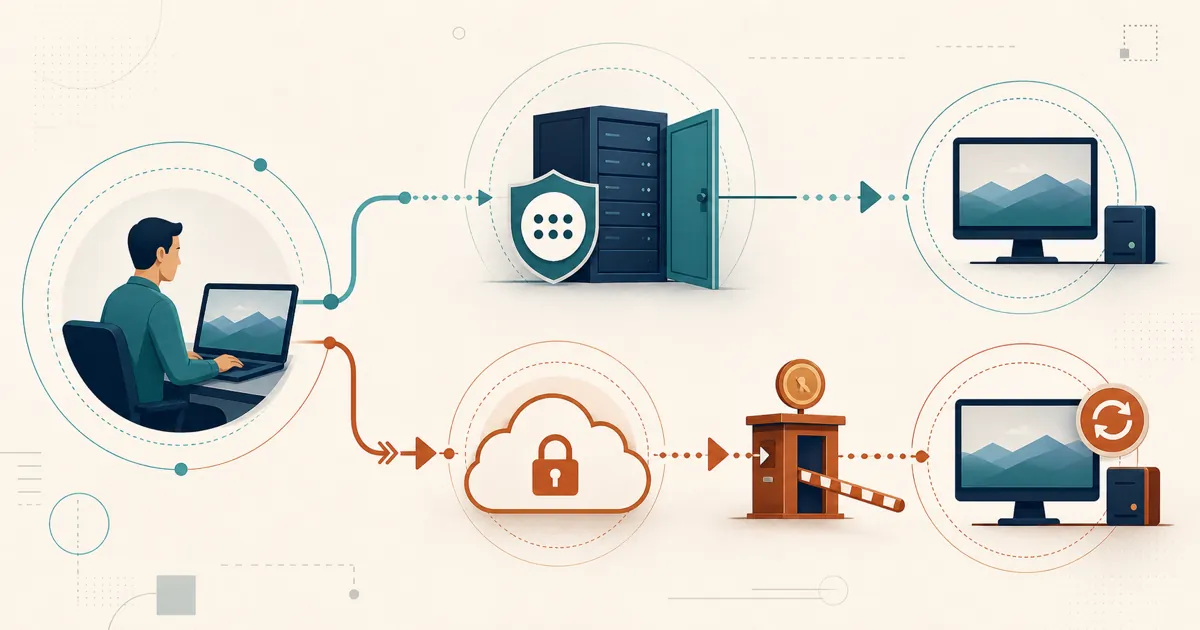
This is the sharpest divide. The base VNC protocol has no NAT traversal. As the VNC documentation notes, to reach a machine over the internet “a user must open this port in the local firewall and configure port forwarding to forward TCP Port 5900 … if behind a network address translation (NAT) router.” The common workaround is to “tunnel VNC through Secure Shell (SSH),” which also adds the encryption that plain VNC lacks. Some commercial VNC products (like RealVNC’s cloud service) add their own brokering to avoid this, but that is a vendor feature layered on top, not part of the protocol.
RustDesk was built the other way around. Because endpoint clients connect outbound to a rendezvous server and fall back to a relay when a direct path fails, RustDesk crosses NAT and firewalls without per-endpoint port-forwarding, a VPN, or an SSH tunnel. The endpoints do not need inbound listening ports, but a self-hosted ID/rendezvous and relay server must accept inbound traffic on its documented service ports. That is the same NAT-traversal story that makes it a practical Chrome Remote Desktop or free-tool alternative for remote and mixed-OS access.
Encryption: default vs it-depends
With VNC, encryption is an implementation detail. RealVNC offers AES encryption in its commercial package; by contrast, per the VNC documentation, “TightVNC is not secure as picture data is transmitted without encryption” and “should be tunneled through an SSH connection.” So the security of a VNC session depends entirely on which server you chose and how you configured it.
RustDesk applies end-to-end encryption by default on every connection, self-hosted or not, with no SSH tunnel to remember to set up.
RustDesk vs VNC at a glance
| RustDesk | VNC (RFB) | |
|---|---|---|
| What it is | One AGPL app + rendezvous/relay | RFB protocol, many implementations |
| Source code | Open source (AGPL) | Mixed: GPL/open (TigerVNC, TightVNC), proprietary (RealVNC) |
| Cross-platform | Windows, macOS, Linux, Android; iOS (controller only) | Very broad, including Raspberry Pi |
| NAT traversal | Built in (rendezvous + relay) | None in base protocol — needs port-forwarding/VPN/SSH |
| Encryption | End-to-end (NaCl) by default (docs) | Varies: AES (RealVNC) to none (TightVNC) |
| Video transport | Modern codecs (VP8/VP9/AV1, H.264/H.265) | Pixel-based RFB encodings |
| Self-hosting | Yes — your own ID/relay server | Yes for open implementations (no built-in broker) |
| Setup on LAN | Simple | Very simple |
| Standardized protocol | RustDesk-specific | Open, long-standing RFB standard |
Confirm current RustDesk plan details at rustdesk.com/pricing.
Where RustDesk pulls ahead
RustDesk’s design advantages appear the moment you leave the LAN or need consistency across teams and platforms:
- Internet reach without plumbing. NAT traversal and relay fallback mean no port-forwarding, VPN, or SSH tunnel per endpoint.
- Encryption you don’t have to configure. End-to-end by default, not an implementation you have to vet.
- Modern codecs. VP8/VP9/AV1 and hardware H.264/H.265 tend to hold up better over constrained or high-latency links than raw pixel encodings.
- One auditable app and one self-hosted server. Open-source (AGPL) software plus a self-hosted ID/relay keeps both the code and your session data on infrastructure you control.
The trade: self-hosting RustDesk means someone runs the server — provisioning, TLS, ports, and patching over time. A LAN-only VNC setup skips that entirely. That is the real trade.
So which should you use?
For a trusted LAN, an air-gapped segment, or a Raspberry Pi, VNC’s simplicity and standardization are genuinely hard to beat. Once you need to cross the internet safely, want encryption on by default, or have to support a mix of Windows, macOS, Linux, Android, and iOS from one tool, RustDesk’s architecture does more of the work for you. And if you are already weighing native Windows tooling, our RustDesk vs RDP comparison covers that fork too.
Try it
If this comparison is what finally retires your SSH tunnel, start with the free community server — open source, no expiry, NAT traversal included. Email [email protected] when you want Pro evaluation terms; current plan rates are at rustdesk.com/pricing.
Frequently asked questions
Is RustDesk based on VNC?
No. VNC uses the RFB (Remote Framebuffer) protocol to send pixel updates. RustDesk is a separate, open-source (AGPL) application with its own rendezvous/relay architecture, modern video codecs, and end-to-end encryption. It is not a VNC client or server.
Does VNC work over the internet without port-forwarding?
Not by itself. The base VNC/RFB protocol has no NAT traversal, so internet use typically requires port-forwarding TCP 5900, a VPN, or an SSH tunnel — unless you use a vendor's cloud brokering service. RustDesk brokers the connection through an ID server and relay, so it crosses NAT without any of that.
Is VNC encrypted?
It varies by implementation. RealVNC offers AES encryption in its commercial product, while TightVNC transmits picture data without encryption and is meant to be tunneled through SSH. RustDesk applies end-to-end encryption (NaCl) by default across all connections.
Is RustDesk or VNC better for a home lab on a LAN?
On a trusted LAN, VNC is dead-simple, standardized, and widely available on almost every OS and even Raspberry Pi. RustDesk adds NAT traversal, modern codecs, and default encryption that matter more once you leave the LAN or need mixed-OS remote access.