· RustDesk Team · Comparisons · 5 min read
Self-Hosted Splashtop Alternative: What to Evaluate First
A self-hosted Splashtop alternative evaluation guide covering licensing, infrastructure, reliability evidence, workflow testing, and migration risk.

A self-hosted Splashtop alternative is worth evaluating when your IT team needs control over server-side services, open-source software, or a licensing model that fits its users, devices, and simultaneous sessions. It is not automatically the right move: switching also transfers infrastructure work to your team and can expose workflow gaps a feature matrix misses.
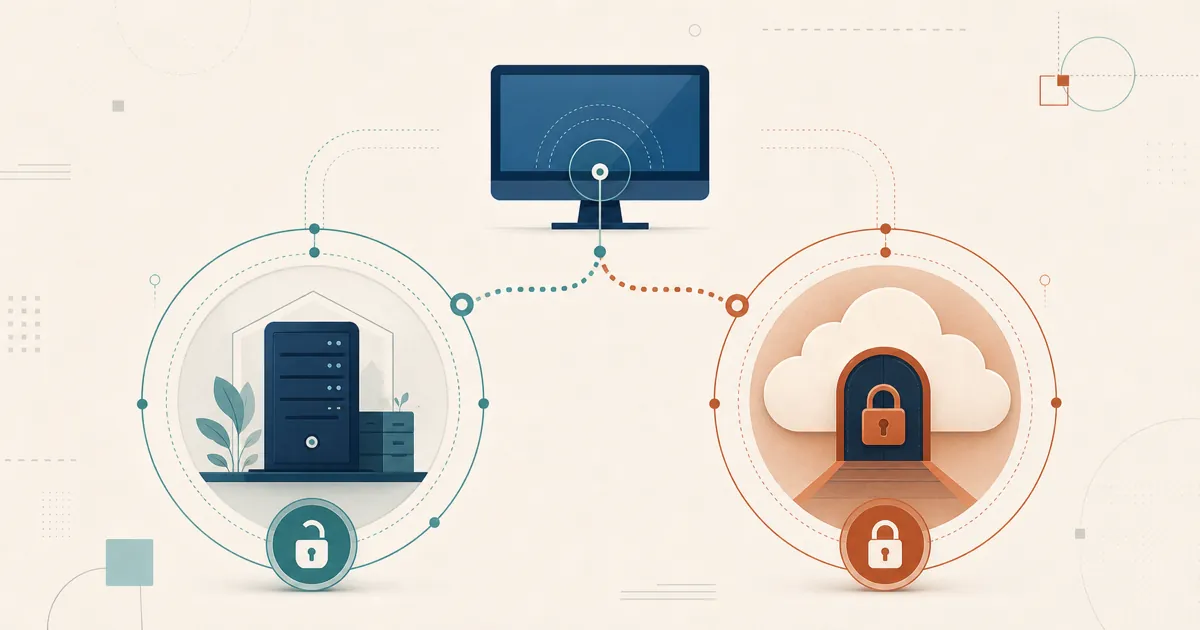
The distinction that matters is three operating models, not “cloud versus self-hosted.” Splashtop sells managed SaaS plans and a separately licensed On-Prem product; RustDesk makes self-hosting the core deployment model through its free community server and Server Pro.
The short answer
| Decision factor | RustDesk | Splashtop SaaS | Splashtop On-Prem |
|---|---|---|---|
| Server operation | Customer-operated community server or Server Pro | Vendor-operated | Customer-operated Splashtop On-Prem Gateway |
| Source model | Core client and community server are open source under AGPL | Proprietary | Proprietary |
| Licensing | Standard Server Pro plans use login users plus managed devices; Customized V2 also meters concurrency | Varies by Remote Access, Remote Support, or Enterprise plan | Separately licensed and sales-led; confirm the written quote |
| Concurrent sessions | Unlimited on standard plans; a defined allowance on Customized V2 | Plan-dependent | License-dependent |
| Governance | Server Pro features are plan-dependent; compare SSO, 2FA, audit, access control, address books, and device management | Enterprise controls are plan-dependent | User/group permissions, Active Directory integration, IP restrictions, and other features are edition-dependent |
| Infrastructure work | Your team owns deployment, TLS, network exposure, monitoring, backup, upgrades, and availability | Vendor owns the service infrastructure | Your team owns Gateway sizing, network placement, TLS, monitoring, backup, upgrades, and availability |
| Best starting point | Free community server for basic evaluation; Server Pro evaluation via [email protected] for management features | SaaS trial for teams that want a managed service | Direct sales and a scoped infrastructure evaluation |
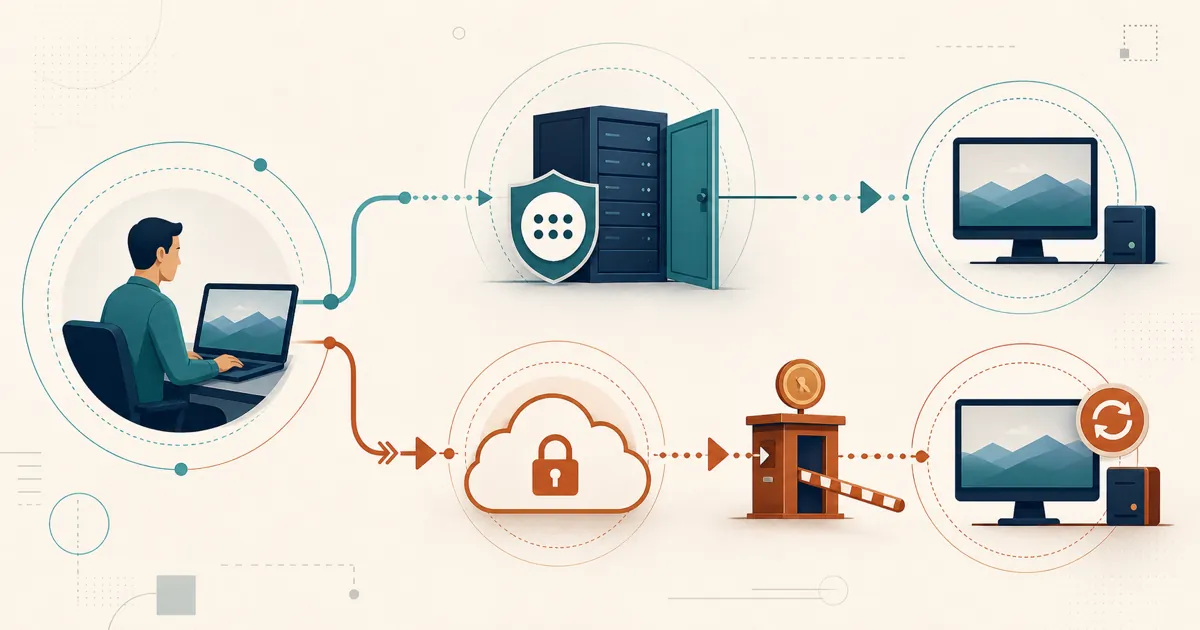
Choose the operating model before comparing individual features. If you want a vendor to run the service, weigh the effort of running RustDesk yourself against Splashtop SaaS. If infrastructure control is mandatory, compare RustDesk Server Pro with Splashtop On-Prem — not with the SaaS trial, which tells you little about On-Prem.
Compare the correct Splashtop product
Splashtop’s standard Remote Access and Remote Support plans are vendor-operated. Its pricing page lists an On-Prem option under enterprise offerings, and the On-Prem product page describes installing a Splashtop On-Prem Gateway in a DMZ or behind the corporate firewall, with its own system requirements for operating systems, hardware sizing, and ports.
So On-Prem is real — but it is a separate proprietary product with direct sales and customer-side infrastructure, not the default behind every Splashtop subscription. RustDesk starts from the opposite end: the community server and Server Pro are self-hosted by default. With Server Pro, the ID/rendezvous server, relay, console, and stored deployment data run on infrastructure you control, while direct sessions still flow between endpoints.
Open source and the trust model
RustDesk’s core client and community server are available under the AGPL. A security or engineering team can read the code, build the client, and run the free server without buying a commercial license first; Server Pro adds proprietary management on top. Splashtop SaaS and On-Prem are both proprietary — On-Prem changes where the server runs, not whether the code is open. Two separate questions decide this:
- Do server-side services need to run on infrastructure we control? (On-Prem and RustDesk both answer yes.)
- Do we need source visibility and the ability to build the client ourselves? (Only RustDesk answers yes.)
Licensing and cost
RustDesk standard Server Pro plans are sized by login users plus managed devices and include unlimited concurrent connections; Customized V2 instead meters concurrency. Splashtop pricing depends on whether the requirement is Remote Access, Remote Support, Enterprise SaaS, or On-Prem, and Enterprise and On-Prem are sales-led.
Compare the same quantities on both sides — technicians or login users, managed endpoints, simultaneous sessions, the identity/audit/recording features you actually need, and server operations — from dated written terms, and model renewal rather than the first-year price. A lower entry price or another customer’s historical quote does not establish the cost of the deployment you need. Current RustDesk figures are at RustDesk pricing.
Reliability reports: signals, not prevalence
Public threads cut both ways. A 2025 thread in the Splashtop community documents Windows client crashes; a 2026 Atera discussion contains both complaints and administrators reporting years of stable use — some involving Splashtop delivered through an RMM integration rather than the standalone product. Treat these as scenarios to reproduce in your own pilot, on your own endpoint mix, networks, RMM packaging, and OS versions, not as evidence of how common any problem is across the installed base.
What to actually test
Skip the generic feature-matrix checklist and test the things that decide a Splashtop migration in practice:
- Remote audio and microphone passthrough, including audio-device behavior after a reconnect.
- Multi-monitor layouts and whether monitor mapping is preserved between sessions.
- Mobile and browser access — confirm which platforms can control versus only be controlled, and validate browser/WebSocket sessions separately from native clients.
- RMM packaging and unattended deployment on the OS versions you run in production.
- Direct connection and relay fallback, plus reconnect behavior on high-latency and restricted networks.
- Governance — SSO or directory integration, controlled-device 2FA, audit logs, device groups, and confirming that knowing a device ID does not bypass your authorization model. The free community server does not include every Server Pro governance feature, so verify these against the current Server Pro matrix and LDAP/SSO documentation rather than inferring them from the free server.
Run this as a parallel pilot across a representative slice of technicians, endpoints, and networks; keep the incumbent live until the replacement passes its required workflows; and document a rollback trigger before you expand the rollout.
When RustDesk is the stronger candidate
RustDesk deserves evaluation when you want self-hosting as the normal deployment model, open-source software you can audit and build, a free community-server path, or licensing based on login users and managed devices. One caveat applies to both RustDesk and Splashtop On-Prem: your team provisions, secures, monitors, backs up, and updates the server. Infrastructure control is worth it only when you are prepared to operate it.
Evaluate RustDesk without committing the fleet
Start with the free community server for basic connectivity, then evaluate Server Pro if you need centralized governance — using the same endpoints, networks, technician workflows, and acceptance criteria you would apply to Splashtop. Email [email protected] for current Server Pro evaluation terms, or review RustDesk pricing.
Frequently asked questions
Can both RustDesk and Splashtop be self-hosted?
Yes, but through different product models. RustDesk provides a free open-source server and commercial Server Pro plans built around self-hosting. Splashtop offers a separately licensed proprietary On-Prem product in addition to its mainstream SaaS plans.
What infrastructure does Splashtop On-Prem require?
Splashtop On-Prem uses a customer-operated Splashtop Gateway. The organization must plan server capacity, networking, TLS, monitoring, backup, upgrades, and availability according to its deployment requirements.
Should I self-host or use a vendor-operated service?
Self-host when you want control of the server-side services, open-source software, or licensing based on your own users and devices; a vendor-operated SaaS is the alternative when you specifically want someone else to run the service. Test required workflows and compare current written terms before deciding.
How should an IT team test a Splashtop replacement?
Run a parallel pilot with representative users, endpoints, networks, and support workflows. Define acceptance criteria for connection reliability, remote audio, monitor mapping, mobile access, administration, and security controls, and keep a documented rollback path until the replacement passes them.