· RustDesk Team · Pricing · 2 min read
Upgrade RustDesk License Mid-Subscription: How It Works
Yes—you can upgrade your RustDesk license anytime to add users or devices. Learn how proration works and how new limits apply: refresh in the web console for instant effect, or wait for the automatic 24-hour check.
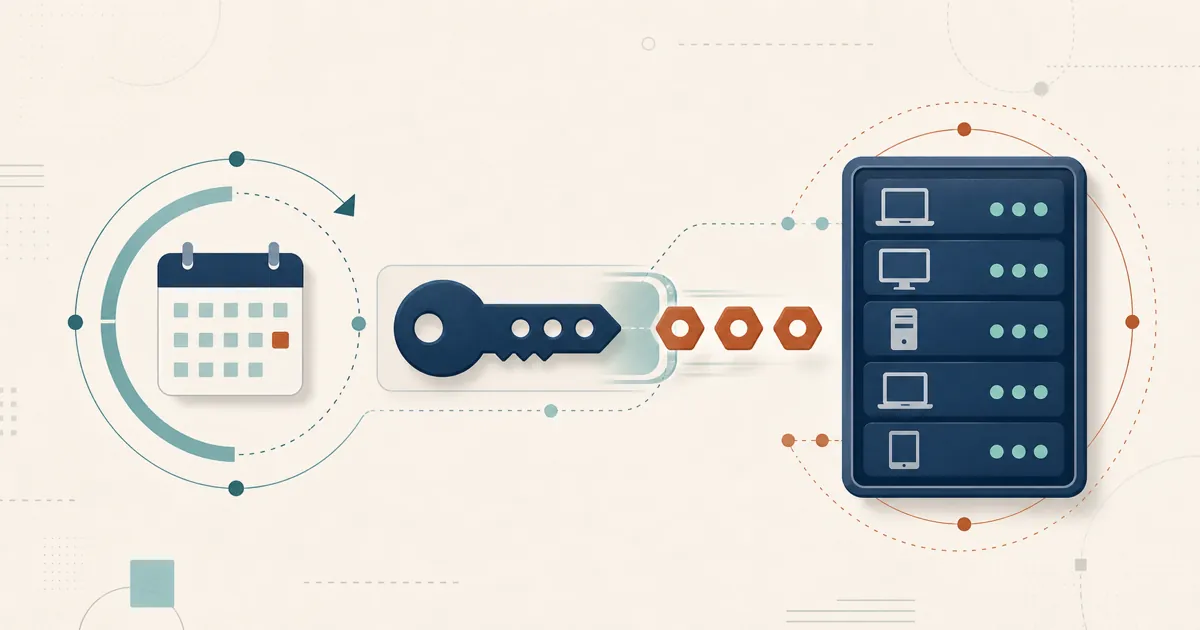
Yes—you can upgrade your RustDesk license mid-subscription to add more managed devices or users whenever your team grows. You do not have to wait for the annual renewal: RustDesk treats the upgrade as an in-place change to your existing license, and because you have already paid for part of the year, it is prorated—the system charges only the difference for the added users or devices, based on the days left in your term, rather than a full new price.
How to upgrade
Make the upgrade in the self-service license portal. Log in with the email you used on the payment page when you first bought the license; if you no longer know which email that was, email [email protected]. The same portal is where you renew and download invoices.
One operational detail is easy to miss: the new limits are not always applied instantly. RustDesk re-checks the license about once every 24 hours, so an upgrade can take up to a day to appear on its own. To activate the higher user and device limits right away, refresh the license inside your web console — that pulls the updated entitlement immediately. If the new seats do not appear at once, that is why, and a manual refresh fixes it.
For teams migrating from TeamViewer or AnyDesk, this flexibility is a meaningful difference: you can start with the capacity you need today and expand incrementally, paying only for what you add, without renegotiating a contract mid-term. Exact pricing tiers and seat definitions are on the official pricing page, rustdesk.com/pricing.
Who asks this
Growth is the usual trigger: an admin or MSP who sized the license for the fleet as it stood is now onboarding new endpoints, staff, or client sites partway through the year. The concern behind it is usually twofold: whether scaling up is even possible mid-term, and whether they will be fairly charged for it.
Related questions
- How RustDesk counts users and managed devices, and per-user vs. per-device licensing
- Refreshing your license in the web console: see the RustDesk docs.
Growing your deployment? Upgrade from the self-service portal whenever your team needs more capacity.
Frequently asked questions
Can I upgrade my RustDesk license mid-subscription?
Yes. You can add managed devices or users at any time during your subscription, and the upgrade is prorated. To apply the new limits immediately, refresh the license in the web console; otherwise they take effect automatically within about 24 hours, when the periodic license check runs.
How is a RustDesk license upgrade prorated?
The upgrade is prorated against the time left on your current term: you are charged the difference for the added users or devices based on the remaining days, rather than a full new price. See rustdesk.com/pricing for tier details.
Why don't my new devices appear after I upgrade my license?
The license refreshes on a periodic check about once every 24 hours, so new limits are not always applied instantly. Refresh the license in the web console to pull the updated entitlement right away.
How do I refresh my license in the web console?
After purchasing the upgrade, open the web console and use the license refresh action to pull your updated entitlement and activate the higher user and device limits.
Where do I buy the upgrade or renew my license?
Use the self-service license portal at rustdesk.com/self-host/account/. Log in with the email address you used on the payment page when you bought the license; if you no longer know which email that was, contact [email protected]. The portal also holds your invoices and renewals.
Can I downgrade or reduce seats mid-subscription?
This article covers upgrades, which you can make at any time. For reducing seats or downgrading mid-term, confirm the current handling with the RustDesk team at [email protected].