· RustDesk Team · Pricing · 3 min read
What Counts as a Managed Device in RustDesk?
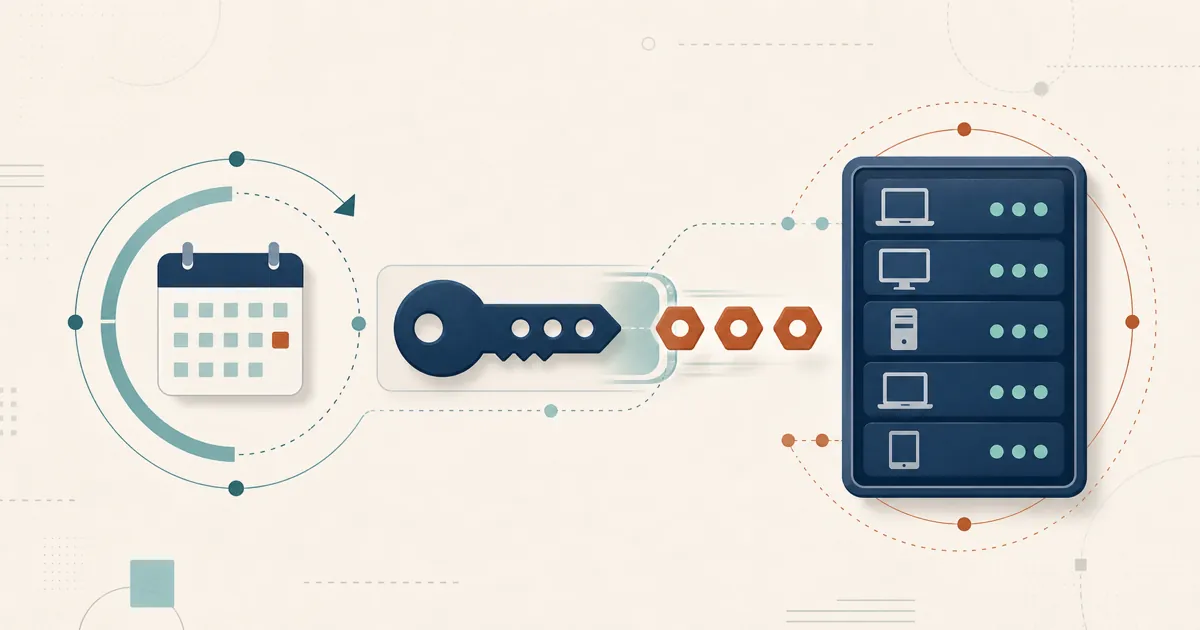
On standard RustDesk plans every device you set up to reach counts once. Customized V2 counts only devices assigned to a group or user; ad-hoc devices are not counted.
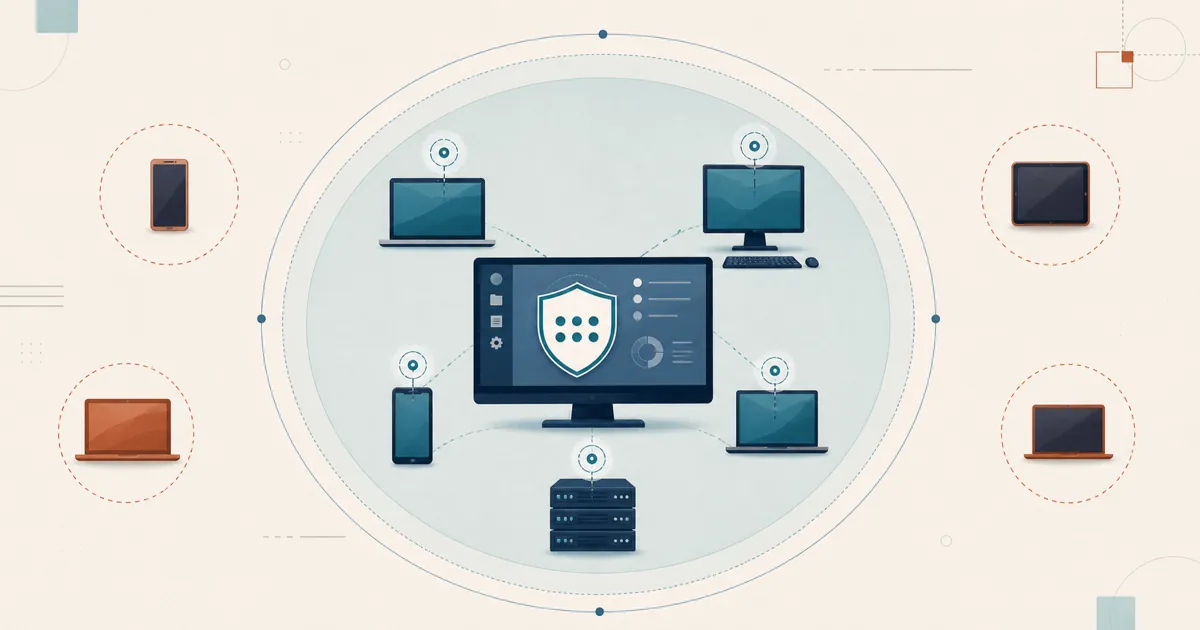
If you’re coming from TeamViewer’s per-seat model, the counting rule on RustDesk’s standard plans is refreshingly simple: every device you want to access counts as one managed device, counted once. The Customized V2 plan counts differently — only devices you assign to a group or user count — which is what makes it the fit for heavy ad-hoc support.
The short answer
On standard plans, a “managed device” is any machine you want to be able to reach, and the server counts each one a single time. It doesn’t matter:
- whether the device is attended (someone is sitting at it) or unattended (a headless server, kiosk, or always-on workstation),
- whether you’ll connect once or many times,
- how frequently you access it.
If your work is largely spontaneous, one-off support, the narrower Customized V2 counting covered below is designed for exactly that case.
In detail
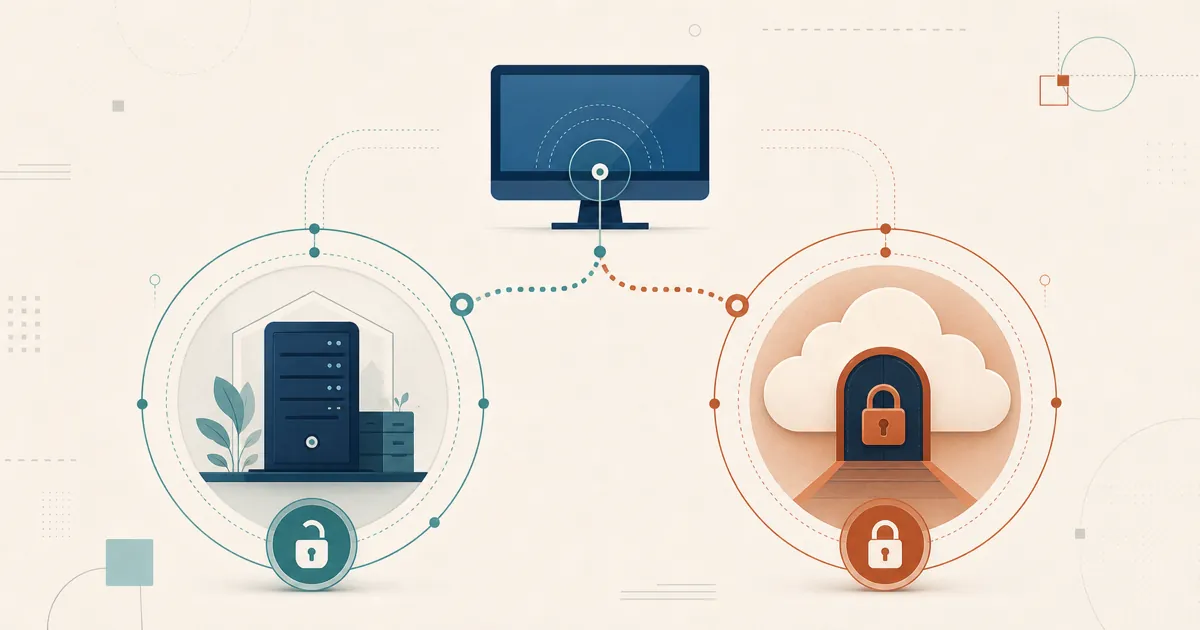
What changes the count is the plan. On the Customized V2 plan the definition of a managed device is narrower: only the devices you assign to a device group or a user count toward your licensed device number. Machines you reach only for ad-hoc, one-off support — and never assign — are not counted, and they are not disabled. If you would rather these unassigned devices not appear in the console at all, the register-device client setting controls that, and it takes effect once the licensed concurrent-connection count is 2 or more. In practice such a quick-support session shows only an ID and a one-time password for a single attended connection, so a genuine one-off interaction never needs a permanent slot in your fleet. If a lot of your work looks like that, Customized V2 is usually the better fit — email [email protected] with your scenario for current terms, or check rustdesk.com/pricing.
For example, imagine an MSP with 20 technicians supporting roughly 1,000 customer machines: it would need to satisfy both licensing dimensions — enough login users for all 20 technicians and enough managed devices for the machines kept reachable. For endpoints that are truly one-time support calls, the Customized V2 rule above applies; current allowances are at rustdesk.com/pricing.
Who asks this
Anyone translating a TeamViewer or AnyDesk seat count into RustDesk’s units hits this definition first, because the licensing units do not map one-to-one. RustDesk paid plans require capacity for both the people who log in and the devices kept under management.
Related questions
- Per-user vs. per-device licensing, concurrent connections, and Server Pro device counts: see RustDesk pricing.
- Coming from TeamViewer — how does RustDesk’s pricing compare for MSPs?
Sizing a fleet and not sure whether one-off support calls belong in your device count? Check the current terms at rustdesk.com/pricing or ask the team before you buy.
Frequently asked questions
How does RustDesk count managed devices?
On standard plans, every device you set up to access counts as one managed device, a single time — attended or unattended, whether you connect once or a thousand times. Customized V2 counts differently: only devices assigned to a device group or a user count toward your licensed device number.
How are ad-hoc, one-off support devices counted?
On the Customized V2 plan, only devices assigned to a device group or a user count as managed devices. A machine you connect to once for spontaneous support — and never assign — is not counted toward your licensed device number and is not disabled. For work that is mostly ad-hoc, that makes Customized V2 a better fit than counting every endpoint.