· RustDesk Team · Troubleshooting · 5 min read
AnyDesk Commercial Use Detected: How to Fix It
Flagged for commercial use on AnyDesk's free version? Here's the official whitelist process, what counts as commercial use, and the self-hosted way to avoid it.

You opened AnyDesk to reach your own home PC or help a family member and got a warning that commercial use was detected, or that you need a license for professional use. AnyDesk’s Terms & Conditions reserve the free version for personal, non-commercial use and permit enforcement of that boundary. Start with the official review when the classification is wrong; if the use really is commercial, compare paid or self-hosted options instead of trying to evade the terms.
How to fix “commercial use detected” on your AnyDesk account
AnyDesk publishes an official whitelist request for people whose use really is personal and non-commercial. In outline:
- Note your AnyDesk address (ID) — the number shown when you open the client — for every device involved: the one you connect from and the ones you connect to.
- Open AnyDesk’s official commercial-use / whitelist request form.
- Describe your actual usage honestly — e.g. “I only use this to help my parents with their home PC,” or whatever genuinely describes what you are doing.
- Submit and wait for AnyDesk to review the case. Use the contact path shown on the current form if you need to follow up.
One of two things happens next: AnyDesk confirms personal use and whitelists you, or it concludes your usage is commercial and the flag stands. The appeal only helps when the flag was a genuine false positive — if your use really is commercial, neither the outcome nor a workaround changes that. We are also not going to walk you through the unofficial “delete the config files” reset tricks that circulate: they skirt AnyDesk’s licensing terms and do nothing about whether your use actually counts as commercial.
What actually counts as “commercial use” here
Per AnyDesk’s own terms, personal use is non-professional — reaching your own devices or helping friends and family, with no direct or indirect payment involved. Commercial (professional) use — the kind a whitelist request will not, and should not, clear — includes:
- Providing support to clients, customers, or colleagues
- Remote work of any kind, including simply connecting to a work machine or checking work email
- Any connection made in the course of a trade, business, or profession
- Administering servers or managing multiple devices for an organization
- Any use for which you are paid, directly or indirectly
If you are doing any of that, AnyDesk’s flag is accurate, and the durable answer is a tool whose license matches how you actually work — which the rest of this guide gets into.
Why AnyDesk flags “commercial use”
AnyDesk publishes no official detection threshold, so treat any specific connection count, session length, device limit, or timeout from third-party posts as unverified rather than a rule you can rely on. The same licensing distinction exists in other remote-access products, including TeamViewer’s commercial-use classification; for genuinely commercial work the warning is not a technical bug to work around, so compare current paid plans or alternatives instead of chasing unofficial resets or renewal anecdotes.
If the appeal does not apply, you have two durable paths: pay for a commercial license, or switch to a tool with no commercial-use tripwire at all.
The core difference: own the server
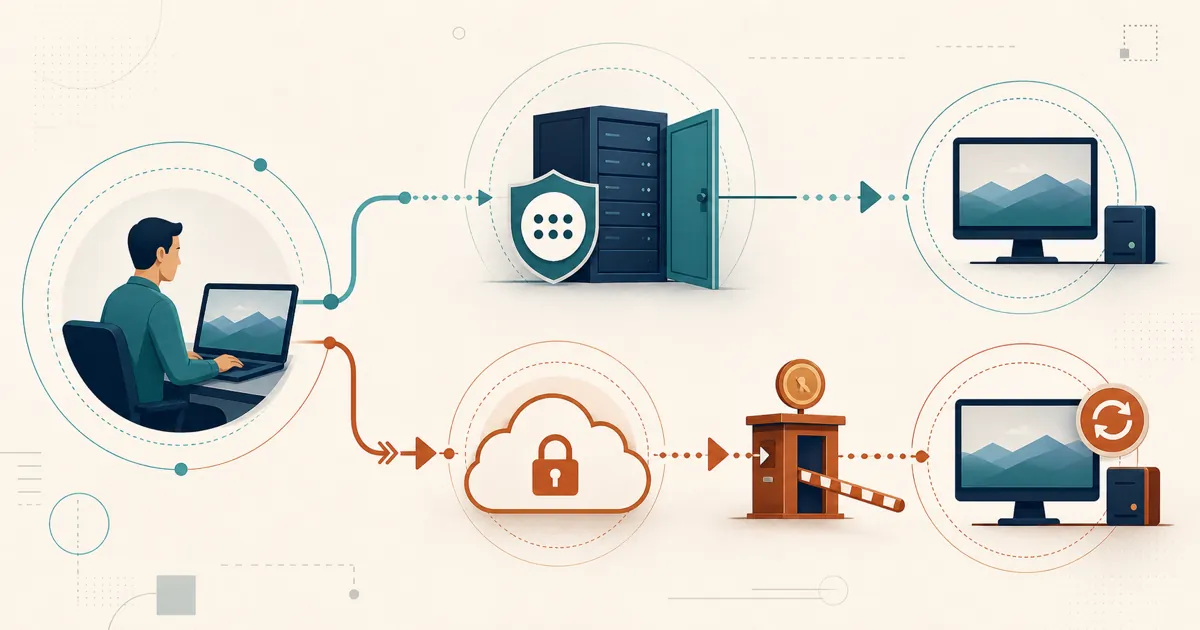
AnyDesk does not publish the detector’s formula, and it supports both direct and relayed sessions per its client settings documentation — so the flag is not proof that your session media crosses an AnyDesk relay; enforcement runs through client, account, and licensing metadata. RustDesk moves that enforcement point onto hardware you run: the ID/rendezvous server, relay, and console are yours, so no remote-access SaaS classifies a session as personal or commercial — the case for self-hosting covers why that removes the tripwire instead of resetting it. The code is open source under the AGPL, and RustDesk’s commercial license terms still apply to Server Pro.
How the two models compare
| AnyDesk free tier | RustDesk | |
|---|---|---|
| ”Commercial use” detection | Yes — can flag, throttle to short sessions, or block | None — you host the server |
| Session path | Direct when available; AnyDesk network relay otherwise | Direct when available; your relay otherwise |
| Device allowance | Set by AnyDesk’s free-use terms | Commercial plans count managed devices |
| Source code | Closed | Open source (AGPL), auditable |
| Concurrent connections | Gated on free tier | Standard plans unlimited; Customized V2 limited |
| Pricing model | Free for personal use; paid plans per seat | Per login-user + per managed-device |
| Data boundary | AnyDesk-run services; media direct or relayed | Server-side services on infrastructure you control; endpoint routes still matter |
What self-hosted RustDesk gives a support team
Licensing is agreed up front — per login-user plus per managed-device, no per-seat cloud subscription — and you can upgrade any time (prorated). For client-support work, Server Pro adds a self-hosted web console, a custom-branded client generator, device groups and a shared address book for per-user access control, and LDAP/SSO (OIDC) from the Basic plan up. Since you host that infrastructure, weigh the data-sovereignty and GDPR implications too — direct sessions still travel between endpoints. Feature availability varies by plan; see rustdesk.com/pricing.
What to do next
If the flag was a false positive, the whitelist request above is your fix. If your use is genuinely commercial, pilot on the free community server first: reproduce the workflow that triggered the flag — same technicians, endpoints, unattended sessions, and support volume — and size both licensing dimensions (login users and managed devices) before committing to an annual purchase. Whichever alternative you weigh, read its license before deploying it for work — a free download does not automatically permit commercial use. For Pro evaluation terms, contact [email protected].
Frequently asked questions
Why does AnyDesk say 'commercial use detected' when I only use it personally?
AnyDesk's free version is licensed for personal, non-commercial use only and uses automated detection to enforce that boundary. AnyDesk does not publish a reliable detection formula or official thresholds. If your personal use is classified incorrectly, use the official whitelist request.
How do I fix 'commercial use detected' on AnyDesk for personal use?
Submit AnyDesk's official whitelist request with your AnyDesk address and an honest description of your personal use. AnyDesk reviews the request. If your use is genuinely commercial, the appropriate fix is a license or another tool whose terms cover that work.
Is AnyDesk free for business use?
No. AnyDesk's free version is for personal, non-commercial use. Remote work, organizational device administration, and support for customers or colleagues require commercial terms. Check AnyDesk's current terms for the authoritative definition.
What counts as commercial use on AnyDesk?
Supporting clients or colleagues, remote work (including checking work email), server administration, managing devices for an organization, or any use you are paid for. Helping family and friends or reaching your own personal devices is personal use.
Does RustDesk flag commercial use the way AnyDesk does?
RustDesk's open-source community server does not implement AnyDesk's commercial-use classifier. Server Pro is commercially licensed and self-hosted, with limits determined by the purchased RustDesk plan rather than an AnyDesk free-tier detector. Standard RustDesk plans include unlimited concurrent connections; Customized V2 does not.