· RustDesk Team · Troubleshooting · 5 min read
TeamViewer Commercial Use Detected: How to Fix It
Flagged for commercial use on TeamViewer? Here's the official appeal process, what actually counts as commercial use, and the self-hosted way to avoid it.

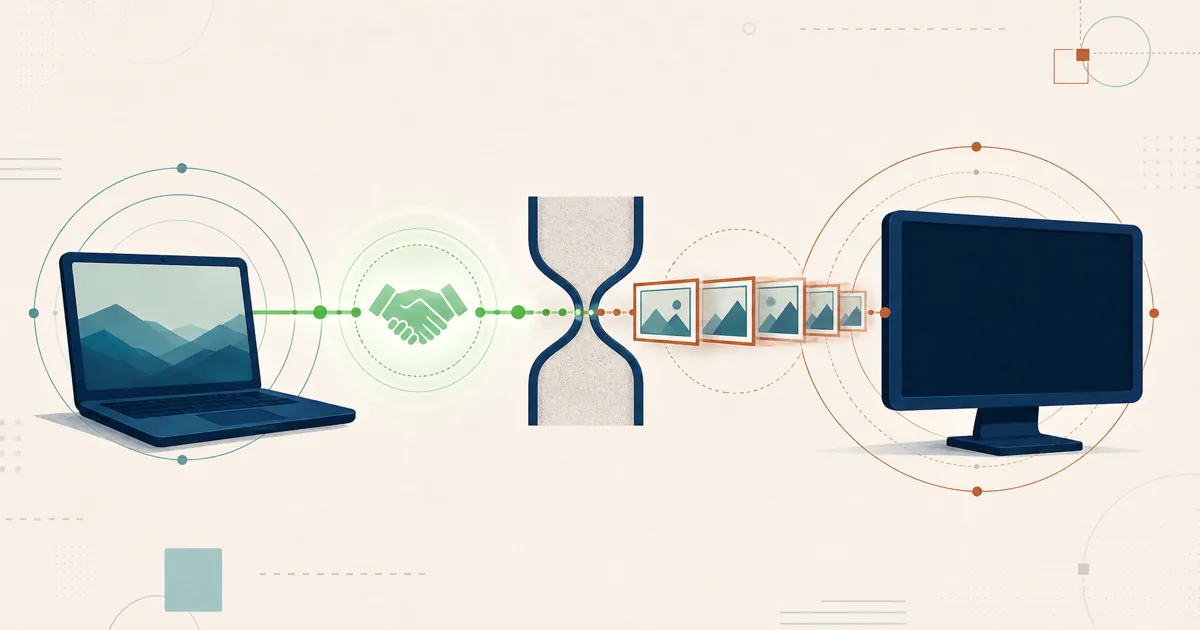
You sat down to help a client, a colleague, or your own second machine, and TeamViewer greeted you with a banner: commercial use detected. Then the sessions started dropping after a few seconds, or the connection was blocked outright until you either stopped using it or bought a license. If that’s why you’re here, you’re not imagining it, and you’re not alone.
This guide first walks through how to actually get the flag reviewed and lifted on your existing TeamViewer account, then explains why it keeps happening and how teams who are done with the cycle move to a self-hosted setup with no commercial-use detection built in at all.
How to fix “commercial use detected” on your TeamViewer account
TeamViewer publishes an official reset/appeal process for exactly this situation. Here’s what it involves:
- Go to teamviewer.com/reset and click the start button.
- Enter your name and the email address on your TeamViewer account.
- Briefly describe your actual usage pattern — e.g. “I only use this to help my elderly parent with their PC.” Write it in your own words and keep it truthful.
- List every TeamViewer ID involved, both the device you connect from and any you connect to (the form accepts a limited number of IDs per submission).
- Accept the privacy policy and submit.
TeamViewer states a review-time target of roughly a week at the time of writing, though it can take longer during high-volume periods — check your spam folder if you don’t hear back. From there, the review ends one of two ways: TeamViewer resets your ID because personal use is confirmed, or it declines the reset and offers you a “declaration of private use” to sign instead. If your actual usage is commercial, neither outcome changes that — a reset request can only clear a flag that was raised in error.
What actually counts as “commercial use” here
Per TeamViewer’s own definitions, personal use means helping family and friends, or connecting to your own non-server devices outside a commercial environment. Commercial use — the kind that won’t be reset regardless of how the appeal goes — includes:
- Providing support to clients or customers
- Working from home, including simply checking work email
- Any inbound or outbound connection happening in a commercial setting
- Server administration or monitoring
- Salaried work at a non-profit organization
If you’re doing any of that, the appeal process will correctly identify you as commercial, and the lasting solution is software whose license actually covers your work — which is where the rest of this guide picks up.
Why TeamViewer flags “commercial use” in the first place
TeamViewer’s free tier is licensed for personal use only, and the product can classify use as commercial. A classification can be wrong, which is why TeamViewer provides the reset process above. TeamViewer does not publish a formula that users can rely on, so do not treat connection counts, session length, or device totals from third-party posts as official thresholds.
For anyone doing commercial support work, this is not a bug to work around; it is the product enforcing its licensing terms. Compare current paid plans or alternatives rather than relying on private renewal anecdotes.
So if the appeal doesn’t apply to you — because your use genuinely is commercial — the real question becomes: pay up, or move to something without a commercial-use tripwire at all?
If the flag is correct, compare licensed options
When the usage is genuinely commercial, there is no legitimate reset workaround. Compare three paths:
| Path | Best fit | Trade-off |
|---|---|---|
| Buy TeamViewer | You want to preserve the current workflow and managed service | Ongoing vendor plan, terms, and feature packaging |
| Choose another managed SaaS | You want no server operations but a different commercial offer | Sessions and administration remain vendor-operated |
| Pilot a self-hosted tool | You want to operate the ID, relay, console, and deployment data | Your team owns hosting, patching, certificates, monitoring, and recovery |
RustDesk belongs in the third row: you self-host the community server with no commercial-use classifier watching sessions — why self-hosting removes that tripwire — while Server Pro is licensed by login users and managed devices, with a defined allowance on Customized V2.
A safe migration path
Do not uninstall TeamViewer as the first step. Stand up a test RustDesk server, validate the workflows behind your commercial usage, then compare the operating cost with the current TeamViewer quote. The self-hosted TeamViewer alternative guide covers the full migration and feature comparison. If the reset is approved, your free personal-use access continues; if any of your use is commercial, licensing is the durable fix — either TeamViewer’s paid tier or a tool licensed for how you work.
What to do next
- Submit the official reset request if the classification is genuinely wrong.
- If the use is commercial, compare current written quotes and license terms.
- If self-hosting is a requirement, test the free community server before evaluating Server Pro features and plans at rustdesk.com/pricing.
And skip the ID-reset scripts and config-file deletions that circulate on forums: they leave TeamViewer’s license terms exactly where they were and tend to create security or support problems of their own.
Frequently asked questions
How do I fix "commercial use detected" on TeamViewer?
TeamViewer publishes an official reset/appeal process: go to teamviewer.com/reset, enter your name and the email on your account, briefly describe your actual usage, list every TeamViewer ID involved, then accept the privacy policy and submit. TeamViewer states a review-time target (about a week at the time of writing); confirm the current figure on its reset page.
What counts as commercial use in TeamViewer?
Per TeamViewer's own definitions, commercial use includes providing support to clients or customers, working from home (even just checking work email), any inbound or outbound connection in a commercial setting, server administration or monitoring, and salaried work at a non-profit. Personal use means helping family and friends or connecting to your own non-server devices.
Will the reset request work if my use is genuinely commercial?
No. A reset clears the flag only when it was raised in error; if your actual usage is commercial, TeamViewer will correctly identify it, and the lasting fix is software whose license covers that work.
Does RustDesk have a commercial-use detector?
No. RustDesk's community server can be self-hosted without a commercial-use classifier, while Server Pro is licensed by login users and managed devices, with unlimited concurrent connections on standard plans and a defined allowance on Customized V2.
Can I avoid the flag with ID-reset scripts or by deleting config files?
No. Do not use unofficial ID-reset scripts or delete configuration files to evade the classification; they do not change the license terms and can create additional security or support problems.