· RustDesk Team · Alternatives · 5 min read
The Best Self-Hosted TeamViewer & AnyDesk Alternative
Why teams are leaving TeamViewer and AnyDesk for a self-hosted, open-source alternative they actually control — and how RustDesk fits.
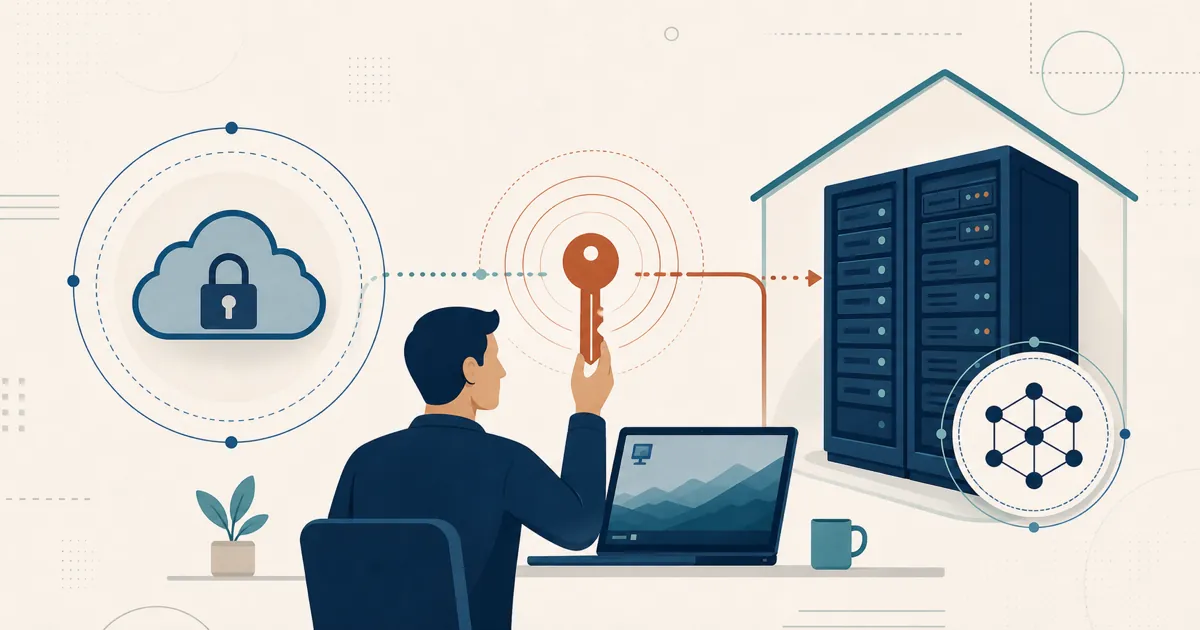
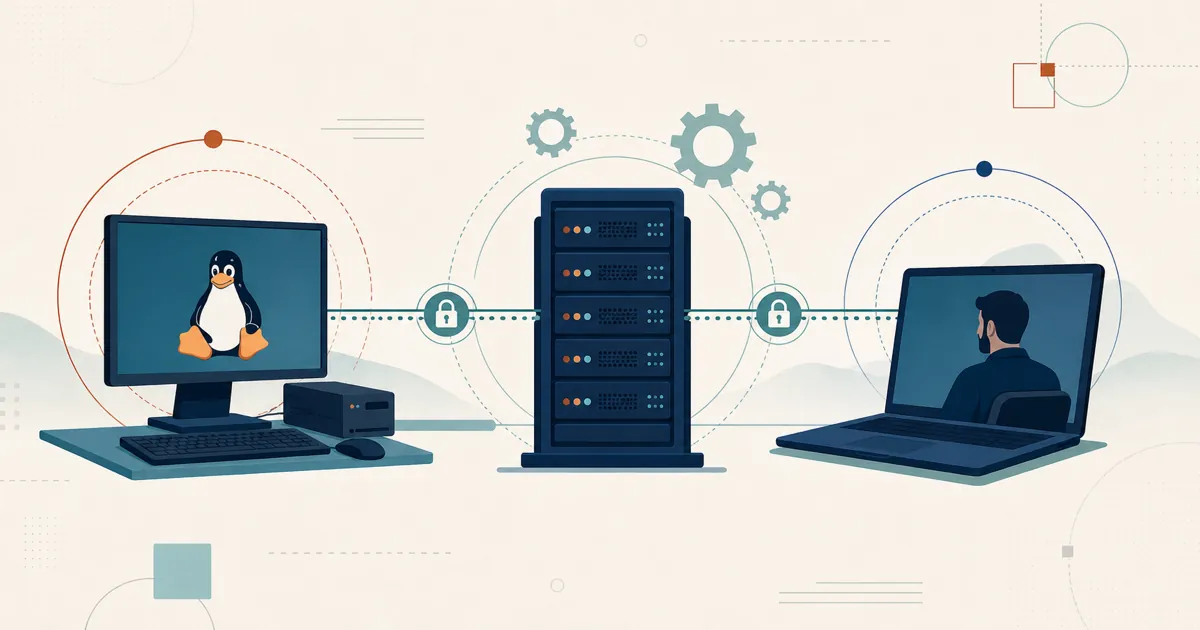
The search for a self-hosted TeamViewer or AnyDesk alternative usually starts the same way: a renewal quote no longer matches the workflows you use, and the product still routes your sessions through infrastructure you do not control.
Why teams leave TeamViewer and AnyDesk
Two decision factors show up repeatedly.
Cost. Renewal totals can grow independent of usage — tier packaging, add-ons, and rate changes all move the number. Compare the current quote against alternatives on identical requirements.
Control. With a cloud-only tool, your session traffic and device list live on a vendor’s infrastructure. For a growing number of teams — especially in healthcare, the public sector, and anywhere GDPR applies — choosing where the server-side data and relay layer run is a hard requirement, not a preference.
A self-hosted alternative answers both: RustDesk Server Pro is self-hosted by design — the ID/rendezvous server, relay, console, and stored deployment data run on infrastructure you control — and its core is open source under the AGPL, so you can audit exactly what the client does, patch on your own schedule, and run the free community server indefinitely instead of trusting a closed cloud.
One caveat: direct sessions still flow between endpoints (relayed sessions use your configured relay), so self-hosting alone does not guarantee in-country traffic or GDPR compliance — how you route and operate the deployment still matters.
RustDesk vs TeamViewer and AnyDesk at a glance
| TeamViewer / AnyDesk (cloud) | RustDesk (self-hosted) | |
|---|---|---|
| Where sessions run | Vendor cloud | Your server (on-prem or your VPS) |
| Source code | Closed | Open source (AGPL) core |
| Licensing model | Per-seat / per-plan subscription | Per login-user + per managed-device |
| Concurrent connections | Plan-dependent | Unlimited on standard plans; limited on Customized V2 |
| Server-side data location | Vendor-controlled | Chosen and operated by you; endpoint routes still matter |
| Try before you buy | Vendor trial (see vendor page) | Free server today, or Pro evaluation via [email protected] |
Competitor details vary by plan — confirm current TeamViewer or AnyDesk terms with the vendor. See RustDesk pricing.
Predictable licensing, no per-channel tax
RustDesk licenses per login-user plus per managed-device. Standard plans include unlimited concurrent connections; Customized V2 has a defined allowance. Mid-term upgrades are prorated. Model all three counts against the current pricing page.
That maps cleanly onto how support teams grow, and it scales well beyond a starter deployment: large-fleet planning starts around 50,000 managed devices today, with larger estates requiring validation around caching, database tuning, and rollout design.
Built for MSPs and IT teams
For teams supporting many clients, RustDesk rebuilds the “one console, many technicians, many managed devices” workflow TeamViewer and AnyDesk users expect on infrastructure you own: a self-hosted web console, a custom-branded client generator, device groups with a shared address book, and LDAP/SSO (OIDC) from the Basic plan up. See why self-host for the full tooling breakdown and rustdesk.com/pricing for feature availability by plan.
What a TeamViewer migration must account for
TeamViewer deployments accumulate features that a like-for-like checklist can miss, so map these before you pick a plan — and confirm current terms and feature availability with each vendor, since both change over time:
- Tier-specific features. Enterprise tiers such as TeamViewer Tensor layer on controls like conditional access, mass deployment, and SSO/directory provisioning that may not map one-to-one; list the ones you actually depend on. If you use TeamViewer Frontline (its AR/industrial-worker suite), treat that as a separate product outside a remote-desktop migration.
- Conditional access and device policies. If you restrict who can connect to which machines with TeamViewer’s rule-based access and pushed policy settings, plan how those rules translate to RustDesk device groups, a shared address book, and least-privilege access rules.
- Management console and group structure. TeamViewer organizes devices, shared groups, and user or company profiles in its management console; inventory that hierarchy so the equivalent grouping and ownership can be rebuilt in the self-hosted console.
- Per-device vs. per-seat accounting. TeamViewer and RustDesk count licenses differently, so re-model real usage — licensed users, managed devices, and concurrent sessions — against RustDesk’s per login-user plus per managed-device model rather than assuming a seat count carries over.
- Feature parity to verify. If remote printing, session recording, mobile support, Wake-on-LAN, or specific integrations are mandatory in your TeamViewer workflow, confirm each on RustDesk during the pilot instead of assuming parity.
What leaving AnyDesk specifically changes
A few things are specific to moving off AnyDesk rather than TeamViewer:
- No commercial-use detector. AnyDesk’s free tier can flag accounts it judges to be commercial use; a server you host and license outright has no such classifier watching your sessions.
- Concurrency you aren’t gated on. AnyDesk meters simultaneous connections by plan; RustDesk standard plans include unlimited concurrent connections (Customized V2 defines an allowance), so you re-model on login-users and managed-devices, not connection slots — and upgrade any time, prorated as you grow. For per-unit rates, see rustdesk.com/pricing.
- Address book, aliases, and unattended access to re-create. Inventory the AnyDesk aliases, address-book entries, and unattended-access passwords you depend on, and map them to RustDesk login users, device groups, and the shared address book.
- Custom namespace or branded client. If you run AnyDesk with a custom namespace or branded client, plan the equivalent custom-branded RustDesk client so end users keep seeing a consistent tool.
Migration plan
With those capabilities inventoried, migrate in stages:
- Stand up RustDesk in a non-production environment and test both direct and relay paths.
- Map users, groups, and address-book ownership to least-privilege RustDesk access rules.
- Pilot representative Windows, macOS, Linux, and mobile devices, including elevation and unattended access.
- Validate update, key backup, certificate renewal, logging, monitoring, and disaster recovery.
- Run your current tool and RustDesk in parallel for a defined cohort, with a documented rollback path.
- Remove the old agent only after the new service passes acceptance criteria and support staff are trained.
This sequence prevents a licensing decision from turning into an untested infrastructure cutover.
Evaluate the switch on your own infrastructure
You don’t need to talk to anyone to get started: the free, open-source community server installs on your own hardware and runs indefinitely. To trial the Pro features against the migration plan above, ask [email protected] for current evaluation terms; standard plan rates live at rustdesk.com/pricing. To watch it work first, the video demo covers a full session end to end.
The quickest way to know whether self-hosting delivers on cost and control is a short proof of concept on your own hardware.
Frequently asked questions
Is RustDesk a good self-hosted alternative to TeamViewer and AnyDesk?
RustDesk Server Pro is self-hosted by design — the ID/rendezvous server, relay, console, and stored data run on infrastructure you control — and RustDesk is open source under the AGPL. It answers the two reasons teams leave TeamViewer and AnyDesk: cost and control.
Can I self-host a TeamViewer or AnyDesk alternative on my own servers?
Yes. With RustDesk Server Pro you host the servers yourself, on-prem or on a VPS, and you can run the free open-source community server indefinitely. Someone on your side provisions the host, opens ports, sets up TLS, and keeps it patched.
How does RustDesk licensing compare to a per-seat or per-plan subscription?
RustDesk licenses per login-user plus per managed-device, with unlimited concurrent connections on standard plans and a defined allowance on Customized V2; mid-term upgrades are prorated. Model all three counts against the current pricing page.
Does RustDesk flag commercial use the way AnyDesk does?
No. RustDesk Server Pro is self-hosted and commercially licensed by the plan you buy, so there is no free-tier commercial-use classifier watching your sessions the way AnyDesk's free version has one.
Does RustDesk work for MSPs and larger IT operations?
Yes. It includes a self-hosted web console, a custom-branded client generator, and device groups with a shared address book for per-user access control, plus LDAP/SSO (OIDC) from the Basic plan and up. Large-fleet planning starts around 50,000 managed devices, with larger estates requiring validation.
Does self-hosting help keep my data in-country and support GDPR?
Yes — you control the rendezvous, relay, console, and stored device data, which is a strong foundation. It is not an absolute guarantee, though: direct connections still flow between endpoints, so keeping traffic in-country and satisfying GDPR obligations also depends on how you route and operate the deployment.