· RustDesk Team · Alternatives · 5 min read
Chrome Remote Desktop Alternative: Self-Hosted RustDesk
Chrome Remote Desktop is free and simple, but ties you to Google and drops key features. Here's an open-source, self-hosted alternative you control.
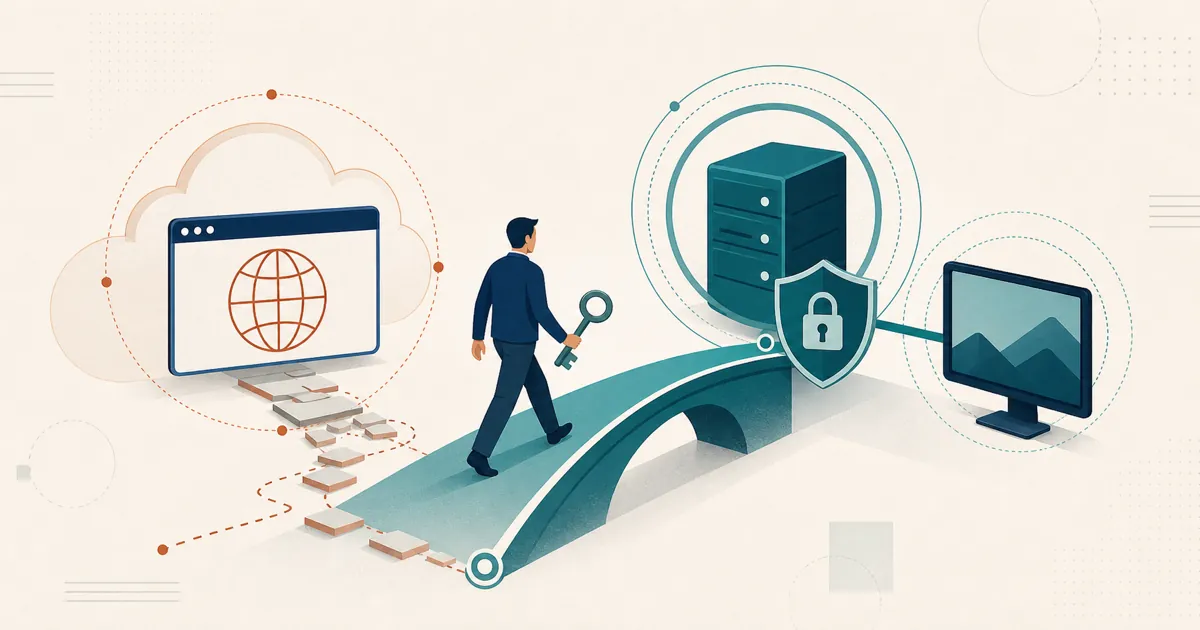
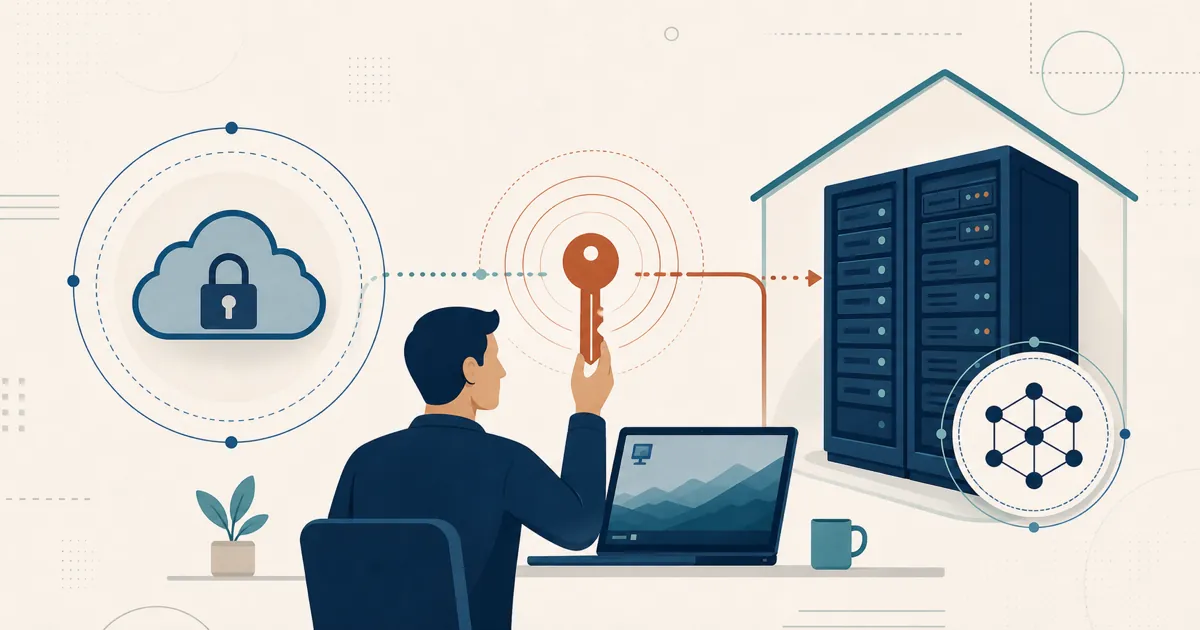
The self-hosted, open-source answer to Chrome Remote Desktop is RustDesk: you host the brokering and can read the client’s source, instead of routing every session through Google’s cloud and tying access to a Google account.
Why look for a Chrome Remote Desktop alternative
Chrome Remote Desktop is Google’s free, browser-based remote-access tool. It’s simple and fast: install a small host, sign in, and you can reach your machine from another device in a couple of minutes — exactly what casual personal use calls for.
But the moment your needs grow past “help my own laptop from the couch,” the seams show. You’re tied to Google identity and signaling, some support-team features are missing, and the control plane is not self-hostable. Google’s network guide explains the boundary: connections are initially negotiated through Google services, while live WebRTC traffic uses Direct, STUN, or TURN/relay paths. Only TURN/relay session packets are relayed through Google data centers. If you’ve bumped into those trade-offs, this page lays out what a self-hosted, open-source alternative looks like.
What Chrome Remote Desktop does well
Credit where it’s due. TechRadar’s review calls it “completely free with no subscriptions or premium tiers,” easy to set up, and a solid fit for personal use. It runs on Windows, macOS, and Linux, needs no license negotiation, and there’s nothing to host. If you want to check on your home PC from your phone, CRD is close to zero-effort.
That simplicity is the product. The trouble starts when you ask it to do the things a support team or a multi-machine setup actually needs.
Where Chrome Remote Desktop hits its limits
Missing features: self-hosted control, device management, and team workflows
Google’s help pages document remote access to files and applications and let administrators control access and network behavior, but they still describe a Google-account-based service with Google-operated coordination — the signaling-and-relay split covered in the intro. In other words: CRD is fine for simple access, but it is not a self-hosted support console with RustDesk-style device groups or custom branding.
Unattended access and sleeping machines
CRD can do unattended access, but the target still has to be powered on and online and signed into the same Google account. Google documents PIN-based remote access, not a wake-on-LAN substitute. If the machine is asleep or offline, there is nothing for CRD to connect to. For a fleet of remote endpoints, that is a real operational constraint.
Managing users and the Google-account requirement
Every participant needs a Google account, and for shared (non-unattended) sessions someone has to be present to grant access. Google Workspace administrators can enable or disable CRD and constrain firewall traversal, but that is not the same as a self-hosted support console with device groups and scoped technician access — and Google still sits in the identity and session-setup path, as described in the intro. (For the security angle specifically, see is Chrome Remote Desktop safe?)
Chrome Remote Desktop vs. RustDesk at a glance
| Chrome Remote Desktop | RustDesk | |
|---|---|---|
| Cost | Free | Open source (AGPL); free community server; paid Server Pro |
| Control plane and traffic | Google identity/signaling; direct, STUN, or Google-relayed media | Self-hosted server roles; direct or self-relayed media |
| Source code | Proprietary | Open source (AGPL), auditable |
| Account needed | Google account on both ends | Your own ID; no third-party account required |
| File transfer / transfer workflows | Upload/download only (no drag-and-drop) | Built in |
| Unattended access | Same Google account, machine must be awake | Permanent-password access to a fleet you manage |
| Central management | Google Admin policies; no self-hosted support console | Web console, device groups, shared address book |
| Custom branding | No | Custom-branded client generator (Basic plan and up) |
| Platforms | Win/macOS/Linux (in Chrome) | Win/macOS/Linux/Android; iOS controller app |
Where RustDesk fits: self-hosted and open source
RustDesk is built around the two things CRD structurally can’t offer: you host the infrastructure, and you can read the code.
RustDesk is open source under the AGPL — you can audit exactly what runs on your machines, build it yourself, and run the free community server indefinitely. When you move to Server Pro, it’s self-hosted by design: the ID/rendezvous and relay servers run on your own machine or a VPS you rent, so there’s no Google (or any vendor) cloud in the middle. One nuance for compliance planning: direct connections still travel between endpoints, and relayed traffic uses your relay, so review the data-sovereignty implications rather than assuming server location controls every packet.
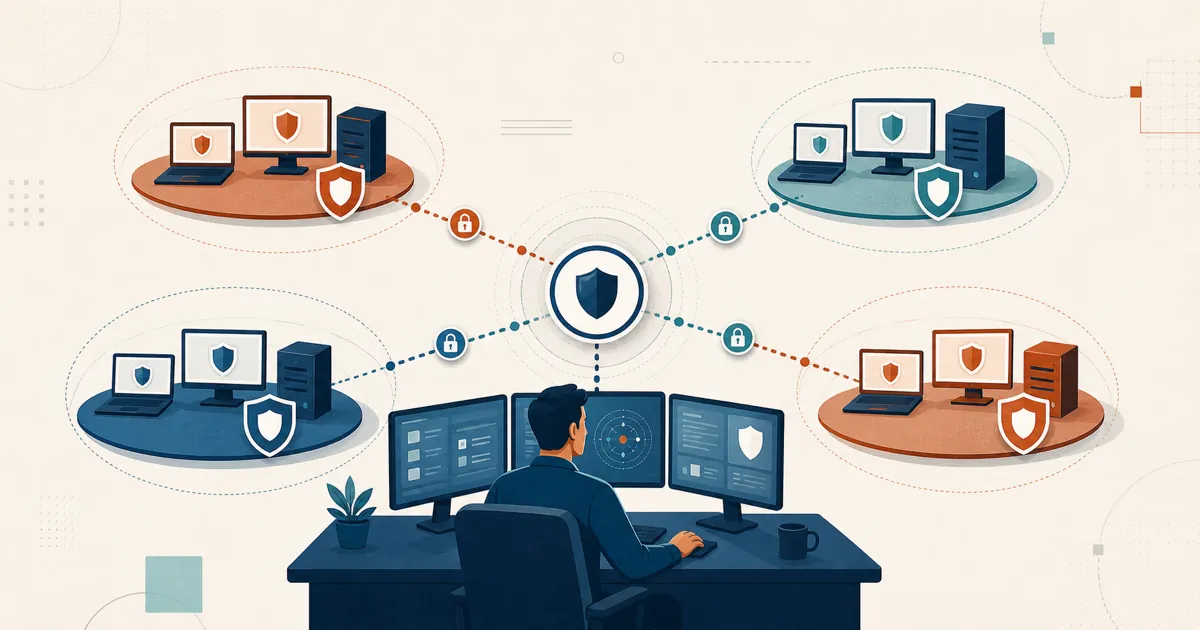
On top of that self-hosted core, RustDesk adds the team features CRD lacks: a self-hosted web console, a custom-branded client generator, device groups and a shared address book for scoped access, and LDAP/AD and OIDC SSO from the Basic plan up. Real file transfer and permanent-password unattended access come standard on Windows, macOS, Linux, and Android hosts; the iOS app is controller-only.
Off Google’s cloud, onto yours
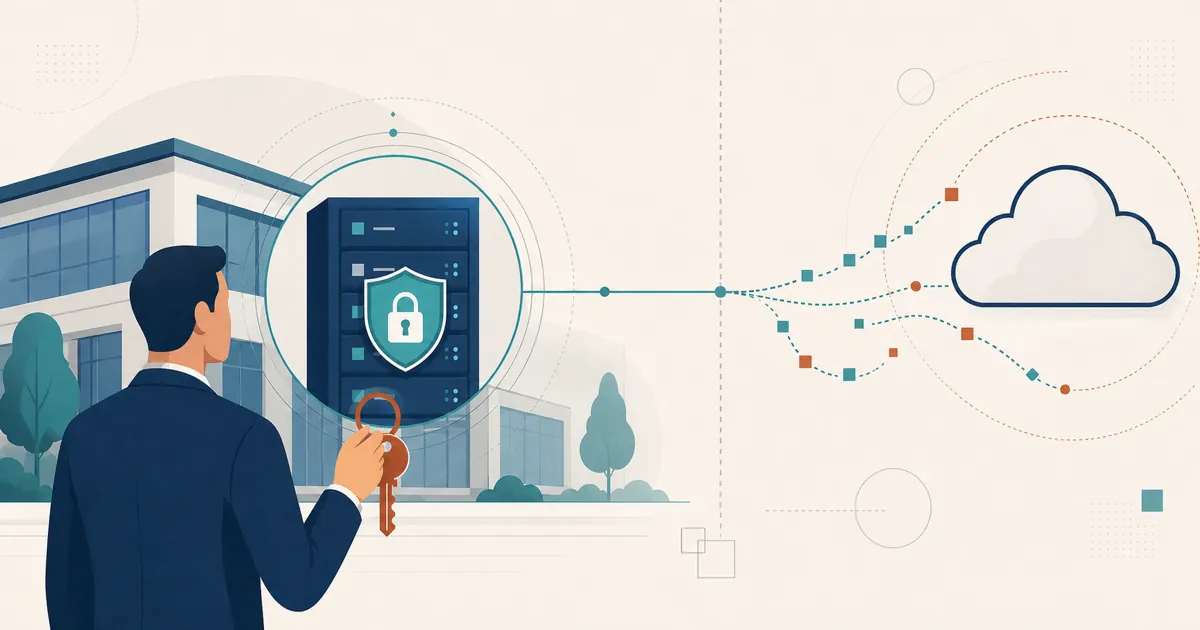
The step up from Chrome Remote Desktop is control: brokering, access policy, and session data move from Google’s servers to one you operate and can audit. For anyone who wants remote access that answers to them, that is the payoff.
Try it without a sales call
You can evaluate RustDesk on your own terms, with no Google account anywhere in the loop. The open-source community server is free to run for as long as you like; when the Pro team features matter, [email protected] can tell you the current evaluation terms, and rustdesk.com/pricing lists the plan rates.
Read the code for yourself on GitHub, point a couple of devices at your own server, and decide whether the trade-offs fit before committing anything.
Frequently asked questions
Is there a Chrome Remote Desktop alternative that does not require a Google account?
Yes. Self-hosted RustDesk needs no third-party account at all (the public demo server requires a free controller sign-in), using its own ID/rendezvous and relay servers instead of a Google account, and you can self-host those servers so no third-party cloud sits in the middle. Chrome Remote Desktop, by contrast, requires a Google account on both the host and the client.
Does Chrome Remote Desktop support file transfer?
Chrome Remote Desktop provides basic file upload/download but not drag-and-drop transfer. RustDesk includes built-in file transfer alongside remote control.
Can Chrome Remote Desktop provide unattended access?
It can, but the target machine must be powered on and signed into the same Google account, and Chrome Remote Desktop cannot wake a sleeping computer. RustDesk supports permanent-password unattended access to a fleet you manage from your own console.
Is RustDesk free like Chrome Remote Desktop?
RustDesk is open source under the AGPL, and you can run the free community server indefinitely at no cost. The commercial Server Pro adds team features and is self-hosted; see rustdesk.com/pricing for current terms.