· RustDesk Team · Security · 6 min read
Is Chrome Remote Desktop Safe? An Honest Review
Is Chrome Remote Desktop safe? A fair look at its encryption, PIN and Google-account model, the real risks, and where self-hosting differs.
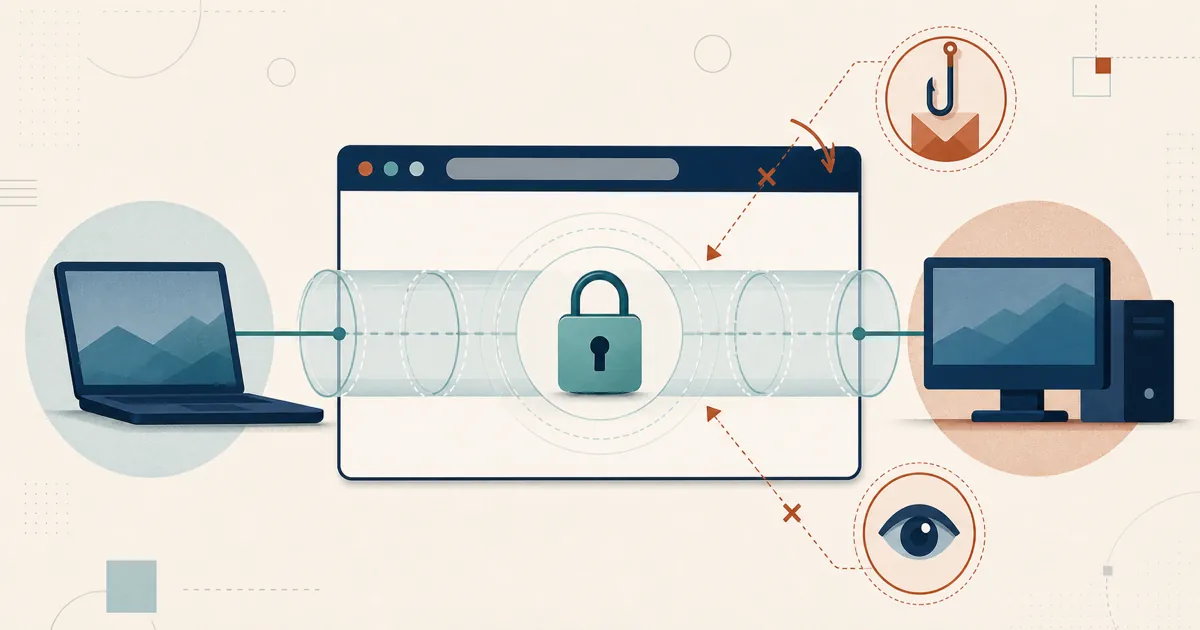
Short version: for casual personal use, Chrome Remote Desktop (CRD) is reasonably safe. It’s a free, no-frills tool from Google that encrypts your session and gates access behind a PIN and your Google account. The honest caveats are that it’s closed, entirely Google-cloud-brokered, gives you little administrative control, and — like every remote tool — can be turned against you by a scammer. Here’s the fair, sourced breakdown.
The short answer
CRD is safe enough for the job it’s built for: reaching your own machine, or helping a family member, over a connection Google secures for you. Per Google’s own support documentation, all remote desktop sessions are fully encrypted, unattended access requires a PIN, and one-off support sessions use a single-use access code that only works once. That’s a sensible baseline for personal use.
Where you should pause is anything beyond casual use. CRD is tied to your Google account and runs on Google’s infrastructure with limited admin controls, and its practical weak points are a guessable PIN, a compromised Google account, and social engineering. None of that makes it dangerous to install — it shapes how much you should rely on it.
How Chrome Remote Desktop protects a session
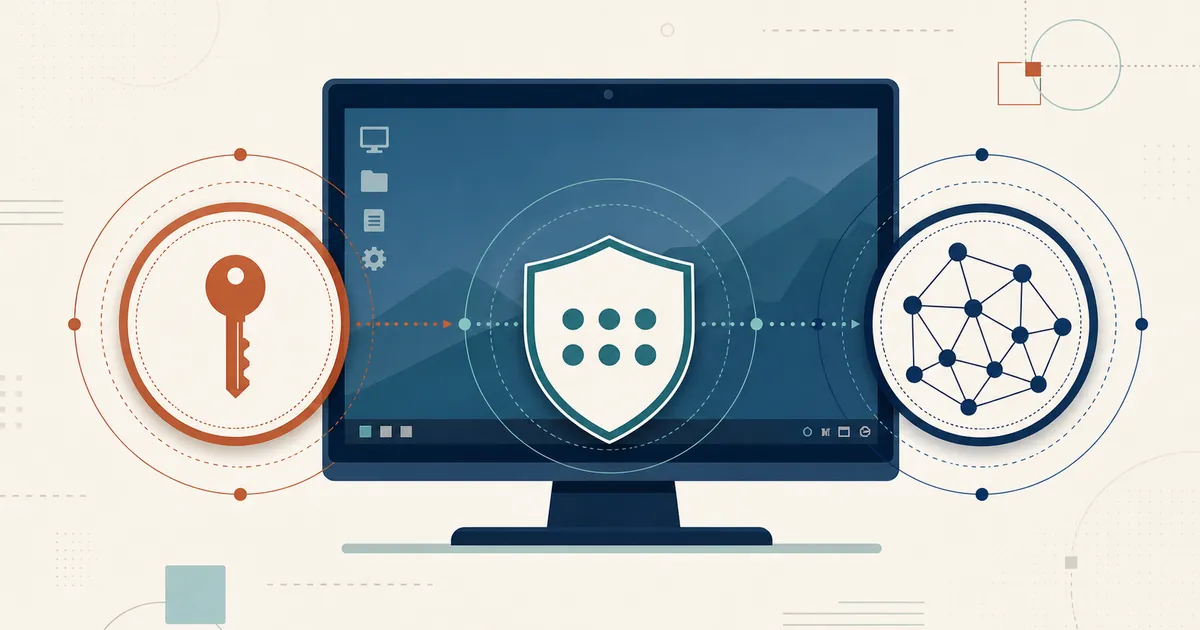
Three mechanisms do the real work, all documented on Google’s help pages:
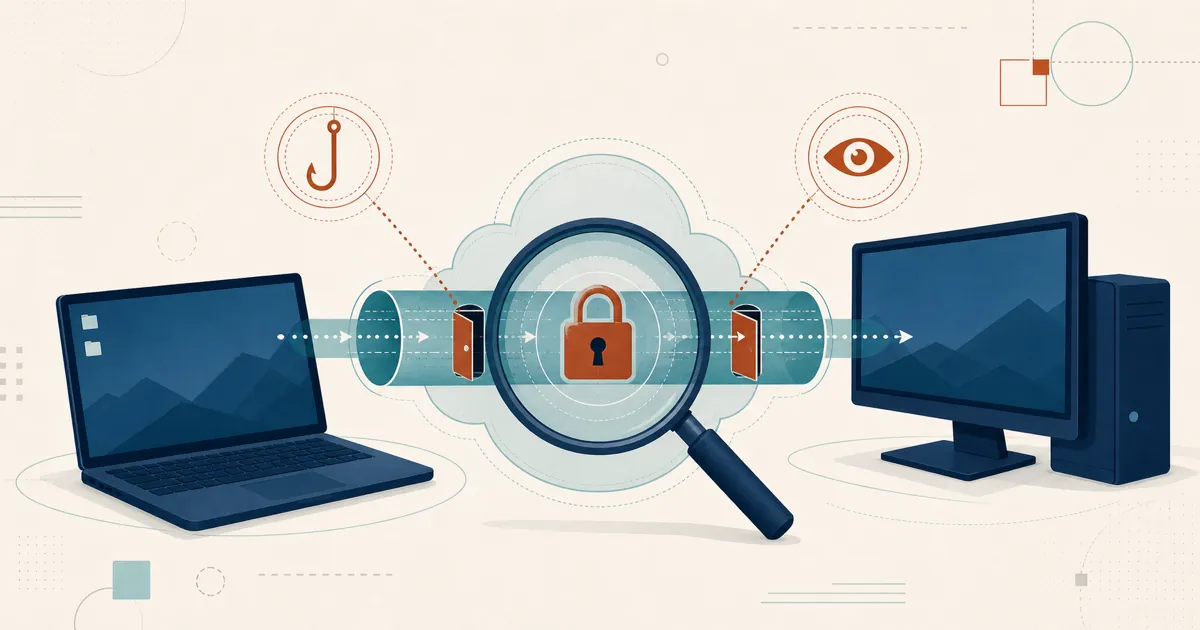
- Encryption. Google states that “all remote desktop sessions are fully encrypted.” Third-party analyses generally describe the connection as using standard web transport security (TLS with AES). Google doesn’t publish a detailed protocol breakdown on its consumer pages, so treat the encryption as adequate but not something you can independently audit.
- PIN for unattended access. To reach a computer you’ve set up for ongoing remote access, you enter a PIN. This is what stops a random person with your Google session from silently connecting.
- One-time access codes for support. When you’re helping someone in real time, the host generates a code that, per Google, works only once, and continued sharing requires re-confirmation periodically.
Layered on top is the Google account itself, which can — and for remote access, absolutely should — be protected with two-factor authentication. For personal use on a trusted network, this stack is genuinely fine.
Where the real risks actually are
CRD’s weak points aren’t exotic. They’re the three that follow from its design.
Weak PINs. The PIN is the lock on unattended access, and Google’s minimum is only six digits. Six digits is fine against a stranger guessing once, but people pick predictable numbers — birthdays, repeats, sequences — which shrinks the real search space well below what the digit count implies. For a machine you leave reachable 24/7, a lazy PIN is the most likely way in. Choose something non-obvious.
Google-account compromise. Because unattended CRD is bound to your Google account, that account is the perimeter. If someone phishes your Google password and you don’t have two-factor authentication on, your remote desktop is part of what they inherit. This isn’t a CRD flaw so much as a consequence of putting all your eggs in the Google-account basket — which is exactly why enabling 2FA on that account is non-negotiable if you use CRD.
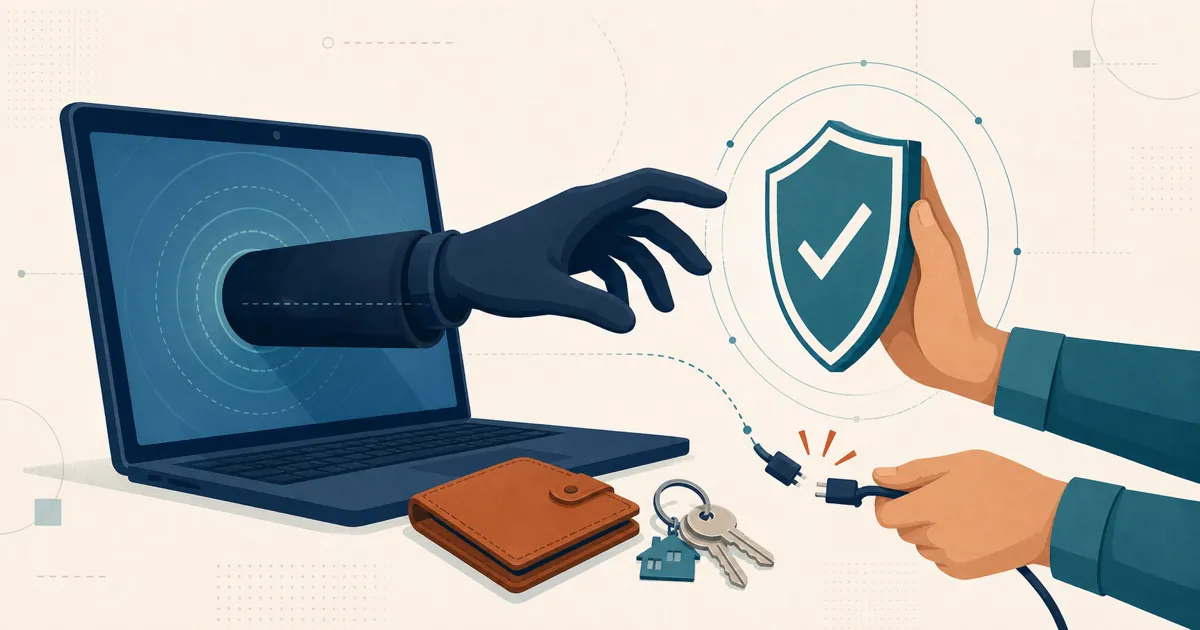
Scams. As with every remote tool, the biggest real-world harm isn’t a cryptographic break — it’s social engineering. The FBI has warned that tech-support scammers routinely talk victims into installing remote-desktop software and sharing access, then loot their accounts. CRD’s one-time codes are easy to read aloud to a “helpful technician” on the phone, which is precisely the problem. To be fair, this is a usage risk, not a CRD vulnerability — the identical trick works with AnyDesk, TeamViewer, or RustDesk. We cover the defensive habits in how to avoid remote-desktop scams.
What CRD doesn’t give you
CRD is deliberately minimal, and for a lot of people that’s the appeal. But it’s worth being clear about the trade-offs, especially if you’re weighing it for anything past personal use.
You can’t self-host it. Every CRD connection is brokered through Google’s cloud and tied to a Google account; there’s no option to run the rendezvous service on your own server, and no source code to audit — you trust Google that the host behaves as described. There’s also little in the way of team administration, centralized policy, access-control lists, session logging, or device grouping. That’s not a knock on Google; it’s just not what CRD is for. If you need those, you’ve outgrown it, and a more capable free remote-desktop tool or a dedicated Chrome Remote Desktop alternative is the honest next step.
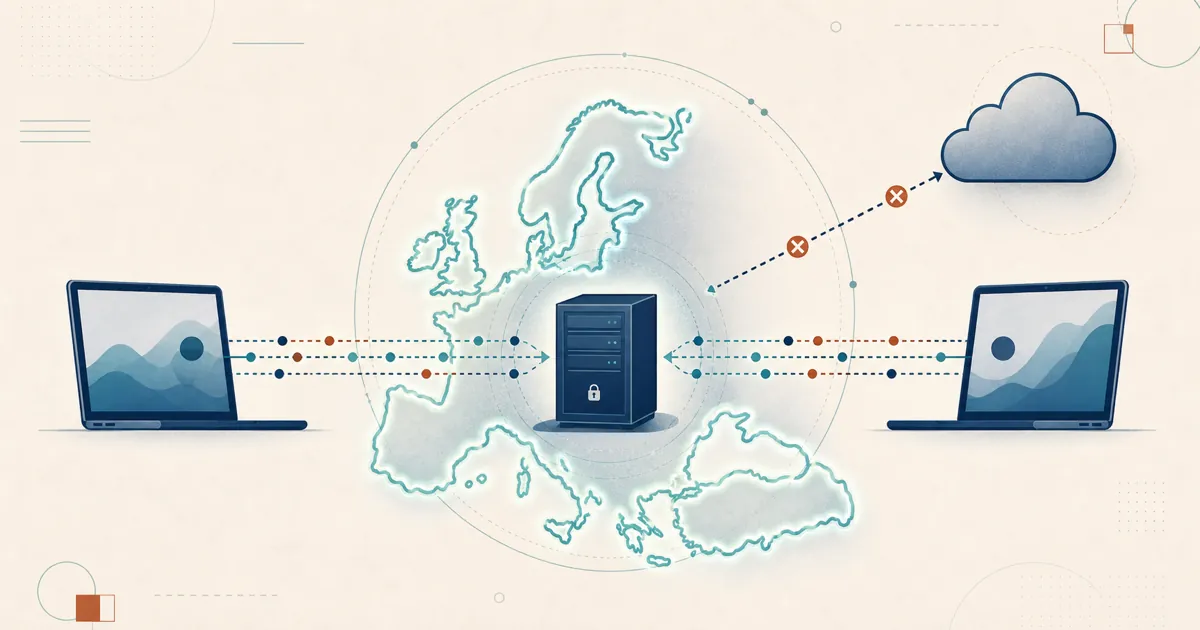
This is where an open-source, self-hosted model offers a different kind of assurance, not just more features. CRD asks you to treat its encryption as adequate without a published protocol to inspect; RustDesk is instead open source under the AGPL, so the client and its crypto are there to audit rather than take on trust. And where CRD makes your Google account the perimeter, self-hosting puts the ID/rendezvous and relay on your own machine or VPS — so brokering and access policy sit on infrastructure you control, not behind a single cloud login — which maps onto data-sovereignty and GDPR concerns.
That openness cuts both ways, to be clear. Public code means RustDesk’s own vulnerabilities are public as well, so watch the latest releases and disclosure records. And self-hosting only replaces one kind of upkeep with another — the account-and-PIN hygiene CRD needs becomes a server you patch and traffic that still flows directly between the endpoints. A different assurance model, not a lighter one.
The verdict
Is Chrome Remote Desktop safe? For casual personal use — reaching your own PC, helping a relative — yes, it’s reasonably safe, and simple and low-cost. Rate it accordingly. Turn on two-factor authentication for your Google account, pick a PIN that isn’t your birthday, and never read an access code to someone who contacted you first, and you’ve handled the risks that actually matter.
Where CRD runs out of road is control and scale: it’s closed, Google-cloud-brokered, and thin on administration. If you need to audit the code, keep brokering on your own infrastructure, or manage more than a couple of machines, that’s the point to look at an open-source, self-hosted option — not because CRD is unsafe, but because it was never trying to be that tool.
Frequently asked questions
Is Chrome Remote Desktop safe to use?
For casual personal use, Chrome Remote Desktop is reasonably safe. Google states that all remote desktop sessions are fully encrypted, access requires a PIN, and remote-support sessions use one-time access codes. The main risks are weak PINs, compromise of the Google account it's tied to, and — as with any remote tool — scammers talking you into granting access. It gives you limited administrative control and runs entirely on Google's cloud.
Is Chrome Remote Desktop encrypted?
Yes. Google's support documentation states that all Chrome Remote Desktop sessions are fully encrypted, and third-party reviews describe it as using standard web transport security. Google does not publish a detailed protocol breakdown on its consumer help pages, so for anything beyond casual use, treat the encryption as adequate but not independently auditable.
What are the security risks of Chrome Remote Desktop?
The three practical risks are a weak or guessable PIN (the minimum is six digits), compromise of the Google account the host is tied to, and social-engineering scams where someone talks a victim into installing it and sharing an access code. Enabling two-factor authentication on your Google account and never sharing a code with someone who contacted you removes most of the real-world danger.
Can I self-host Chrome Remote Desktop?
No. Chrome Remote Desktop is brokered entirely through Google's infrastructure and tied to your Google account; there is no option to run the connection service on your own server or to audit the client code. If self-hosting and code you can inspect matter to you, an open-source alternative is a different assurance model.