· RustDesk Team · Security · 8 min read
RustDesk and Remote Access Scams: What We Are Doing
Why RustDesk left Google Play, added warnings and public-server login requirements, and how users can harden controlled devices with passwords, 2FA, and IP allowlists.
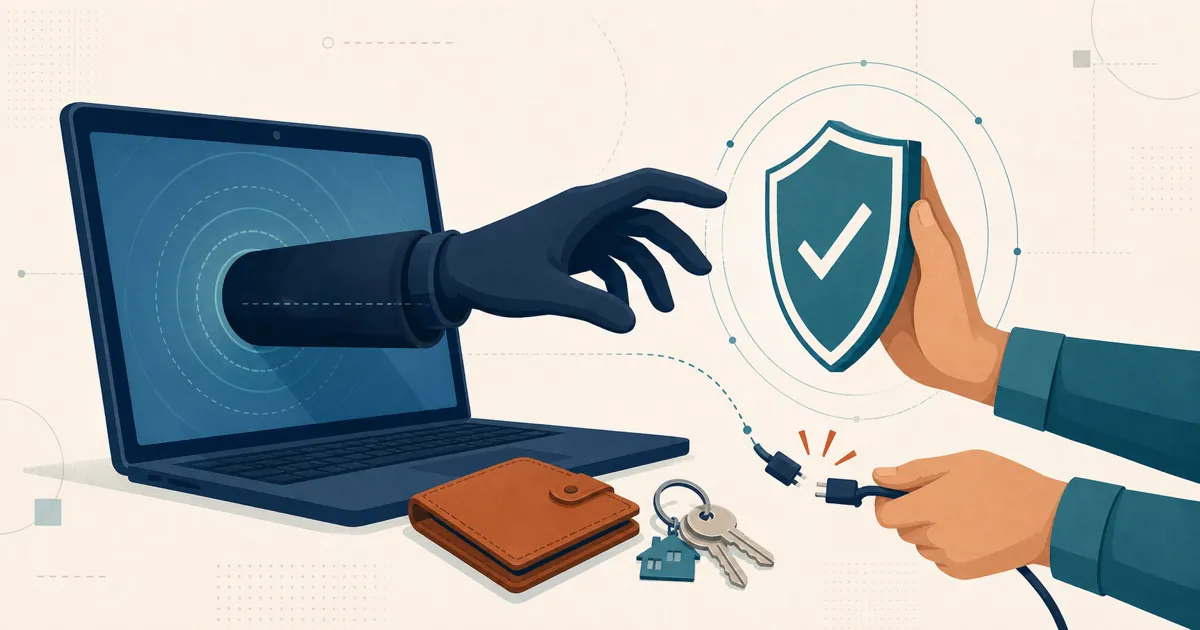
RustDesk is legitimate open-source remote-access software, but legitimate software can be abused. A scammer can call a victim, invent an urgent problem, and persuade that person to install a remote-control tool and grant access. RustDesk is not exempt from that risk, and encryption cannot fix consent obtained through deception.
Our response has been to put warnings and friction at several points in that path: on our website, inside the Android controlled-device flow, at a major distribution channel, and on the public server. Those measures inconvenience legitimate users too. This article documents what we have done, why we did it, and where the limits remain.
What has RustDesk done about remote-access scams?
| Action | What it addresses | Cost or limitation |
|---|---|---|
| Website and client warnings | A person being instructed to install RustDesk by an unknown caller | A warning can still be ignored |
| Voluntary Google Play withdrawal | Easy scam-driven installation through a familiar app store | Legitimate Android users lose store discovery and automatic Play updates |
| Login on the public server | Anonymous scam and botnet use of shared infrastructure | Legitimate users must sign in and some existing workflows are disrupted |
| Controlled-device security controls | Password theft, broad network exposure, and unattended-access risk | They must be configured correctly and cannot defeat willing disclosure |
These are risk-reduction measures, not a claim that RustDesk is scam-proof.
Warnings where a potential victim may see them
The RustDesk support page opens with a direct scam warning. It tells people who are on the phone with someone they do not know and trust, and who were asked to install RustDesk, to stop. The RustDesk GitHub repository also carries a misuse disclaimer against unauthorized access, control, and invasion of privacy.
The warning is also inside the official Android client distributed through GitHub Releases. On an unlogged-in Android device that will be controlled, tapping Start service opens a warning before the screen-capture service starts. The warning tells a user who was directed by an unknown and untrusted caller to stop and hang up. Official builds impose a countdown before the user can continue. Both the current controlled-side flow and the English warning text are visible in the open-source repository.
That placement matters. A general security page may reach someone researching a product; a warning at Start service reaches the person at the moment an incoming Android session is about to become possible. It still cannot force that person to distrust a convincing caller.
Why RustDesk is not on Google Play
On September 3, 2023, the official RustDesk X account said: “We have temporarily unpublished RustDesk from Google Play to prevent further scams targeting users.” The link and text are also preserved in the answered GitHub Discussion #5660, and the current RustDesk FAQ states that the project removed itself from Google Play because of scamming.
RustDesk is therefore not currently distributed through Google Play. This was not a claim that the Android client was malware or that every person installing it was at risk. It was a distribution decision intended to reduce a common path used in scam instructions.
The trade-off is real: leaving Google Play reduces discoverability, familiar installation, and automatic store updates for legitimate users. Current Android builds are available from the official RustDesk GitHub releases and F-Droid. Verify the destination yourself. Do not install an APK from a download link sent by an unsolicited support caller. Our Android and iOS guide lists the current mobile capabilities and installation sources.
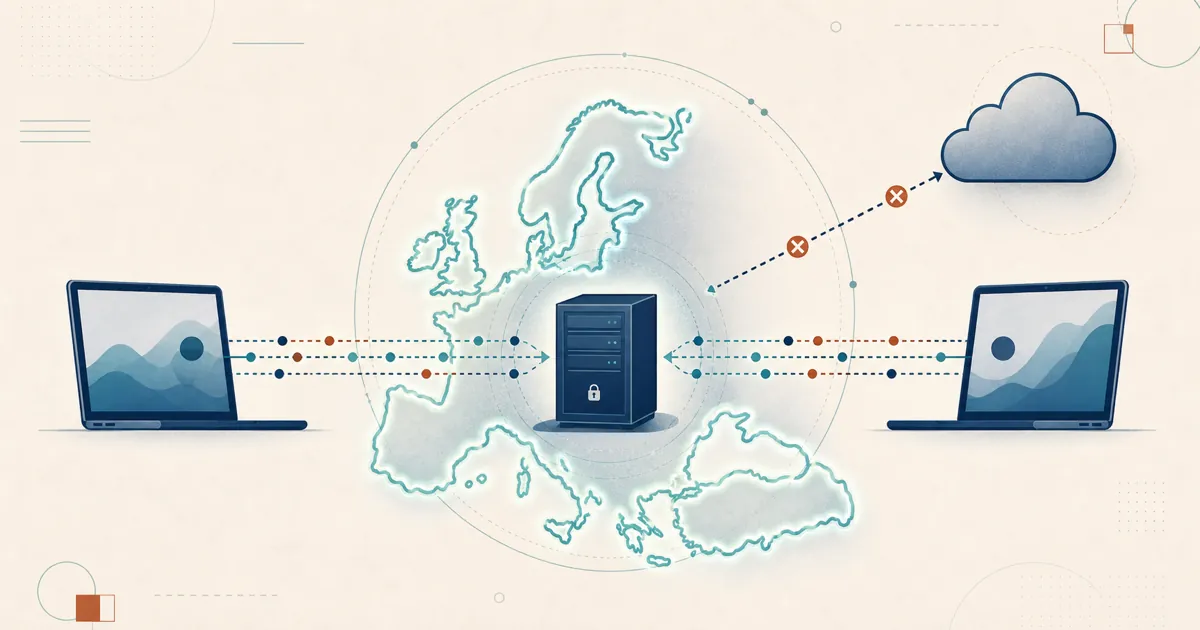
Why the public server requires login
RustDesk’s current public-server login guide says that controller login is required because of ongoing scamming and botnet abuse. Login is free and uses a supported third-party identity provider such as Google or GitHub; a separate username and password are not offered on the public server. The guide currently says only controllers are required to log in.
This adds an identity step and removes some anonymous access to infrastructure that RustDesk operates for demonstration and testing. It does not govern a private RustDesk server, and it cannot stop a scammer who uses other infrastructure or establishes a new identity.
It also caused disruption. In a Reddit discussion about the new login error, some legitimate users reported being unable to reach home or family devices until they understood and completed the login step. Others objected to linking a third-party identity. Those comments are not evidence that the restriction works or fails against scammers, but they do document its operational cost. Abuse prevention that adds friction should acknowledge that cost plainly.
How do you secure a controlled RustDesk device?
Platform-level restrictions are only one layer. The owner or administrator of a controlled device should also reduce who can connect and what a stolen credential can do.
1. Set a strong, unique permanent password
For unattended access, set a strong, unique permanent password under the controlled device’s RustDesk security settings. Do not reuse the operating-system login, email password, or a password used on another service. Change it immediately if it may have been disclosed.
For attended support, prefer a temporary one-time password or explicit click approval when practical. A strong permanent password reduces guessing, credential stuffing, and password-reuse risk. It does not help if a victim reads that password to a caller.
2. Enable 2FA on the controlled device
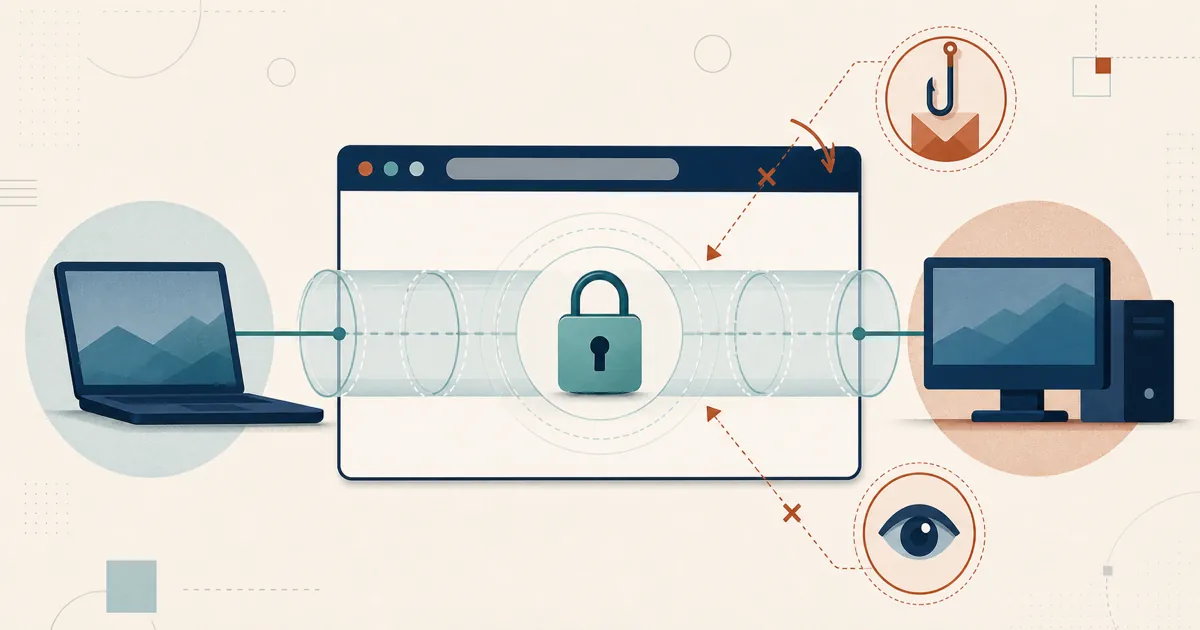
RustDesk includes TOTP 2FA for incoming connections to a controlled device. On the device that will accept connections, open its security settings, enable 2FA, scan the QR code with an authenticator, and confirm setup with the six-digit code.
Once enabled, accepting the normal connection password is not enough: the controller must also provide the current six-digit TOTP code before the controlled device authorizes the session. The feature was introduced specifically as 2FA for unattended access, and its TOTP implementation is public.
RustDesk can optionally trust a controller device and skip later 2FA prompts. Leave that bypass disabled for the strictest behavior. If you use it, review the trusted-device list and remove devices that are lost, replaced, shared, or no longer authorized.
2FA protects against a password that has been guessed, reused, or exposed. It cannot protect someone who gives a scammer both the password and the current authenticator code.
3. Restrict incoming connections with an IP allowlist
The RustDesk interface calls this feature IP Whitelisting. In explanatory terms, it is an IP allowlist: the controlled device rejects a connection whose source address is outside the configured list before password and 2FA authorization.
Configure it at:
- Desktop controlled device: Settings → Security → Security → Use IP Whitelisting
- Mobile controlled device: Settings → Share screen → Use IP Whitelisting
The setting accepts individual IPv4 or IPv6 addresses and CIDR ranges. CIDR combines a network address with a prefix length. The prefix says how many leading bits are fixed: a larger prefix means a smaller permitted range.
203.0.113.10or203.0.113.10/32: one IPv4 address.203.0.113.0/24: 256 IPv4 addresses, from203.0.113.0through203.0.113.255.2001:db8::10/128: one IPv6 address.2001:db8:1234::/64: one IPv6 subnet.
These are documentation-only example ranges; do not copy them unchanged. Enter your actual controller addresses or networks. Multiple entries may be separated by commas, semicolons, spaces, or new lines. RustDesk documents the setting in its advanced client configuration reference, and the controlled-side enforcement is visible in source.
Use the smallest practical ranges. Fixed office egress addresses and known VPN ranges are good candidates. Dynamic residential addresses and roaming controllers are not. Confirm which source address RustDesk sees in your NAT, VPN, direct, or relay topology, and test the new rule from another session before closing the working session. A wrong address or CIDR can lock out legitimate support staff.
An allowlist narrows where a connection may originate. It does not replace a password or 2FA, and it cannot stop a malicious controller already operating from an allowed network.
What these measures cannot do
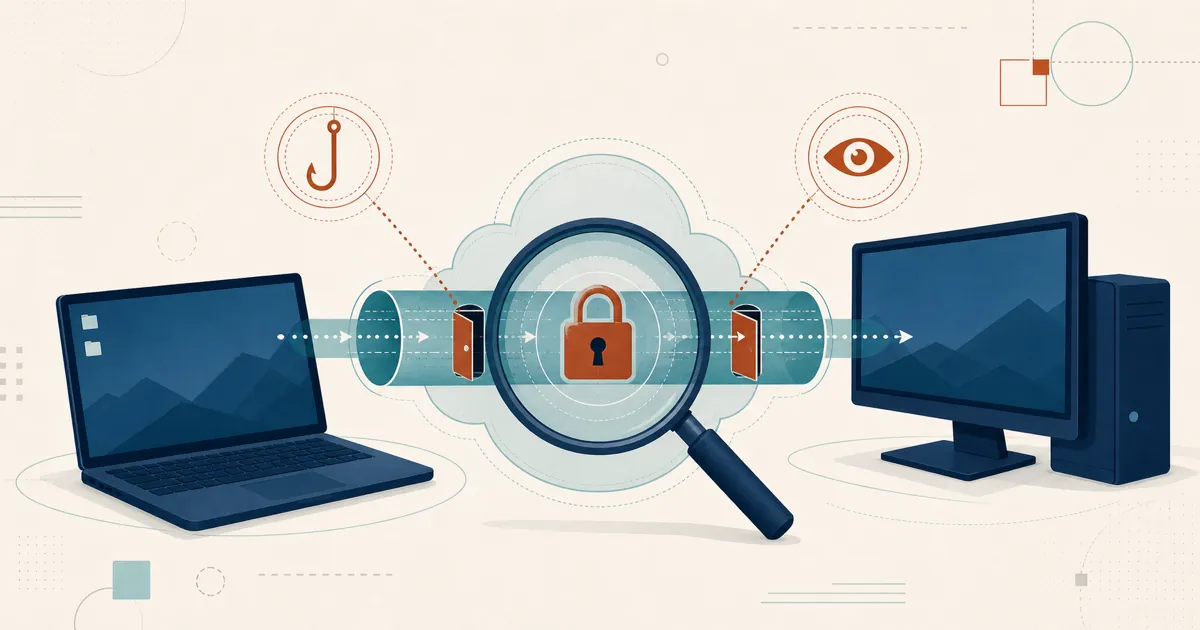
Warnings, store withdrawal, login requirements, strong passwords, 2FA, and IP allowlists each remove part of an attacker’s opportunity. None removes the central social-engineering risk: a person can still be persuaded to approve access or disclose every factor.
Self-hosting does not make abuse impossible either. It gives an organization control of its RustDesk server and policies, but a scammer can also operate private infrastructure or distribute a modified client. RustDesk’s public-server restrictions should not be mistaken for protection that automatically extends to every self-hosted deployment.
If an unknown caller tells you to install RustDesk, start its service, share a password, disclose a 2FA code, or open a banking site, stop. Our vendor-neutral guide to spotting, preventing, and recovering from remote-desktop scams explains the warning signs and what to do if access has already been granted.
Responsibility here is not a single setting or a statement of good intentions. It is the continuing work of warning users, accepting friction where abuse demands it, providing technical controls, documenting their limits, and changing the response as attackers change their methods.
Frequently asked questions
Is RustDesk a scam?
No. RustDesk is legitimate open-source remote-access software. Like other remote-desktop tools, however, it can be abused when a scammer persuades someone to install it, start its service, and grant access. RustDesk publishes scam warnings and has added distribution and public-server restrictions to reduce that abuse, but no remote-access product can make social engineering impossible.
Why is RustDesk not available on Google Play?
RustDesk voluntarily unpublished its Android app from Google Play in September 2023 to prevent further scams targeting users. Android builds remain available from the official RustDesk GitHub releases and F-Droid. Download only from sources you have verified independently, not from a link sent by an unsolicited caller.
Why does the RustDesk public server require login?
RustDesk says controller login is currently required on its public server because of ongoing scam and botnet abuse. Login is free through supported third-party identity providers. The public server is intended for demonstration and testing rather than production or sensitive work; self-hosting remains available for organizations that need to operate their own infrastructure and policies.
How should I protect a device that accepts RustDesk connections?
Set a strong, unique permanent password on the controlled device, enable the client’s TOTP connection 2FA, and use its IP allowlist when your controller addresses or CIDR ranges are predictable. Keep trusted-device exceptions narrow. These layers reduce password and network-origin risks, but they cannot protect someone who deliberately gives a scammer the password, current 2FA code, or manual approval.