· RustDesk Team · Security · 6 min read
Is AnyDesk Safe? Encryption, the 2024 Security Incident & Scams
Is AnyDesk safe? A fair look at its encryption, the 2024 production-systems security incident, and why scammers abuse it — plus how open source compares.
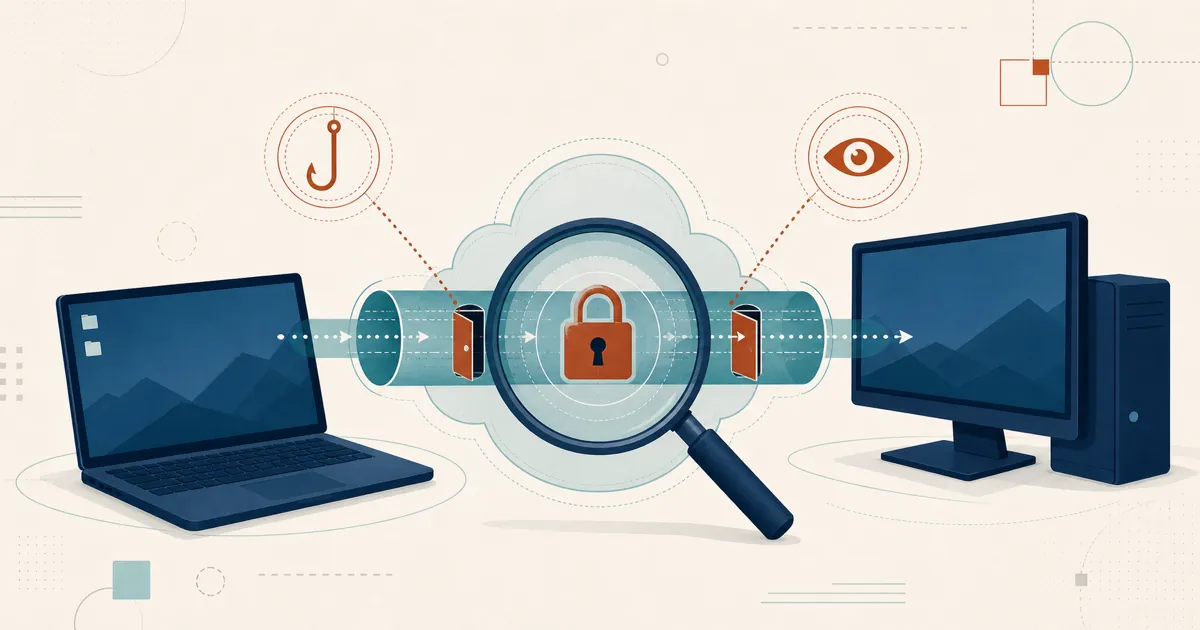
The quick answer: yes, AnyDesk is a legitimate, generally secure commercial remote-desktop product for people using it on purpose. The risks worth understanding aren’t that AnyDesk is malware — it isn’t — but that it’s closed source, cloud-brokered by default, had a notable security incident in 2024, and is one of the tools scammers most love to abuse. What follows is the fair, sourced picture.
The short answer
AnyDesk secures its sessions with standard, well-regarded encryption and offers the account protections you’d expect. It’s used every day by help desks and enterprises without incident. Two caveats matter for your decision: first, you’re trusting a proprietary client and, by default, AnyDesk’s own cloud to broker connections, so you can’t audit the code and you inherit the vendor’s operational security — a point that stopped being abstract in 2024. Second, and more likely to affect an ordinary user, AnyDesk is a favorite prop in remote-access scams. Neither makes it unsafe to install; both shape how you should use it.
How AnyDesk secures your sessions
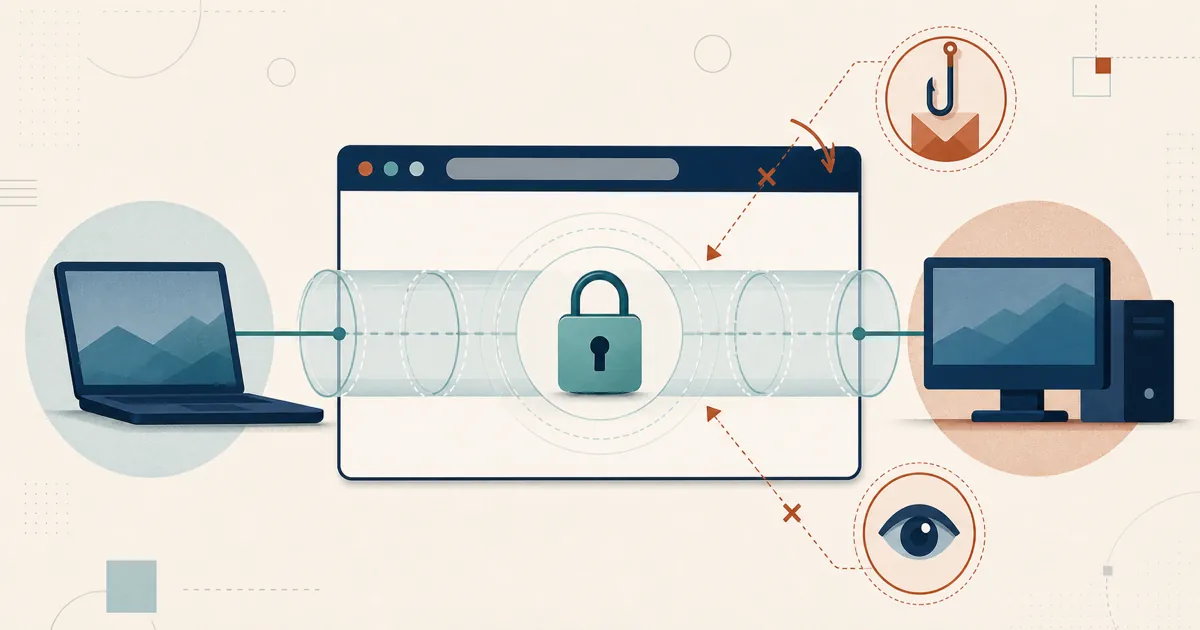
Per AnyDesk’s own security documentation, sessions are protected with TLS 1.2 using AEAD, an RSA-2048 asymmetric key exchange to verify endpoints and guard against man-in-the-middle attacks, and 256-bit AES transport encryption, with perfect forward secrecy from an ephemeral key exchange. On the account side, AnyDesk supports two-factor authentication (TOTP) for unattended access, an access-control list / allowlist to restrict who may connect, and salted password hashing. (Some of AnyDesk’s materials reference newer TLS versions; treat the current page as authoritative and verify the specifics there.)
Those are solid, industry-standard protections — comparable in kind to what every serious competitor uses. On the transport layer, there is nothing alarming here. The interesting questions are about trust model and human behavior, not cipher suites.
The 2024 AnyDesk security incident: what actually happened
In early 2024, AnyDesk publicly disclosed a security incident affecting its production systems. According to Infosecurity Magazine and security analysts at Akamai, attackers gained access to internal infrastructure and obtained source code and code-signing material. AnyDesk’s response, by its own account, included engaging outside forensics, revoking and replacing security-related certificates, pushing a re-signed client build, and resetting web-portal passwords as a precaution.
To be fair to AnyDesk, it stated that no end-user devices were affected and that its systems are designed not to store the private keys, tokens, or passwords that would let an attacker connect to customer machines. Exact dates and figures were reported variously at the time, so confirm the specifics against AnyDesk’s advisories and neutral coverage rather than any single summary, including this one.
The honest takeaway isn’t “AnyDesk is uniquely insecure.” Every major remote-access vendor has an incident history. The takeaway is about vendor-concentration risk: when a third party operates the infrastructure that brokers your sessions and holds your account data, a compromise there is a compromise you did not choose and could not prevent.
The bigger risk isn’t a bug — it’s scams
For most individuals, the largest AnyDesk-related danger has nothing to do with a CVE. It’s social engineering. The FBI has warned that tech-support scammers routinely direct victims to install remote-desktop software, then use that access to drain financial accounts. AnyDesk shows up constantly in these schemes, and AnyDesk itself publishes abuse-prevention guidance precisely because it’s so commonly weaponized.
Why AnyDesk specifically? It’s free to download, installs in seconds, and — critically — the person being controlled doesn’t need to create an account. That low friction is a feature for legitimate support and a gift for fraudsters, who phone or email a target, invent an urgent “problem,” and walk them through granting full remote control.
This is the fairness point that gets lost in scary headlines: this is a usage risk, not an AnyDesk vulnerability. The exact same trick works with TeamViewer, Chrome Remote Desktop, or RustDesk. No amount of AES protects you if you willingly hand the keys to a stranger on the phone. If you want the defensive playbook, we wrote it up separately in how to avoid remote-desktop scams, and the same reasoning applies to whether Chrome Remote Desktop is safe.
Closed source and cloud-brokered: the trust question
Here’s where AnyDesk’s model and RustDesk’s part ways — not on whether the encryption is good, but on what you have to take on faith.
AnyDesk is proprietary. You cannot read the client’s source, build it yourself, or independently verify what it does; you trust AnyDesk that the binary behaves as advertised. And by default your sessions are brokered through AnyDesk’s cloud, so the availability and security of that infrastructure are the vendor’s to manage — as 2024 illustrated. AnyDesk’s higher tiers offer an on-premises appliance, which narrows this gap for those who buy in.
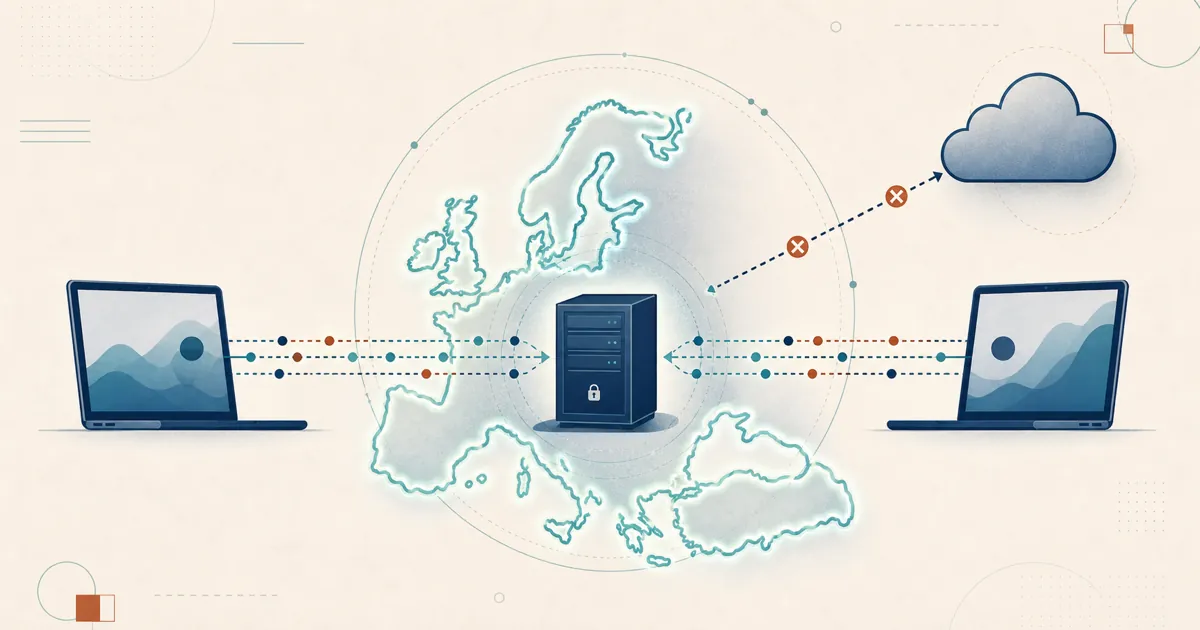
RustDesk starts from the opposite side of both those bets. Because it’s open source under the AGPL, the client is auditable and buildable, so you’re not taking a proprietary binary on faith. And because you can self-host the ID/rendezvous and relay, the infrastructure that brokers your sessions is yours rather than a third party’s — the vendor-concentration exposure that 2024 made concrete. That can also support a data-sovereignty design, though endpoint locations, retention, and legal obligations still need assessing.
To be equally fair, this shifts the trust rather than removing it. Because the code is open, RustDesk’s own defects are public too, so track the latest releases and vulnerability records. And auditable, self-hosted infrastructure is a starting point, not a guarantee: sessions still route directly between endpoints, and the server is yours to patch.
So, is AnyDesk safe?
For deliberate, legitimate use: yes — it’s a mature product with standard-grade encryption and sensible account controls, and it’s used safely at scale every day. Treat it as reasonably secure, because that’s what the record supports.
The qualifiers are the honest part. Its default cloud-brokered, closed-source model means you’re trusting AnyDesk’s operational security, which took a real hit in 2024. And its most common real-world harm comes from scammers exploiting how easy it is to install — a human problem, not a cryptographic one. If those trade-offs sit wrong with you, an open-source, self-hosted alternative changes the assurance basis: auditable code and brokering you control, at the cost of running a server yourself.
Whatever tool you choose, the rule that prevents the most damage is the cheapest one: never install remote-access software because someone who contacted you asked you to.
Frequently asked questions
Is AnyDesk safe to use?
For legitimate use, AnyDesk is a mature, generally secure commercial remote-desktop tool. It encrypts sessions with standard transport security and offers two-factor authentication and access-control lists. The two things to keep in mind are that it is closed source and cloud-brokered by default, and that its biggest real-world danger is not a software flaw but tech-support scammers who talk victims into installing it.
Was AnyDesk hacked?
In early 2024 AnyDesk disclosed a security incident affecting its production systems, in which attackers obtained source code and code-signing material. AnyDesk revoked certificates, pushed a re-signed client, and reset web-portal passwords. It stated that no end-user devices were affected. Confirm the exact scope and dates against AnyDesk's own advisories and neutral reporting.
Why do scammers use AnyDesk?
Because it is free, quick to install, and requires no account for the person being controlled, AnyDesk is a favorite tool of tech-support scammers who phone or email victims and talk them into granting remote access. This is a usage risk, not an AnyDesk vulnerability — the same social-engineering trick works with any remote-desktop tool, including RustDesk.
Is AnyDesk's encryption secure?
AnyDesk's security documentation describes TLS 1.2 with AEAD, an RSA-2048 asymmetric key exchange, and 256-bit AES transport encryption, plus perfect forward secrecy. Those are industry-standard protections. The caveat is that you are trusting a closed-source client and, by default, AnyDesk's cloud to broker the connection, so you rely on the vendor's operational security rather than being able to audit the code yourself.