· RustDesk Team · Security · 6 min read
Remote Desktop Scams: How to Spot and Avoid Them
How remote access scams work, the red flags that give them away, and exactly what to do if a scammer already took control of your computer.
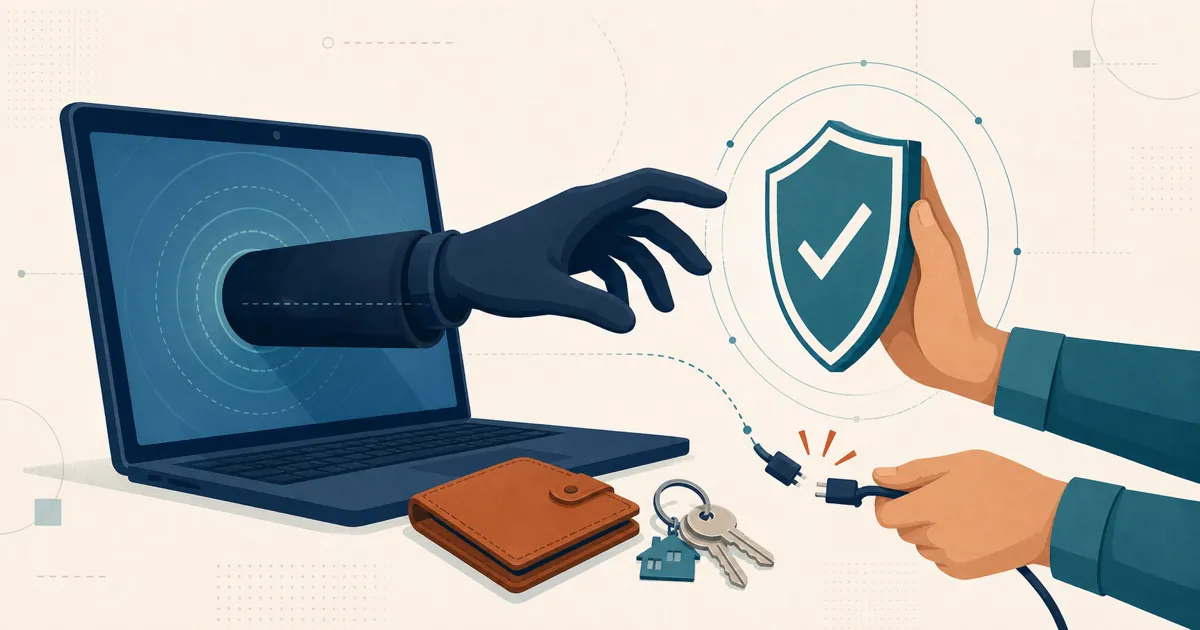
A remote desktop scam is a type of fraud where a criminal convinces you to install legitimate remote-access software, then uses it to take control of your computer — to drain a bank account, steal data, or plant malware. The tools themselves are the same ones IT departments use every day. What turns it into a scam is who is on the other end and how they talked their way in.
This guide is deliberately vendor-neutral. Any remote-desktop product can be abused this way, RustDesk included. The goal here is to help you recognize the pattern, refuse it, and recover if you have already been caught.
How a remote access scam works
The U.S. Federal Trade Commission and the FBI both describe a remarkably consistent script:
- The bait. A pop-up warns that “your computer is infected,” or you get an unexpected call, email, or text. The sender impersonates a name you trust — Microsoft, Apple, Amazon, your bank, a utility company, or even your own IT department.
- Manufactured urgency. Your account is compromised, a virus is spreading, a refund is waiting, or your service will be cut off. According to the FTC, scammers “want you to act before you have time to think,” so the pressure to move fast is the point.
- Install the tool. They ask you to download “free remote support software” so they can “fix” the problem. It is real software — that is what makes it convincing.
- Read out the code. You are told to read them the connection ID or one-time code on your screen. That single step is the moment they get in.
- Take control. They fake a virus scan, open your banking site, move money, or set up new accounts. The FBI’s Boston field office has warned that scammers use this access to open virtual-currency accounts and liquidate victims’ genuine bank balances.
The losses are not theoretical. In that same FBI warning, investigators described a Maine couple who, after a pop-up told them to call a number for “Fidelity,” were instructed to install remote-desktop software and let fake “Microsoft” and “Fidelity” representatives watch their accounts — losing roughly $1.1 million.
The red flags
Almost every remote access scam trips at least one of these wires:
- Unsolicited contact. A stranger reaches out to fix a computer problem you never reported. The FTC is blunt about this: it and its refund administrators “will never ask you to pay with gift cards” or “request remote access to your device.” Neither will Microsoft, Apple, or your bank.
- A pop-up with a phone number. Legitimate security warnings never tell you to call a support line. That number belongs to the scammer.
- Pressure and urgency. “Do this right now or you lose everything” is a manipulation tactic, not a support process.
- A request to install software and read out a code. This is the mechanical heart of the scam. No honest cold-caller needs it.
- A pivot to money. Gift cards, wire transfers, cryptocurrency, or a “refund” that is somehow too large and needs to be “sent back.”
- Staying on the line while you log in. They want to watch you type your banking credentials.
Legitimate support versus a scam
| Legitimate remote support | A scam | |
|---|---|---|
| Who starts it | You contact them, at a number you looked up | They contact you out of the blue |
| The problem | One you already reported | One they “discovered” and told you about |
| Urgency | Scheduled, unhurried | ”Act now or else” |
| The connection code | You choose to share it, knowingly | You are pressured to read it aloud fast |
| Payment | Normal invoicing, if any | Gift cards, wire, crypto, “refunds” |
| Access to banking | Never needed to fix a PC | The actual goal |
What to do if you already gave a scammer access
If you realize mid-call or afterward that you have been scammed, act quickly and in order:
- Disconnect from the internet. Turn off Wi-Fi or unplug the network cable to cut their session immediately.
- Uninstall the remote-access app they had you install. If you are unsure how, a trusted local technician can help.
- Scan for malware. Run a full antivirus scan; consider professional cleanup if sensitive machines were involved. Assume they may have left something behind.
- Change your passwords from a different, trusted device — email and banking first, then anything that shares a password.
- Call your bank and card issuers. Report the fraud, ask about reversing transfers, and watch for unauthorized activity.
- Protect your identity. If you shared personal details, place a fraud alert or credit freeze with all three major U.S. bureaus: Equifax, Experian, and TransUnion.
- Report it. File with the FTC at ReportFraud.ftc.gov and the FBI’s Internet Crime Complaint Center (IC3). Reporting helps investigators and can support recovery.
How to prevent it
Prevention comes down to a few habits:
- Never install remote software at the request of someone who contacted you. Reverse the direction: if you need help, you find the vendor’s real number and call them.
- Never read a connection code aloud to someone you did not deliberately reach out to.
- Treat pop-up phone numbers as fake. Close the browser — force-quit it if needed — rather than calling.
- Slow down. Urgency is the scammer’s tool. A real institution will let you hang up and call back.
- Talk about it. These scams disproportionately target older adults and people under stress. A quick “does this sound right to you?” to a family member breaks the spell.
Where remote-desktop tools fit in
It is worth repeating: the software is not the villain. Remote-desktop tools are how IT teams keep the world’s computers running, and the exact same app can be a lifeline or a weapon depending on who is holding it. Blaming any one product misses the point — the defense is controlling who you let in.
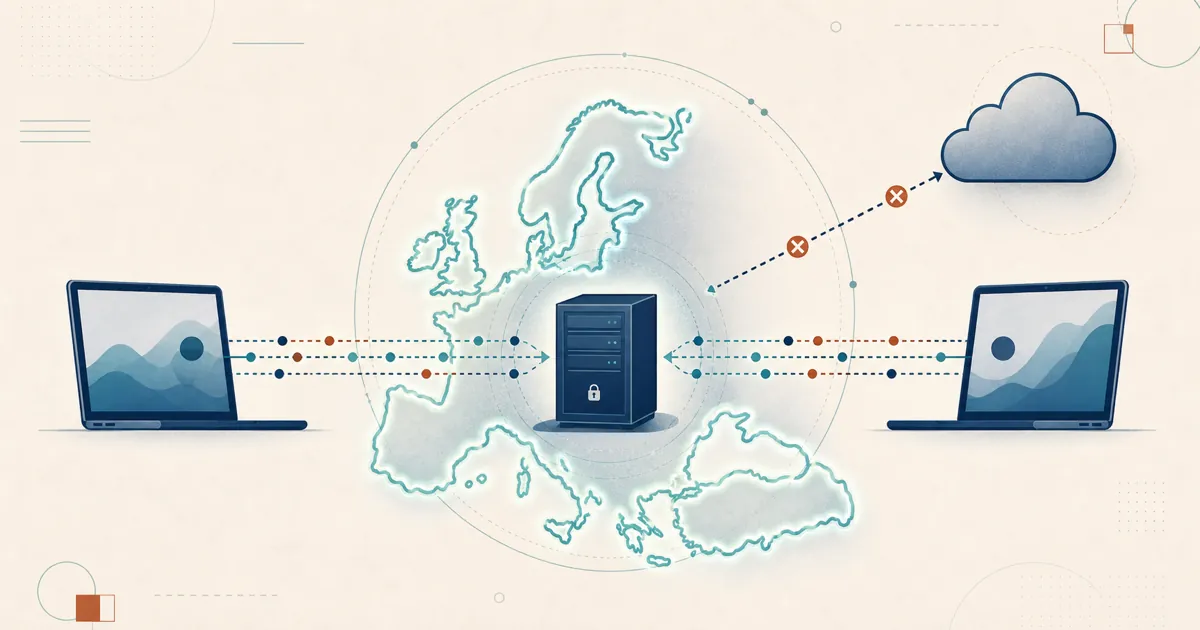
That said, if you run remote support professionally, a few structural choices reduce your exposure. Self-hosting the RustDesk server means the ID and relay servers run on infrastructure you control, so you decide exactly which clients are allowed to connect rather than trusting a vendor cloud to arbitrate it. For your own fleet, practice basic unattended-access hygiene: strong, unique permanent passwords, connections restricted to your device groups and shared address book, and two-factor authentication. And because RustDesk is open source, you or a security team can audit exactly what it does on your machines.
None of that makes RustDesk — or anything else — scam-proof. A user tricked into installing a client and reading out a code can be victimized on any platform. Structure lowers certain risks; it never replaces the simple rule at the center of every warning above: do not hand control of your computer to someone who contacted you.
If you want to dig into how specific tools handle safety and how they get impersonated, see our companion guides on whether AnyDesk is safe and whether Chrome Remote Desktop is safe.
Frequently asked questions
What is a remote desktop scam?
It is a form of fraud where a criminal convinces you to install legitimate remote-access software and then uses it to control your computer, usually to move money, steal data, or install malware. The tools are the same ones IT teams use every day. What makes it a scam is that the person on the other end contacted you under false pretenses and talked you into granting access.
Can a scammer get into my computer if I never gave them a code or installed anything?
In the typical social-engineering flow described here, refusing to install the caller’s tool or share a connection code usually stops that attempt. It does not rule out existing unattended access, stolen credentials, malware, or exposed services such as RDP. If you see unexplained sessions or account activity, disconnect the device and investigate even if you never shared a new code.
What should I do right after I realize I was scammed?
Disconnect the device from the internet, uninstall the remote-access app they had you run, and change your passwords from a different trusted device, starting with email and banking. Call your bank or card issuer to report fraud, and file a report with the FTC at ReportFraud.ftc.gov and the FBI's Internet Crime Complaint Center at ic3.gov. If you shared identity details, place a fraud alert or credit freeze with Equifax, Experian, and TransUnion.
Does using RustDesk protect me from scams?
No remote-desktop tool can make you scam-proof, RustDesk included. If someone tricks you into installing a client and reading them a connection code, they can take control on any platform. What self-hosting and open source change is your side of the equation: you control your own ID and relay server, decide exactly which clients may connect, and can audit the code. That reduces certain risks, but it does not replace basic caution about who you let in.