· RustDesk Team · Guides · 4 min read
Why Self-Host Your Remote Desktop Software
Why teams leaving TeamViewer and AnyDesk are choosing to self-host remote desktop: data control, predictable cost, and no cloud in the middle.

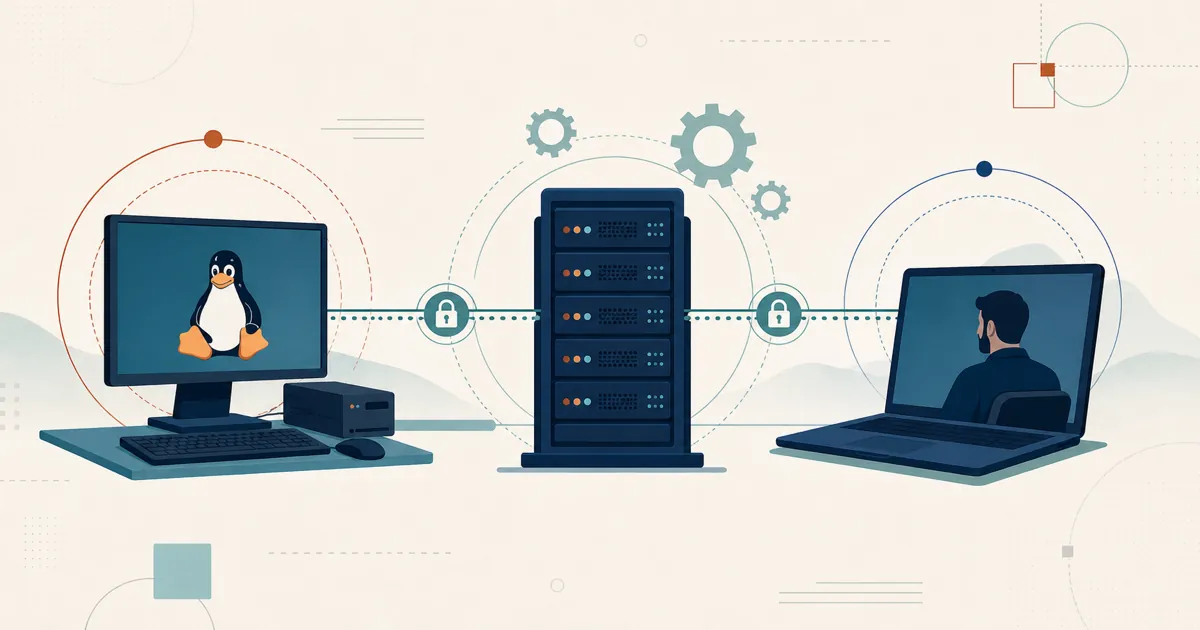
Most remote-desktop tools are sold one way: as a cloud subscription, with the vendor’s servers brokering — and often relaying — every session. There is another way — less marketed, because it carries no recurring cloud bill: self-host your remote desktop software, running the server that coordinates connections and relays traffic when direct connectivity fails on infrastructure you control. This article makes the case, using RustDesk as the concrete example.
What “self-host remote desktop” actually means
The cost of cloud-only convenience is that your device list, your connection metadata, and sometimes your session traffic pass through a third party — on their uptime, under their pricing, subject to their security posture.
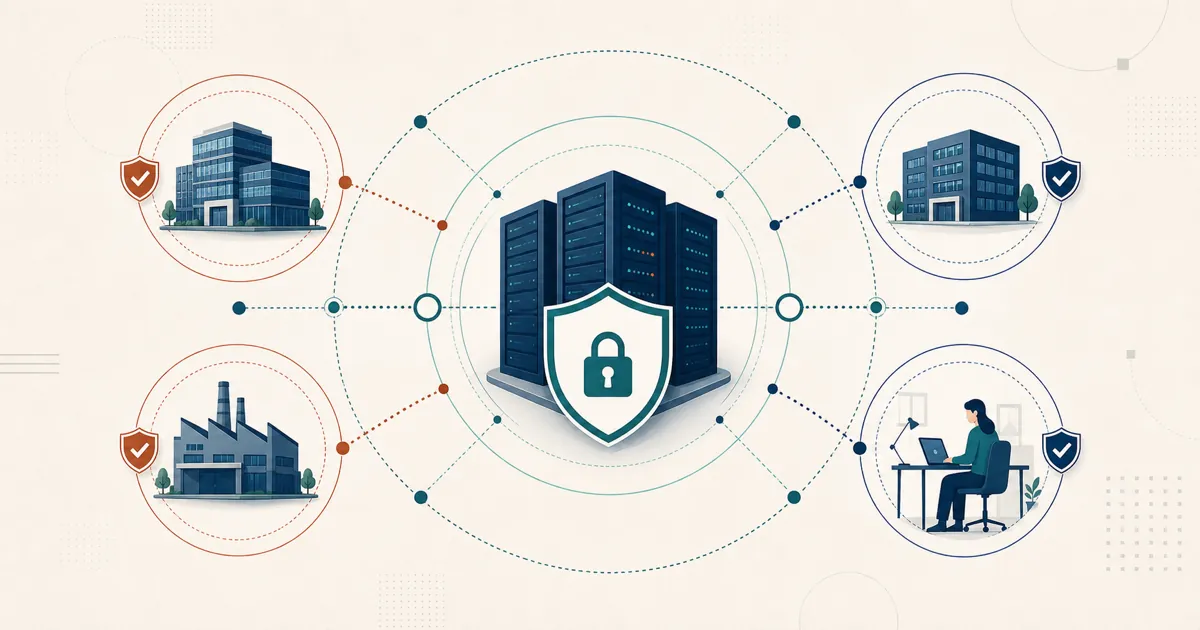
Self-hosting reverses that. With RustDesk Server Pro, the ID/rendezvous server, relay, console, and stored deployment data run on your infrastructure; direct sessions still flow between endpoints, and relayed sessions use your configured relay. RustDesk is open source (AGPL) and the free community server runs indefinitely.
Cloud-only vs. self-hosted, at a glance
| Typical cloud-only tool | Self-hosted (RustDesk Server Pro) | |
|---|---|---|
| Where sessions are brokered | Vendor’s cloud | Your on-prem box or VPS |
| Data residency | Vendor-controlled | Server-side services run on infrastructure you control; endpoint routes still matter |
| Concurrent-connection limits | Often per-channel/seat | Standard plans unlimited; Customized V2 metered |
| Pricing model | Per-seat/per-channel cloud subscription | Per login-user + per managed-device (pricing) |
| Source code | Closed | Open source (AGPL), auditable |
| Outage dependency | Vendor uptime | Your own ops |
| Who runs the server | Vendor | You |
Self-hosting doesn’t cost you scale or capability. RustDesk publishes large-fleet planning guidance for bigger estates, and for MSPs and internal IT there’s a self-hosted web console, a custom-branded client generator, and device groups with a shared address book for per-user access control. LDAP/SSO (OIDC) is available from the Basic plan up.
What running the server actually involves
The control comes with some operational work — less than most teams expect, and most of it one-time. Here’s the concrete reality:
- Provision a host. RustDesk’s hardware requirements are low, so a modest Linux VM — on-prem or an inexpensive VPS — runs the ID/rendezvous and relay services. Size it for your device count and how much traffic ends up relayed rather than peer-to-peer.
- Open only the ports you use. Native RustDesk clients require TCP 21115-21117 and UDP 21116 for NAT testing, connection services, registration, heartbeat, and relay. Do not expose the whole 21114-21119 range. TCP 21118-21119 are WebSocket backends, and TCP 21114 is the Pro HTTP API/console backend. When an HTTPS/WSS reverse proxy fronts the Pro API and WebSocket services, expose only TCP 443 publicly for that traffic and keep 21114 and 21118-21119 internal. Public 443 does not replace the native-client core ports when native clients also connect. See the official port reference.
- Set up TLS. Terminate HTTPS and WSS at the reverse proxy so credentials, API calls, and browser-client traffic use public TCP 443 rather than exposing the plain-HTTP console/API or raw WebSocket backends.
- Back up. The server holds your device inventory, user accounts, address book, and access rules. Schedule backups — and actually test that you can restore from them.
- Keep a patch cadence. New server builds ship over time, and you own the OS underneath. Decide who applies updates and how often.
- Monitor it. The coordinating service is now yours, so you watch uptime, disk, and relay throughput, and you own the alerting and recovery.
None of this is exotic, and most of it is one-time setup. If a question comes up at any point, RustDesk support can help you through it.
How to evaluate self-hosting
- Start with the community server. The core is AGPL — deploy the free open-source server this afternoon, audit it, and run it for as long as you like at no cost.
- Need the Pro feature set? Current plan rates are at rustdesk.com/pricing, and [email protected] can tell you which evaluation options exist right now.
- Rather watch than install? There’s a full video demo on the RustDesk YouTube channel.
If price hikes, closed code, or a cloud you don’t control are what pushed you to start shopping, self-hosting is the structural fix, not a discount. For a team already running infrastructure, it’s a next step, not a leap: own the server, own the data, own the cost.
Frequently asked questions
What does it mean to self-host remote desktop software?
It means running the server that coordinates connections — and relays traffic when a direct link fails — on infrastructure you control, instead of routing sessions through a vendor's cloud. With RustDesk Server Pro, the ID/rendezvous server, relay, console, and stored deployment data all run on your own infrastructure.
What does running a self-hosted RustDesk server actually involve?
Less than most teams expect, and mostly one-time: provision a small Linux host, open only the ports you use (native clients require TCP 21115-21117 and UDP 21116), terminate TLS at a reverse proxy, and schedule backups. After that it is routine patching and monitoring, with RustDesk support available if you hit a snag.
Does self-hosting help with data residency and GDPR compliance?
Yes — it gives you real control here: you choose where the rendezvous, relay, console, and device data run. It is a foundation rather than an absolute guarantee, though, because direct connections still travel between endpoints — so keeping traffic in-country and meeting GDPR obligations also depends on how you route and operate the deployment.
Is self-hosting right for every team?
Self-hosting suits teams that want control of their data and infrastructure. It does mean running a server — modest, and mostly one-time to set up — so if you would rather run nothing at all, a managed SaaS is the alternative model. RustDesk Server Pro is self-hosted by design, so for teams that already run infrastructure, keeping data on their own hardware is the whole point.