· RustDesk Team · Guides · 5 min read
RustDesk for Enterprise: Self-Hosted, Scalable, AD-Ready
Why enterprise IT teams choose RustDesk: self-hosted data control, AD/LDAP, device-group access control, and predictable pricing for large fleets.
Keep remote access on infrastructure you control
Enterprise evaluations usually focus on infrastructure control, identity, access policy, auditability, scale, and licensing predictability. Those requirements can be compared directly against public product capabilities and documentation.
If you’re evaluating RustDesk for enterprise use, the core question is usually the same: can we run remote support at scale, keep the data on infrastructure we control, and tie access to our existing identity system — without a per-channel bill that grows every renewal? This article walks through how RustDesk answers that, and where the honest trade-offs are.
The core difference: you host it, so you control it
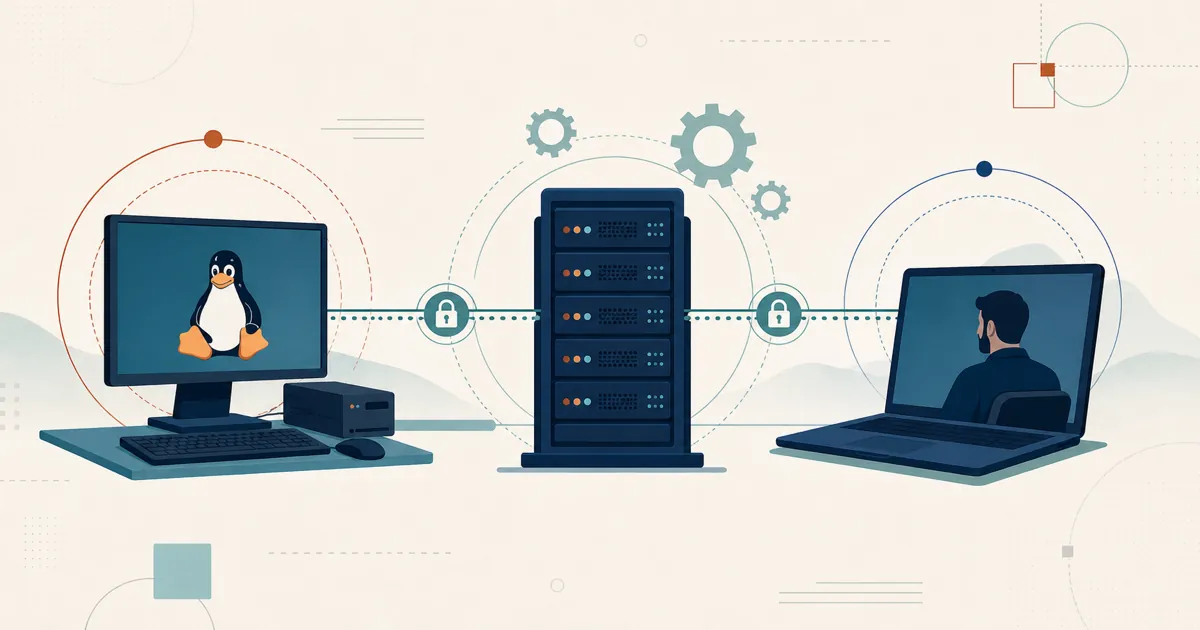
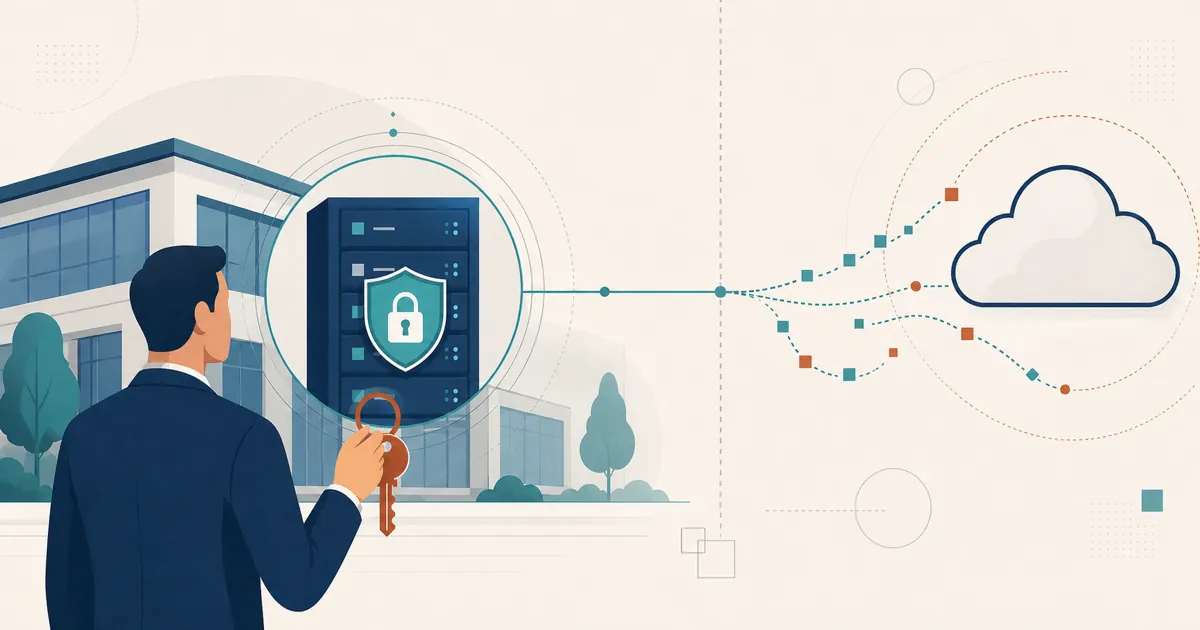
RustDesk Server Pro is self-hosted — the ID/rendezvous server, relay, console, and stored deployment data run inside your perimeter, on infrastructure you operate (why self-hosting is the enterprise default). That one architectural fact drives most of the benefits below, and it makes the core being open source (AGPL) more than a talking point: a security team that has to justify every agent on a production endpoint can read the source and build the client itself, so “we can audit exactly what runs” becomes a procurement box you can actually tick.
Enterprise architecture questions to answer first
Before comparing feature matrices, make the deployment design explicit:
| Decision | What the design must state |
|---|---|
| Identity | OIDC or LDAP source, MFA policy, break-glass access, and account lifecycle |
| Authorization | Device-group ownership, technician roles, contractor boundaries, and approval model |
| Network | ID and relay placement, direct-vs-relay policy, exposed ports, and regional routing |
| Availability | Capacity assumptions, monitoring, backups, recovery objectives, and multi-relay design |
| Endpoint management | Supported OS versions, client packaging, configuration enforcement, and update SLA |
| Security operations | Logging, retention, alerting, vulnerability response, and incident ownership |
| Licensing | Required login users, managed devices, and any Customized V2 concurrency allowance |
RustDesk supplies the remote-access components and enterprise controls; your architecture determines whether they meet the organization’s availability, compliance, and operating requirements.
Data control and compliance
Self-hosting lets you choose the location and operator of the rendezvous, relay, console, and stored device data. Direct sessions still flow between endpoints, so server location alone does not guarantee in-country traffic or GDPR compliance. Document the complete data flow and compliance controls.
Beyond location, Server Pro ships the controls a data-protection program actually uses: because usage telemetry is collected by the relay, running your own relay keeps that data on your relay rather than RustDesk (beyond the license check); built-in audit-log rotation caps how long connection, file-transfer, alarm, and console logs are kept; granular access control and a Control Role enforce least privilege; and you can delete users, devices, and records directly or through the REST API to service erasure and retention requests. The full breakdown is in Remote Desktop Data Sovereignty & GDPR.
This is also a quiet reason cost-driven migrations happen. Many enterprise teams are not only frustrated by price; they are paying for a cloud service and feature bundle they do not fully use. Self-hosting inverts that: you provision what you need, and you’re not renting someone else’s data center as a mandatory middleman.
Scale without a per-channel tax
Enterprise deployments fail on two axes: technical ceiling and pricing ceiling. RustDesk addresses both.
On the technical side, RustDesk publishes large-fleet planning guidance for deployments in the tens of thousands of devices, with larger targets requiring workload validation, sizing work, and tuning. Treat that as architecture planning, not as a blanket out-of-the-box benchmark.
RustDesk charges per login-user and per managed-device, and you can upgrade mid-subscription with proration. Standard plans include unlimited concurrent connections; Customized V2 limits and prices them separately. Size all relevant counts against the current plan matrix.
AD/LDAP and access control your admins expect
Enterprise remote access has to answer “who can reach which machines, and can we prove it.” RustDesk’s paid plans include LDAP/SSO (OIDC) available from the Basic plan and up, so you provision technician access against the identity source you already run rather than maintaining a parallel user list.
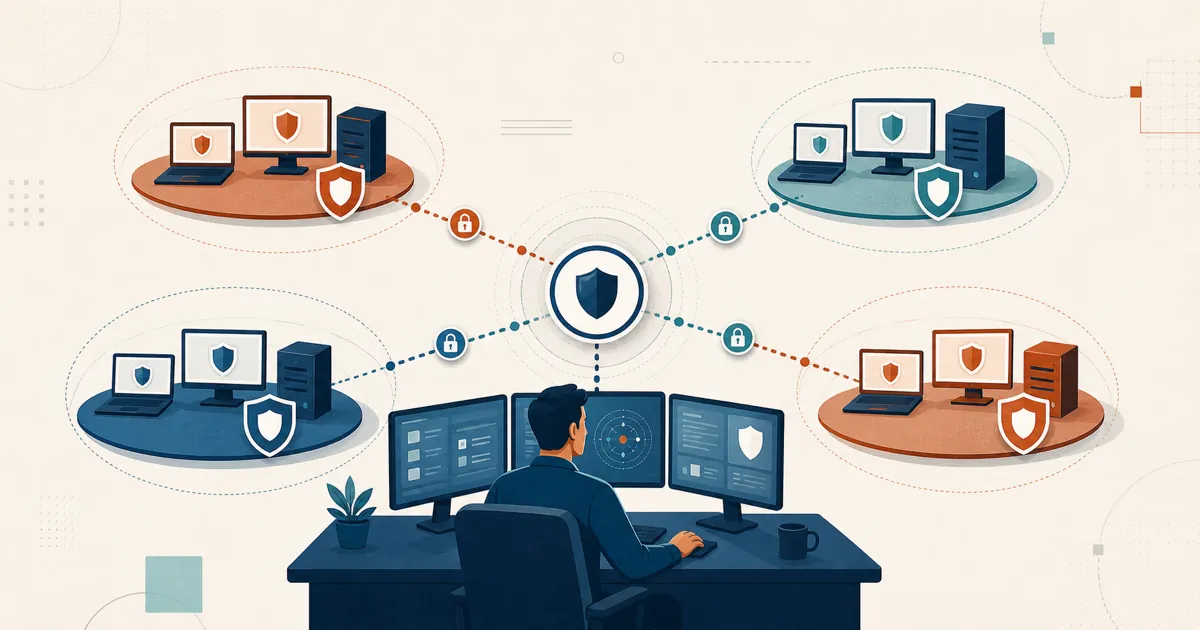
For structuring access, the self-hosted web console provides device groups and a shared address book for per-user access control. The custom client generator and identity features are available from the Basic plan and up; check current availability.
Mass deployment and automation
Rolling remote access onto thousands of endpoints by hand is a non-starter, so RustDesk supports the standard enterprise deployment paths. On Windows it ships an MSI package for silent, unattended installation via msiexec /qn, which you can push through Group Policy (GPO), Microsoft Intune, an RMM, or any packaging tool, with command-line parameters for install location, shortcuts, and options. Pair that with the custom client generator so the client you deploy is pre-configured to your own server and settings out of the box, instead of requiring per-machine setup.
For fleet operations, Server Pro exposes a REST API for bulk device management and scripting — enumerate devices, automate onboarding, and purge stale endpoints programmatically rather than clicking through the console one at a time. Confirm the current MSI parameters, GPO/Intune guidance, and API endpoints in the RustDesk deployment and Server Pro documentation for your version.
Enterprise control, on your terms
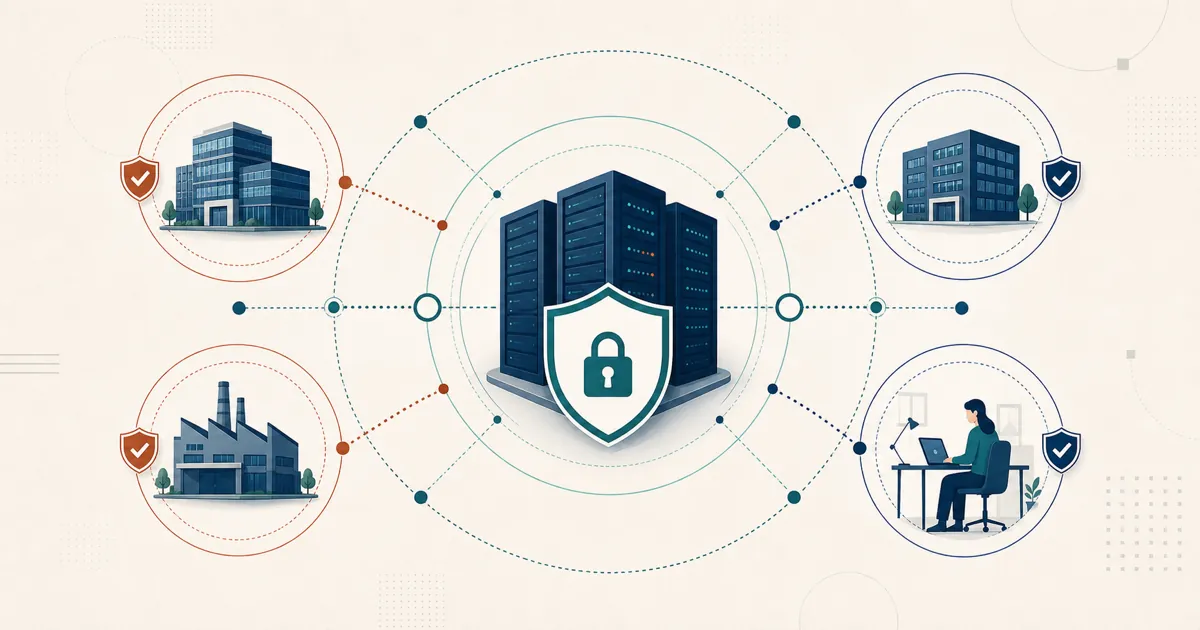
At scale the case sharpens: the ID/relay, console, and stored data live inside your perimeter, wired to your identity system and your policies, with no vendor running the core. That is the posture procurement and security teams tend to ask for.
Try it before you commit
You can evaluate without a sales call. Two paths:
- Validate the architecture with the free, open-source community server. It runs indefinitely on your own network — a low-stakes way to prove the self-hosted model to your security team.
- For the Pro capabilities — identity, access control, client generation — review current plans at rustdesk.com/pricing, then email [email protected] for the evaluation terms available to your organization.
Either way, stand up a server against your own environment and validate it before you commit.
Frequently asked questions
Can RustDesk be mass-deployed across an enterprise fleet?
Yes. RustDesk provides a Windows MSI for silent, unattended installation via msiexec, deployable through Group Policy (GPO), Microsoft Intune, an RMM, or packaging tools, and the custom client generator (Basic plan and up) ships a client pre-configured to your own server.
Does RustDesk have a REST API?
Yes. RustDesk Server Pro exposes a REST API for bulk device management and scripting, so you can onboard, enumerate, and remove devices programmatically instead of only through the web console. Confirm current endpoints in the RustDesk documentation.
Does RustDesk support Active Directory and SSO for enterprise identity?
Yes. Server Pro includes LDAP/Active Directory and OIDC SSO from the Basic plan and up, so technicians authenticate against your existing identity source rather than a separate user list.
Can enterprises keep RustDesk data on their own infrastructure?
Yes — that is the core model. You self-host the ID/rendezvous, relay, console, and stored device data. Direct session traffic still flows between endpoints, so document endpoint routing alongside server placement.
How does RustDesk pricing work for large fleets?
RustDesk licenses per login-user and per managed-device, with unlimited concurrency on standard plans (only Customized V2 meters concurrency) and prorated upgrades. Size the counts against the current matrix at rustdesk.com/pricing.