· RustDesk Team · Guides · 6 min read
Best Free Remote Desktop Software for Business (2026)
Genuinely free remote desktop tools — including ones you can use for business without a commercial-use flag. Six real options, each with its catch.
What “free” should actually mean
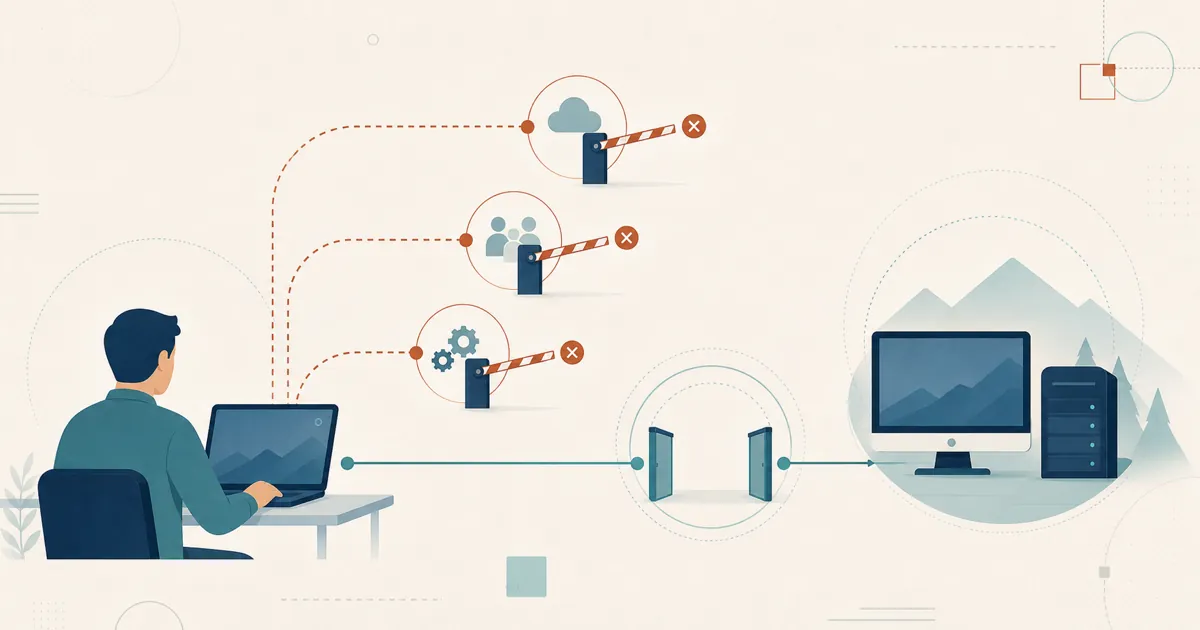
Search “free remote desktop software” and you’ll get a wall of tools that are free — right up until they aren’t. TeamViewer and AnyDesk both offer free tiers, but they’re licensed for personal use, and both enforce that boundary with automated commercial-use detection. Do anything that looks like work and you can get flagged for commercial use on TeamViewer or the same thing on AnyDesk — sessions time out, and you’re pushed toward a paid plan.
So this guide applies a stricter test. To make the list, a tool has to be genuinely free to run — and ideally free for business use with no commercial-use trip wire. That rules out the “free until we decide it isn’t” tier and leaves the tools you can actually build a workflow on.
A note on scope: this is the free lens — the test here is price and terms, not whether the code is open to inspect. Auditability and licensing are a related but separate question; there’s overlap, but “free” and “open source” aren’t the same thing.
The genuinely free options
The order below starts with the tools that are genuinely free for business use and then weighs self-hosting, cross-platform coverage, and operational overhead.
RustDesk — free, open source, no commercial-use nag
RustDesk sits first here because it is open source under the AGPL and the community server has no license fee or commercial-use classifier. You still pay for any hosting and operations you choose. It is cross-platform (Windows, macOS, Linux, Android, iOS). On Windows, macOS, and Linux hosts it includes file transfer and permanent-password unattended access; Android can host attended sessions, and the iOS app is controller-only. The source can be inspected and built independently.
The catch: you run the server yourself — though the hardware requirements are low and, once it is set up, upkeep is light. Someone provisions a host, opens ports, and sets up TLS, then keeps it patched over time. The free community server also isn’t the paid Server Pro — team features like the web console, custom-branded clients, and device groups live in Server Pro (self-hosted, not free). For current terms, see rustdesk.com/pricing.
Chrome Remote Desktop — free and simple, with Google-managed coordination
Google’s Chrome Remote Desktop is free, browser-based, and about as easy as remote access gets. Google also documents enterprise administration policies for enabling, disabling, and constraining its use in organizations.
The catch: it requires Google identity and a Google-operated signaling service, and it lacks some support-team conveniences such as drag-and-drop file transfer, remote printing, and RustDesk-style device groups. Google documents organization-level policies, but not a self-hosted control plane. Session setup is negotiated through Google; live traffic can use a direct or STUN path, with TURN/Google relay used when required. We cover this in depth in our Chrome Remote Desktop alternative guide.
The VNC family — the free open protocol
VNC is the granddaddy of open remote access. Free implementations like TigerVNC, TightVNC, and UltraVNC let one machine control another’s screen with no licensing cost, and the protocol is genuinely open.
The catch: plain VNC is a display protocol with no built-in NAT traversal or relay, so reaching a machine across the internet generally means setting up port-forwarding or a VPN yourself — and configuring encryption and access control on top. It’s powerful and free, but you assemble the surrounding infrastructure. (See our RustDesk vs. VNC comparison for the trade-offs.)
Apache Guacamole — free clientless HTML5 gateway
Apache Guacamole is a “clientless remote desktop gateway” licensed under Apache 2.0. Because it’s HTML5-based, “once Guacamole is installed on a server, all you need to access your desktops is a web browser” — no plugins, no client software. It brokers connections to standard protocols like RDP, VNC, and SSH.
The catch: Guacamole is an infrastructure project in its own right. You stand up the gateway, wire it to your existing RDP/VNC/SSH endpoints, and manage it. It shines when you already have those back-end connections and want browser-based, centralized access — less so as a two-minute point-to-point tool.
MeshCentral — free agent-based fleet management
MeshCentral is a free, open-source (Apache 2.0), self-hosted “full computer management web site.” You run your own server and install an agent on managed devices to get web-based remote desktop, terminal, and file management across a fleet — on a LAN or over the internet.
The catch: it’s agent-based and management-oriented, which means more setup than a lightweight point-to-point tool, and a UI aimed at administrators. If you want a fleet-management console for free, it’s excellent; if you want the simplest possible one-off connection, it’s more than you need.
Remmina — free Linux client
Remmina is a free, copyleft remote desktop client for Linux and other Unix-like systems, supporting RDP, VNC, SSH, SPICE, and more from one unified interface.
The catch: Remmina is a client, not a full remote-access system. It connects to servers that already speak those protocols; it doesn’t provide the host side, NAT traversal, or a management layer. It’s the go-to free client on Linux — pair it with something on the server end.
Free remote desktop software compared
| Tool | Free for business? | Self-host a server? | Best for |
|---|---|---|---|
| RustDesk | Yes (AGPL + free community server) | Yes (free server / Server Pro) | Cross-platform access with no commercial-use nag |
| Chrome Remote Desktop | Yes; enterprise policies available | No self-hosted control plane | Simple access with Google-managed coordination |
| VNC (TigerVNC/TightVNC/UltraVNC) | Yes (open protocol) | Yes (you assemble it) | LAN/DIY access with a VPN |
| Apache Guacamole | Yes (Apache 2.0) | Yes (gateway) | Browser access to existing RDP/VNC/SSH |
| MeshCentral | Yes (Apache 2.0) | Yes (agent-based) | Managing a fleet of devices |
| Remmina | Yes (client only) | N/A (client) | A free remote desktop client on Linux |
For exact TeamViewer and AnyDesk terms, check their current pages — we don’t quote numbers or license terms we can’t stand behind.
Why RustDesk leads for free business use
Most of the free options make you choose between Google-managed simplicity (CRD), heavier infrastructure (Guacamole and MeshCentral), or DIY networking (VNC). RustDesk’s pitch is that you don’t have to trade away business use, cross-platform reach, self-hosting, or auditability to run something free.
- Open source you can audit. The code is AGPL — read it, build it, verify it.
- A community server without a license fee. Self-host it under its open-source license; infrastructure and operating costs remain yours.
- No black-box vendor. Sessions run through infrastructure you control, not a cloud that can meter or flag you.
- Every major platform. Windows, macOS, Linux, and Android hosts; iOS is a controller app.
When your team outgrows the free server, Server Pro adds the console, custom clients, device groups, and SSO — still self-hosted, priced per login-user and per managed-device.
Free, and genuinely yours
The community server costs nothing to run and keeps your sessions and device data on hardware you control — no license fee, no cloud in the path, no usage classifier. If you are comfortable running a small host, little else competes.
Start free, stay free if it fits
The community server is the rare kind of free that stays free: open source, no expiry, and no commercial-use flag waiting to trip. Run it for as long as it serves you; if your team later wants the Pro console and branded clients, [email protected] handles evaluation-terms questions and rustdesk.com/pricing has the current rates.
Read the code on GitHub, stand up a server, and decide for yourself.
Frequently asked questions
What is the best free remote desktop software for business use?
RustDesk stands out when a business needs open-source code and a self-hosted community server with no commercial-use classifier. Chrome Remote Desktop is also free and Google documents enterprise administration policies for it, but it uses Google accounts and a Google-operated control plane. Apache Guacamole and MeshCentral are business-friendly infrastructure projects with different operating models.
Is any free remote desktop software actually free for commercial use?
Yes. RustDesk's open-source software and free community server, Apache Guacamole, MeshCentral, and the VNC family permit business use under their respective licenses. Chrome Remote Desktop is free and has documented enterprise controls; unlike TeamViewer and AnyDesk free tiers, it should not be described as personal-use-only. Always review the current terms for the exact deployment.
What is the catch with free remote desktop software?
The catch is usually that you host it yourself. Free self-hosted tools like RustDesk, Guacamole, and MeshCentral need a server you run — with RustDesk the hardware requirements are low and upkeep is light once it is set up. VNC needs port-forwarding or a VPN to work across the internet. The saving is money; the trade is running your own server and, sometimes, missing convenience features.
How is this different from open-source remote desktop software?
Open source is about the license and auditability; free is about price and terms. There is overlap, but they are not the same lens. This guide focuses on tools that are free to run — especially for business — rather than on how auditable or self-hostable each one is.