· RustDesk Team · Deployment · 4 min read
Unknown Devices in Your RustDesk Console? Investigate First
Seeing unfamiliar devices in your RustDesk console? AV sandboxing is one possibility; leaked config or unauthorized registration must be ruled out first.
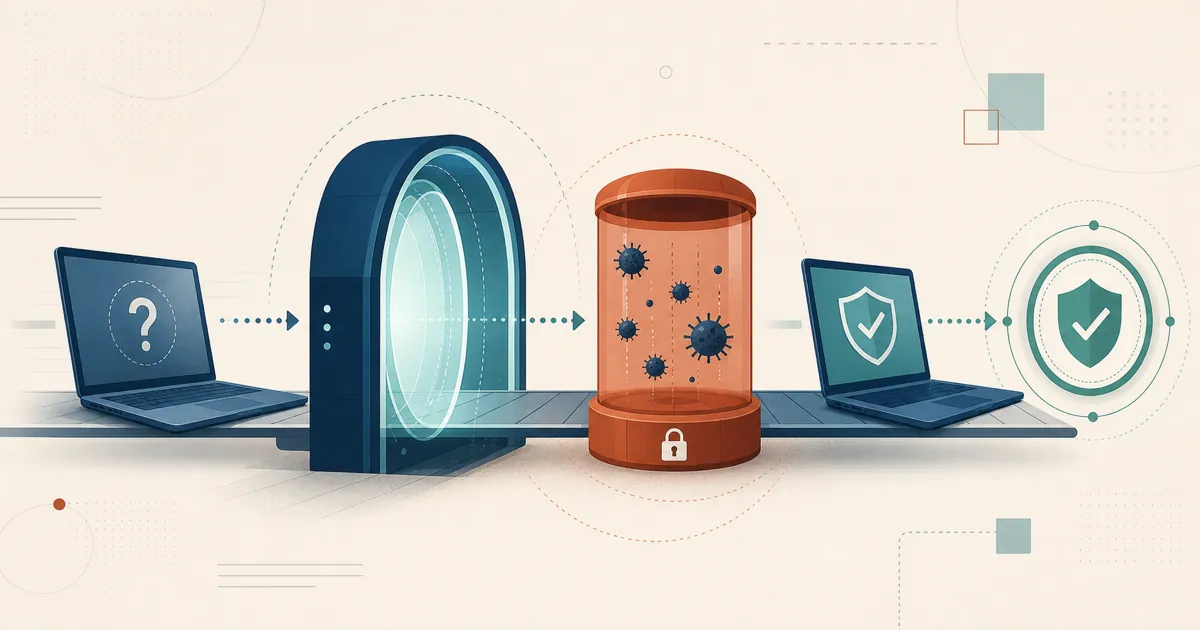
An unfamiliar device in the RustDesk console is not enough to identify its cause. Antivirus sandboxing is a known possibility, but the same symptom can result from leaked configuration, unauthorized enrollment, an exposed token, or a deployment mistake.
The short answer
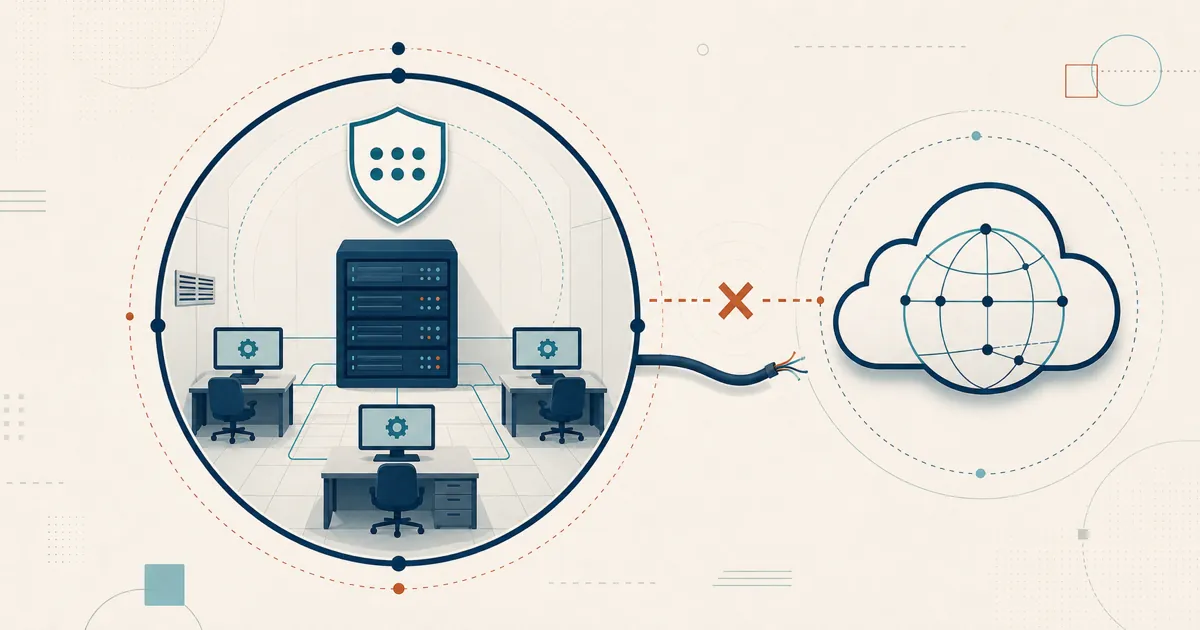
Some AV/EDR products execute unfamiliar binaries in cloud sandboxes. If a sandbox receives a client build containing your server configuration and can reach the ID server, it may register briefly. However, a cloud-provider IP address or unusual hardware name does not prove this explanation; attackers also use cloud hosts. Preserve and review evidence before dismissing the event.
In detail
Why this happens
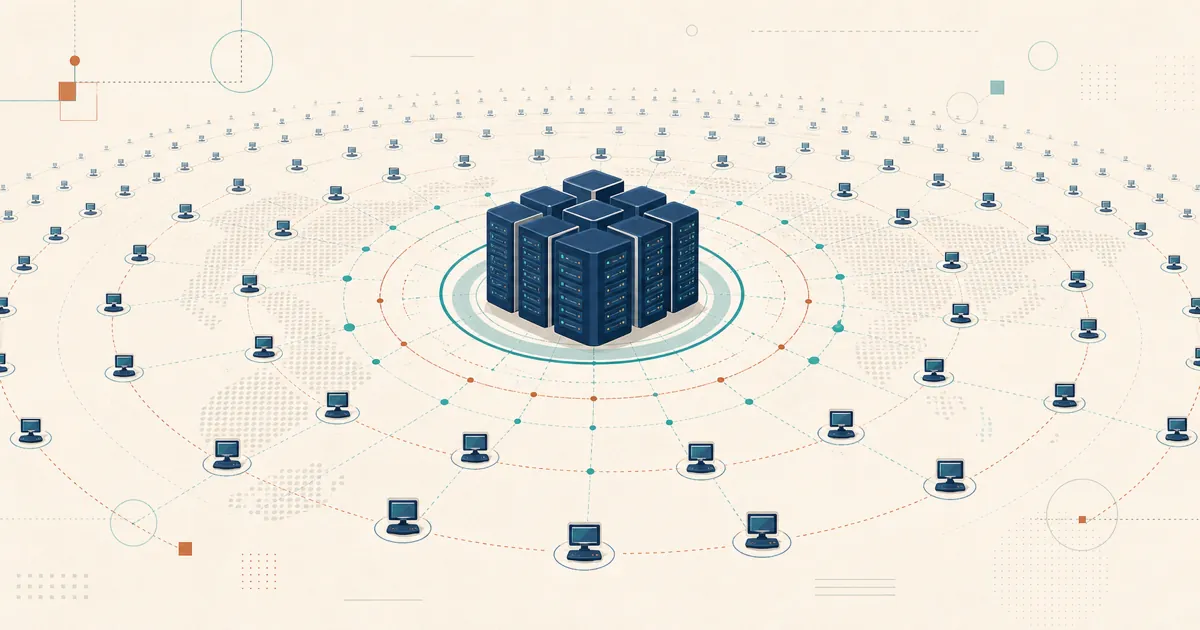
RustDesk clients can register with the configured ID/rendezvous server when they run and can reach it. This makes sandbox execution a plausible cause, as discussed in a public GitHub thread, but it also means anyone who obtains a configured client or valid deployment material may produce a similar registration.
Before classifying the event, review the server’s registration and connection logs, the device’s first-seen time and source IP, deployment records, and the distribution path for custom clients. Rotate exposed passwords, API/deployment tokens, and server configuration or keys as appropriate. Check whether the same credentials were reused elsewhere and whether the unknown device attempted or completed any session.
How to stop it
Two console settings solve this, and which one fits depends on whether you’re still actively onboarding real new devices.
Option 1 — disable new-device registration entirely. If your device list is basically stable and you’re not regularly adding machines, this is the simplest fix: go to Settings → Others → Disable new devices on web console. Nothing new can register at all, sandboxed or otherwise.
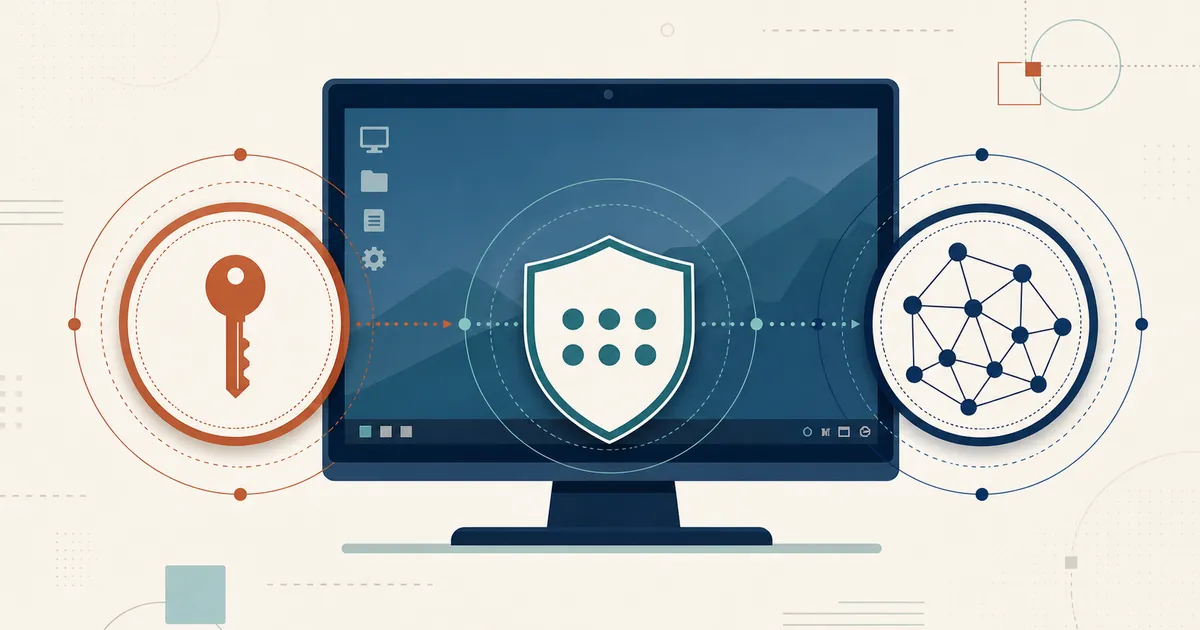
Option 2 — require a deployment token. If you’re still rolling out new devices regularly (an MSP onboarding clients, an IT team imaging new machines), a blanket “disable new devices” setting gets in your own way. Instead, enable Settings → Others → Require deployment for new devices, create an API token (Devices permission, Read and write), and have your install process run the documented deployment command on each device:
rustdesk --deploy --token <api_token>
The exact flag can change between releases, so treat this as illustrative and verify the current syntax in the RustDesk Server Pro docs before scripting it. Only a device that presents a valid token gets added to your inventory. A sandboxed AV scan — which has no way to know or supply that token — fails to register, while your real rollout continues to work normally. This is also the mechanism MSPs use to enroll devices via RMM or a scripted install without a technician manually logging in on each machine.
A related, narrower control: if you’d rather leave registration open but simply keep unassigned devices out of view until you’ve reviewed them, there’s also Settings → Others → Only admin can access unassigned devices — this doesn’t stop registration, but it does mean regular users won’t see or be able to touch anything that shows up before you’ve had a chance to look at it.
How to assess the result
Registration alone does not prove that an attacker controlled another endpoint, but it is still unauthorized activity until explained. A short-lived registration that aligns with a known security scan and shows no subsequent access may support the sandbox hypothesis. Unexpected sessions, repeated enrollment, use of valid credentials, or distribution of a configured client outside its intended channel requires incident response.
Who asks this
New server operators — IT admins and MSPs alike — tend to hit this within days of standing up a self-hosted server, before registration controls have been tightened. Early investigation matters because benign scanning and unauthorized enrollment can look similar in the console.
Related questions
- Generating a custom-branded client: see the RustDesk docs.
- What counts as a managed device in RustDesk?
- Review current RustDesk releases and security fixes
- RustDesk for MSPs: one self-hosted, brandable tool
Seeing a device you do not recognize? Preserve the relevant logs, restrict new enrollment, rotate any potentially exposed secrets, and contact RustDesk support with non-sensitive diagnostic details if the cause remains unclear.
Frequently asked questions
Why do unknown devices appear in my RustDesk console that I never installed?
Antivirus or endpoint-protection sandboxing can create temporary registrations, but an unknown device can also indicate leaked configuration, an exposed deployment token, unauthorized registration, or a deployment mistake. Treat it as a security event until logs, credentials, keys, tokens, and rollout records identify the cause; then restrict new-device enrollment.
How do I stop unknown devices from registering entirely?
If your device list is stable and you are not regularly adding machines, disable new-device registration in the console under Settings → Others → Disable new devices on web console. Nothing new can register after that, sandboxed or otherwise. If you still onboard devices regularly, use a deployment token instead so real rollouts keep working.
How do I require a deployment token for new devices?
Enable Settings → Others → Require deployment for new devices in the web console, create an API token with the Devices permission set to Read and write, and have your install process run rustdesk --deploy --token <api_token> on each new device (with sudo on macOS and Linux). Only devices that present a valid token can register, so a sandboxed AV scan cannot add itself while your RMM or scripted rollout continues normally.
How do I tell a benign AV scan from a real intrusion?
A short-lived registration that lines up with a known security scan and shows no subsequent session may support the sandbox explanation. Unexpected sessions, repeated enrollment, use of valid credentials, or a configured client distributed outside its intended channel is not benign and warrants incident response.