· RustDesk Team · Comparisons · 10 min read
RustDesk vs TeamViewer: The Self-Hosted Alternative
RustDesk vs TeamViewer compared: features, OS support, security, licensing models, and the real trade-offs — self-hosting, open source, no per-channel pricing.
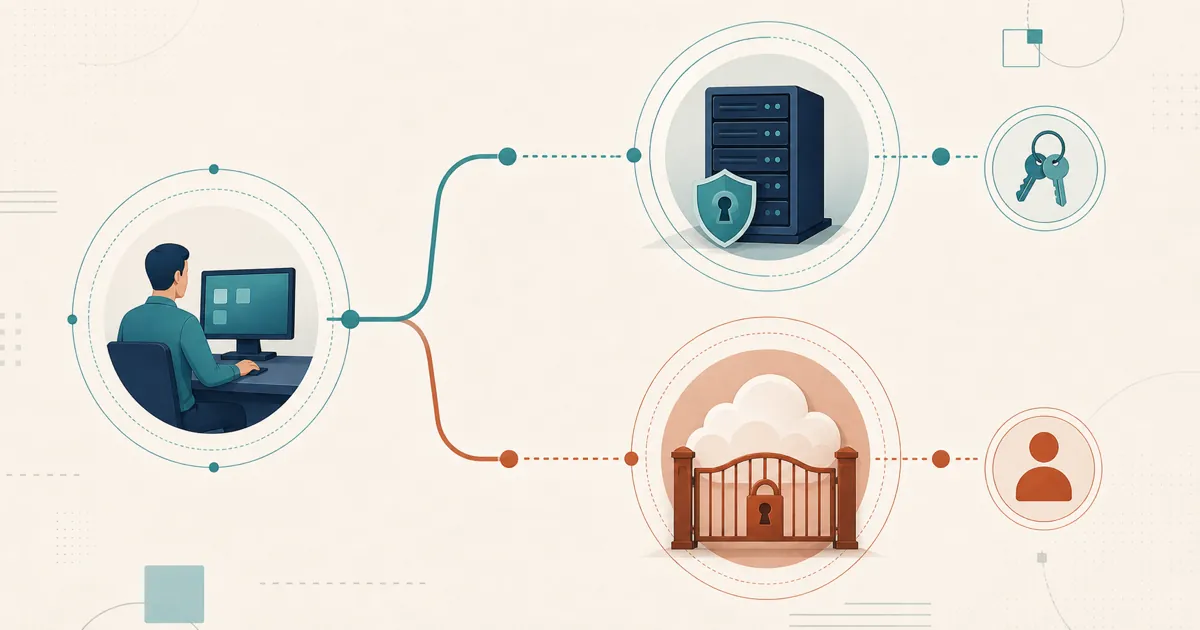
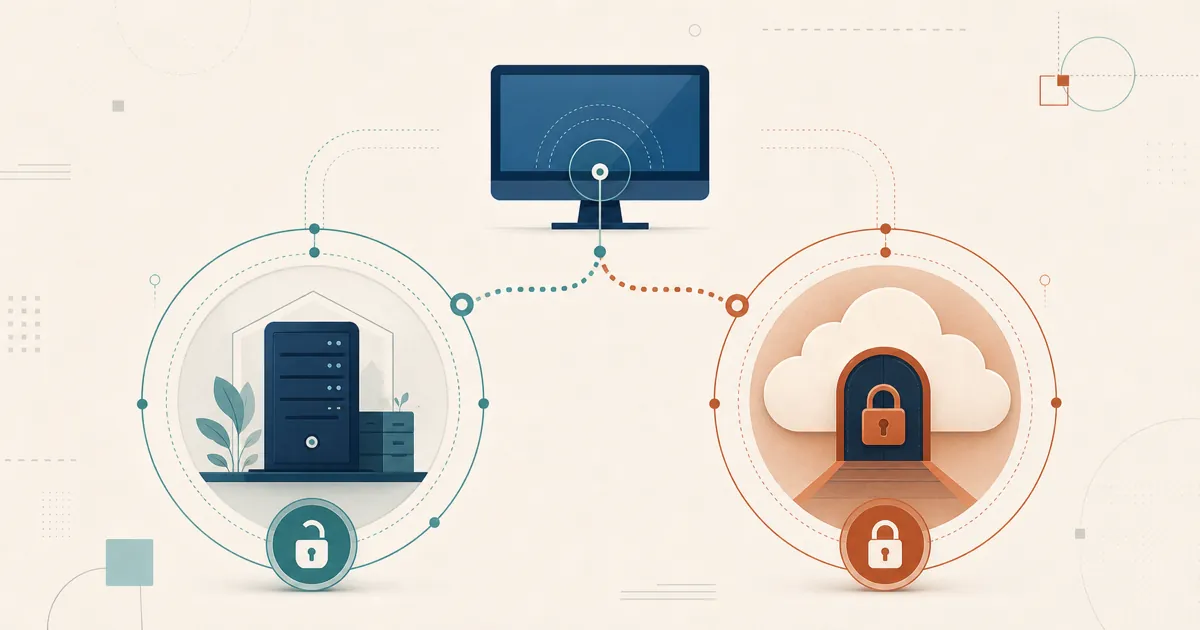
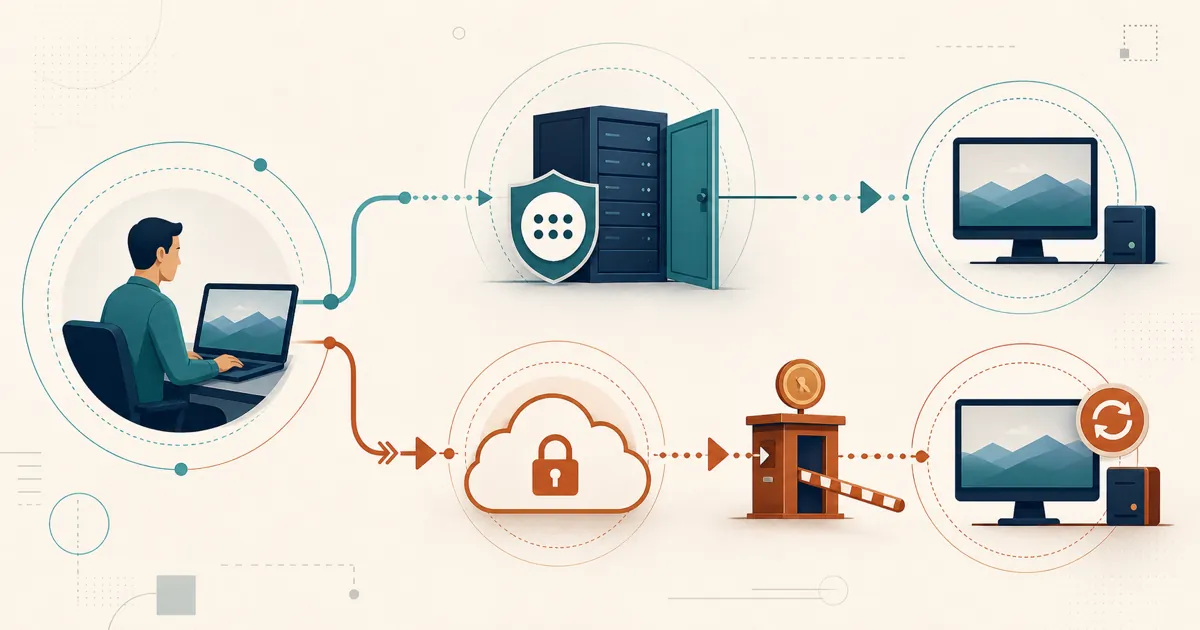
RustDesk and TeamViewer solve the same remote-access problem on opposite models: an open-source stack you host yourself versus a managed cloud service you subscribe to.
TeamViewer is a commercial remote-access platform with a deep integration catalog. This is a detailed comparison: what each product is, how their features and platform support line up, how their security and licensing models differ, and where — and why — teams move to RustDesk instead. Where we make a claim about TeamViewer, we cite it, and everything is dated because remote-access pricing and packaging change often.
Table of contents
- RustDesk and TeamViewer at a glance
- Feature comparison
- Operating system and platform support
- Security and identity
- Licensing and pricing models
- Pros and cons
- Why teams switch to RustDesk anyway
- Try RustDesk yourself
- Related reading
RustDesk and TeamViewer at a glance
TeamViewer is a commercial remote-access and remote-support platform from TeamViewer SE, in the market since 2005 and one of the most widely deployed tools of its kind. It is delivered as a managed, cloud-brokered SaaS: TeamViewer runs the connection infrastructure, you install a client, and sessions are brokered through TeamViewer’s own routing network. It is closed-source, sold on annual subscriptions, and its higher tiers (branded TeamViewer Tensor) add enterprise features such as single sign-on, conditional access, mass deployment, and a broad catalog of integrations with tools like ServiceNow, Jira, and Microsoft Intune. (TeamViewer Tensor / integrations)
RustDesk is an open-source remote desktop tool built around a different premise: you can run the whole thing yourself. RustDesk is open source under the AGPL, so it can be audited, built from source, and used with a free community server that runs indefinitely. The commercial offering, RustDesk Server Pro, is self-hosted — the ID/rendezvous server and the relay server run on your own machine or VPS, which means session metadata and connection brokering stay on infrastructure you control. RustDesk is licensed by login-user and by managed-device rather than by concurrent session, and it is designed to scale from a single technician up to large fleets. If your objection to TeamViewer is fundamentally about control — over data, over cost, over the software itself — that is the axis on which these two products differ most.
The rest of this article breaks the comparison down feature by feature.
Feature comparison
The table below compares the day-to-day capabilities most teams ask about. The RustDesk column reflects capabilities documented for the product, and on the TeamViewer side every “Yes” is cited to TeamViewer’s own pages. Verify anything you depend on against the current documentation.
| Capability | RustDesk | TeamViewer |
|---|---|---|
| Remote control (core session) | Yes — this is the core client | Yes (features) |
| Unattended access | Yes — devices are licensed as managed, always-controllable endpoints | Yes (features) |
| Mobile access | Yes — Android; iOS controller-only | Yes, via mobile apps (features) |
| File transfer | Yes (both directions) | Yes (features) |
| In-session chat | Yes — text chat | Yes, real-time chat; VoIP/video/chat are disabled for free users (support) |
| Session recording | Yes (can auto-record incoming/outgoing) | Yes (features) |
| Remote printing | Yes — remote printer for incoming connections (Windows) | Yes (features) |
| Multi-monitor support | Yes — multi-monitor | Yes — 4K multi-monitor (features) |
| Concurrent-session cap | Unlimited on standard plans; limited on Customized V2 | Capped by plan tier (see licensing) |
One row deserves extra attention: the feature-parity question. Both products cover the day-to-day workflows most support and admin teams live in — remote control, unattended access, file transfer, session recording, remote printing, and multi-monitor. Rather than take any table’s word for it, trial RustDesk against your actual tasks; that is why we point evaluators to [email protected] for a test license rather than a signed contract.
Operating system and platform support
Both tools cover the major desktop and mobile platforms; the details differ at the edges, especially on Linux and embedded devices.
| Platform | RustDesk | TeamViewer |
|---|---|---|
| Windows | Yes — x64, ARM64, 32-bit | Yes, incl. Windows Server 2016/2019/2022 (supported OS) |
| macOS | Yes — Apple Silicon & Intel | Yes, macOS 13 (Ventura) and later (supported OS) |
| Linux | Yes — x86_64, ARM64 & ARM32; strong Wayland | Yes, but via TeamViewer Classic with more limited functionality (supported OS) |
| Android | Yes — arm64, arm32, x64 (host & controller) | Yes, Android 8+ (supported OS) |
| iOS / iPadOS | Controller only (no host, per Apple restrictions) | Controller app, iOS/iPadOS 15+ (cannot be fully controlled, per Apple restrictions) (supported OS) |
| ChromeOS | Not verified for this article | Yes, but screen sharing only — full remote control not officially supported (supported OS) |
| Raspberry Pi OS | Yes — official ARM64/ARM32 Linux builds | Yes, via TeamViewer Classic (supported OS) |
The headline is that both products run on Windows, macOS, Linux, Android, and iOS, so for the overwhelming majority of mixed-fleet support work either tool will reach the endpoints you need. TeamViewer covers a couple of extra fringes (ChromeOS screen sharing, and Raspberry Pi via its older Classic client), while RustDesk covers Pi with its standard ARM64/ARM32 Linux builds. If exotic endpoints matter to you, verify the specific device against each vendor’s current list before committing.
Security and identity
This is where the two products embody genuinely different philosophies, so it is worth separating “security features” from “security model.”
TeamViewer’s security features are strong and well-documented. Session traffic uses RSA 4096-bit public/private key exchange with AES 256-bit session encryption, the same category of cryptography used for HTTPS/TLS. It offers end-to-end encryption, so — per TeamViewer — neither its routing servers nor intermediary systems can decrypt end-to-end-encrypted session traffic. Account access can be protected with TOTP-based two-factor authentication, and the platform carries compliance certifications including SOC 2, ISO/IEC 27001, ISO 9001:2015, and HIPAA/HITECH, and states GDPR compliance. (End-to-end encryption, security statement)
There is a security-model point worth making alongside those features, though. Any centralized vendor’s own infrastructure is itself a high-value target, and no provider is immune to that class of attack — which is precisely the risk profile that a self-hosted model changes.
RustDesk’s security model starts from a different place. RustDesk is open source under the AGPL, so the code can be independently audited and built from source. RustDesk Server Pro is self-hosted: you operate the ID/rendezvous, relay, console, and stored deployment data. Direct sessions still flow between endpoints. Open source also makes defects public, so review the latest releases and current vulnerability records rather than assuming self-hosting eliminates software risk.
On identity, one clarification that matters for planning. RustDesk supports LDAP/Active Directory and SSO via OIDC, and this is available from the Basic plan and up: it is not top-tier-only, but plans below Basic do not include it — map it to the specific plan you intend to buy. Full setup details are in RustDesk LDAP & Active Directory: Setup Guide. For per-user access control, RustDesk provides a self-hosted web console, device groups, and a shared address book, plus a custom-branded client generator so the app your users install carries your name rather than the vendor’s.
If keeping session data on infrastructure you control is the whole point of the exercise, the dedicated discussion is in Remote Desktop & Data Sovereignty and Why Self-Host Your Remote Desktop Software.
Licensing and pricing models
Pricing is the single most volatile part of any remote-access comparison, so we will describe models in detail and treat numbers as dated snapshots, not permanent facts. We also, as a matter of policy, never quote a hard RustDesk price in prose — the current figure lives at rustdesk.com/pricing so it is always accurate.
TeamViewer’s model is subscription-based and organized around named tiers plus concurrent-session limits. Packaging and prices vary by region and term, so use TeamViewer’s current pricing page and your written quote rather than historical third-party figures or private customer invoices.
A note on TeamViewer’s older “lifetime” licenses. Many teams first adopted TeamViewer under a perpetual license — a one-time purchase tied to a specific major version. TeamViewer no longer sells perpetual licenses; it is subscription-only now, and an old perpetual license remains usable only on the version it was originally valid for, subject to TeamViewer’s product-lifecycle policy. In practice, that means an older perpetual client can eventually stop connecting as the version it was tied to ages out, and “the perpetual license I paid for no longer connects” is one of the more common reasons we see teams start shopping. RustDesk’s own model is different: the community server is free and open source with no expiry, while the commercial Server Pro is licensed annually rather than as a lifetime buyout. (TeamViewer subscription FAQ)
RustDesk’s model is different in two ways. First, commercial plans count login users plus managed devices. Standard plans include unlimited concurrent connections; Customized V2 has a defined concurrency allowance. Upgrades can be prorated, so confirm the current mid-term terms on the pricing page. Second, the community server has no license fee, while Server Pro is the commercial option for centralized features. RustDesk does not publish a fixed self-serve Server Pro trial; ask for current evaluation terms before planning a proof of concept. Payment mechanics are covered on the RustDesk pricing page.
If your starting point is TeamViewer’s cost, compare current quotes for the same scope.
There is also a free-tier wrinkle. TeamViewer’s free tier is for personal, non-commercial use, and suspected commercial use can restrict sessions. TeamViewer does not publish a threshold formula users can rely on. A genuine false positive should go through the official reset process; actual business use requires commercial terms. (TeamViewer: commercial use suspected) See TeamViewer Commercial Use Detected for the focused workflow.
Pros and cons
RustDesk
Pros
- Licensed by login-user + managed-device with prorated upgrades any time — not per-seat channels metered by concurrent session
- No free-tier “commercial use suspected” flags interrupting sessions, and no perpetual license that ages out of connecting as its version retires
- Open source (AGPL) — auditable, buildable from source, with a free community server that runs indefinitely
- Self-hosted Server Pro: ID/rendezvous and relay servers run on your own machine or VPS, keeping session brokering inside your perimeter
- LDAP/Active Directory and OIDC SSO from the Basic plan and up
- Self-hosted web console, device groups, shared address book, and a custom-branded client generator; large-fleet planning guidance for bigger deployments
Cons
- Self-hosting means you run, patch, and update the server yourself
TeamViewer
Pros
- AES-256 session encryption, RSA-4096 key exchange, optional end-to-end encryption, and TOTP 2FA
- Published compliance certifications (SOC 2, ISO/IEC 27001, HIPAA/HITECH)
- Native integrations with ServiceNow, Jira, Intune, and others via Tensor
- Fully managed SaaS — no server for you to run
Cons
- Closed-source; you trust the vendor’s infrastructure and their handling of your session metadata
- Concurrent sessions are metered by plan tier
- Recurring annual subscription with no perpetual-license option
- Free tier is personal-use only and can flag users for suspected “commercial use,” interrupting sessions
- Centralized cloud model — the vendor’s own infrastructure is itself a high-value target, a risk profile that self-hosting changes
Why teams switch to RustDesk anyway
Everything above is the neutral part. The following section explains which buyer requirements align with RustDesk’s model.
They want a different licensing and scaling model. Rates and allowances can change, so model growth against the current pricing matrix — see the current pricing and the large-fleet planning guidance.
They want control over the server-side data path. Running the ID/rendezvous and relay services lets a team choose where those services and stored metadata reside. Direct session traffic still flows between endpoints, and self-hosting alone does not establish GDPR compliance. See Why Self-Host and Remote Desktop & Data Sovereignty.
They want to read the code. For security-conscious buyers, “we can inspect it” is a different assurance level from “the vendor says it’s fine.”
They are MSPs or enterprises who want one brandable, self-hosted tool. The custom-branded client turns RustDesk into a white-label support platform — see RustDesk for MSPs, and, for organizations that need AD/LDAP and room to grow, RustDesk for Enterprise.
Comparing other options too? See RustDesk vs AnyDesk, RustDesk vs ScreenConnect, and The Best Self-Hosted TeamViewer Alternative.
Try RustDesk yourself
The free community server is yours to stand up today at no cost. Want the Pro features? Ask [email protected] about evaluation terms, or check rustdesk.com/pricing for plan rates — and there’s a full video walkthrough if you’d rather see it running first.
Related reading
- RustDesk vs AnyDesk
- RustDesk vs ScreenConnect
- The Best Self-Hosted TeamViewer Alternative
- TeamViewer vs AnyDesk for MSPs
- TeamViewer vs Splashtop
- TeamViewer Commercial Use Detected
Frequently asked questions
Is RustDesk a free alternative to TeamViewer?
RustDesk's core client and community server are open source and free to self-host with no expiry. Paid Server Pro plans add centralized management and are licensed by login users and managed devices; current figures are at rustdesk.com/pricing.
Does RustDesk still work if I stop paying, like an old TeamViewer perpetual license?
The open-source community server keeps running at no cost. Server Pro is an annual commercial license; if it lapses you keep the free server but lose the Pro management features. Neither product is a perpetual one-time-purchase-forever tool.
Can RustDesk be self-hosted, unlike TeamViewer?
Yes. RustDesk Server Pro runs the ID/rendezvous, relay, console, and stored data on infrastructure you control, whereas TeamViewer brokers sessions through its own cloud.
Does RustDesk meter concurrent sessions like TeamViewer plans?
RustDesk standard plans include unlimited concurrent connections; only Customized V2 meters and prices concurrency. TeamViewer caps simultaneous sessions by plan tier.