· RustDesk Team · Comparisons · 6 min read
TeamViewer vs AnyDesk for MSPs: A Self-Hosted Third Option
How TeamViewer and AnyDesk compare for MSPs — current licensing, integrations, hosting, and why some look past both to a self-hosted option.

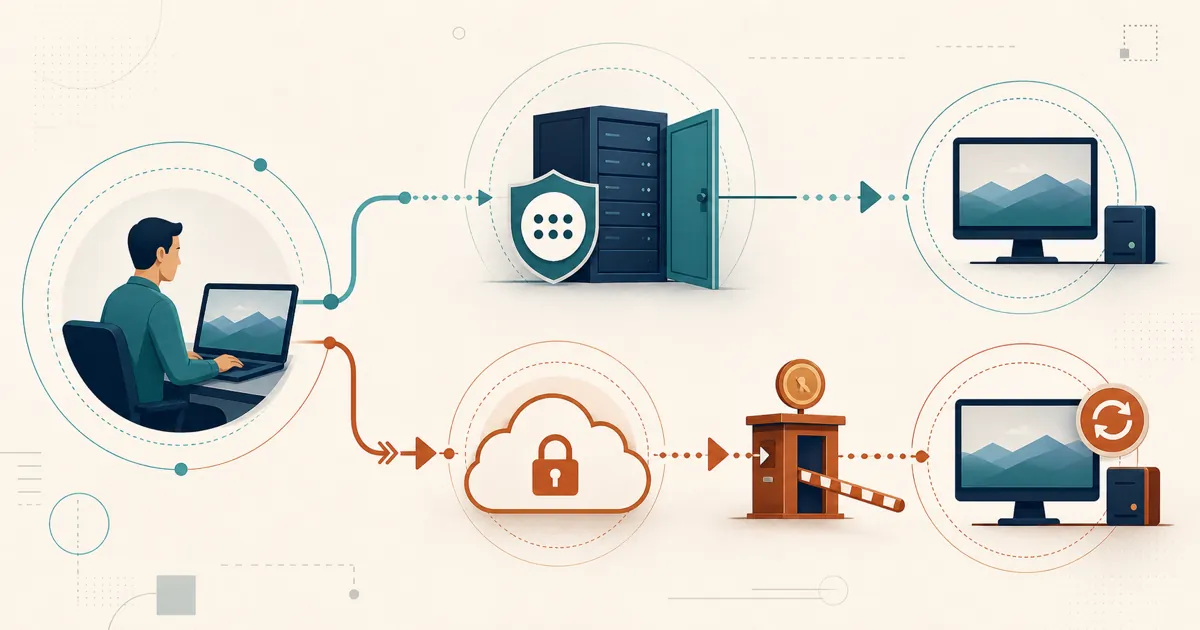
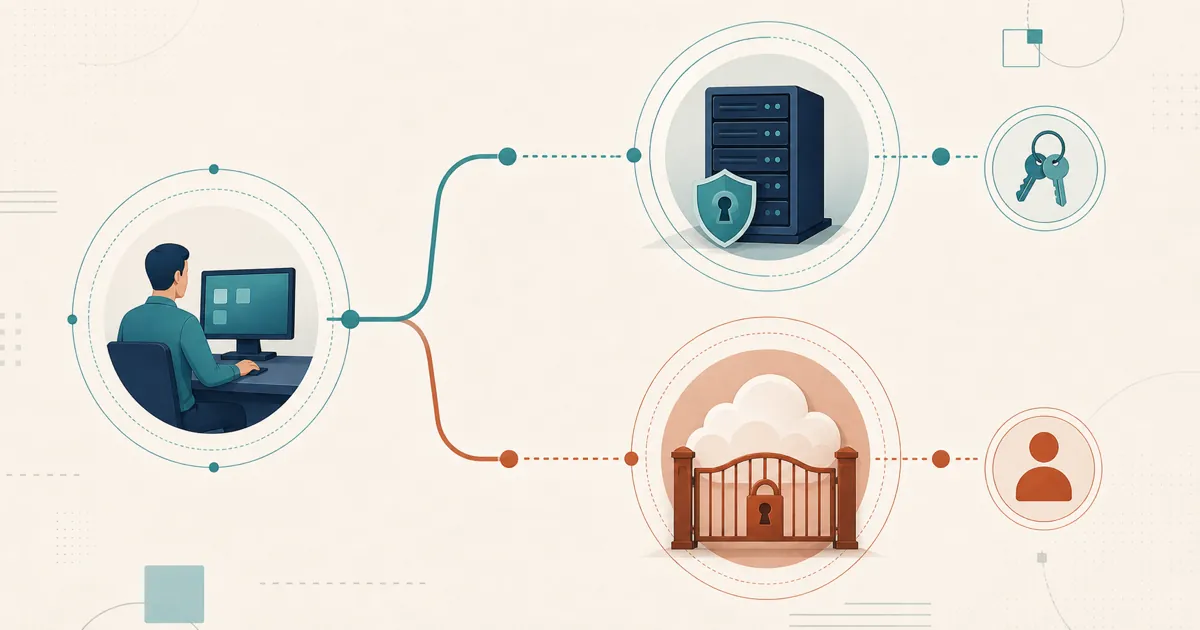
MSPs sometimes inherit a mix of TeamViewer, AnyDesk, and RDP across clients. This page compares TeamViewer and AnyDesk head-to-head on the dimensions that actually decide an MSP purchase — the licensing unit, concurrency, unattended access, deployment, and branding — and then weighs a self-hosted third model against both, using verifiable product differences.
TeamViewer vs AnyDesk: the short version
| TeamViewer | AnyDesk | |
|---|---|---|
| Licensing dimensions | Plan-specific named users and concurrent-session capacity, with add-ons layered on | Plan-specific licensed users, managed devices, and concurrent connections |
| Concurrent technicians | Simultaneous-session capacity is a plan/add-on dimension; confirm current terms | Included connections per plan (Standard one, Advanced two, per the dated page below); more via add-ons |
| Unattended access & grouping | Unattended access to installed clients; endpoints organized in groups | Unattended access via an installed client; endpoints organized in an address book on relevant plans |
| Deployment & branding | Mass/silent deployment and custom modules on higher tiers; confirm per edition | Silent deployment and a custom-branded client; confirm which plan includes it |
| Current published packaging | Verify the current plan page and a dated written quote before budgeting | Official pricing page, checked July 7, 2026: Standard starts with one connection; Advanced with two |
| Hosting | Managed cloud plans | Managed cloud on standard tiers; Ultimate advertises cloud or on-premises deployment |
| Best fit | Service desks needing policy controls, reporting, and integrations | Teams prioritizing a compact client, connection performance, and branding |
Licensing: per-technician, per-device, or per-connection?
The unit you are billed on matters more to an MSP than the sticker price, because technician count and client-endpoint count grow on different curves.
TeamViewer packages named users and concurrent-session capacity into tiers, with add-ons layered on top. That leans toward a per-technician-plus-concurrency shape: you license the people doing the support and how many sessions they can run at once, and client endpoints sit underneath that.
AnyDesk plan packaging and renewal terms can change. Its official pricing page, checked July 7, 2026, lists Solo with one user and one connection, Standard with up to 20 users and one included connection, and Advanced with up to 100 users and two included connections; managed-device and connection add-on limits vary by plan. AnyDesk therefore exposes a managed-device dimension alongside users and connections, so a large fleet of client machines can move the price even when the technician count is small.
Neither is a pure per-managed-device model of the kind RMM tools use. Model your own technician, concurrency, and endpoint growth against each vendor’s current plan page and a dated written quote, and confirm current terms with the vendor before committing. Do not base a purchase on another customer’s legacy contract.
Unattended access, grouping, and concurrent sessions
Day-to-day MSP work is mostly unattended: reaching an installed agent on a client machine with nobody sitting at the far end. Both products support this through a resident client with unattended credentials, and both let you organize many endpoints — TeamViewer through its groups, AnyDesk through its address book on the relevant plans. Confirm which tier unlocks the address book, group management, and role controls you need, because these are frequently gated to higher plans on both sides.
Concurrent technicians are the dimension MSPs most often under-budget. Both vendors meter how many sessions run at once: AnyDesk’s dated page above includes one connection on Standard and two on Advanced, with more available as add-ons, while TeamViewer treats simultaneous-session capacity as a plan-and-add-on dimension. If three technicians may need to be in three client sessions at the same moment, price that concurrency explicitly rather than assuming the base plan covers it, and confirm the current allowance and add-on cost with the vendor.
Deployment and branding
Rolling a client out across dozens of sites is its own line item. Both products support silent or mass deployment for pushing a preconfigured client to many endpoints, and both can produce a branded client so the end-user prompt carries your name rather than the vendor’s. On both sides, mass-deployment tooling and custom branding tend to sit on higher tiers, so confirm which edition includes the deployment method and branding you need before you price it.
Where each one actually fits
TeamViewer tends to win for MSPs that have outgrown ad hoc support: policy controls, structured reporting, mass deployment, and additional support-desk tooling on its higher plans. If your service desk already lives in ServiceNow, Jira, or Microsoft Intune, TeamViewer Tensor publishes native integrations into those tools. That structure has a cost, and it can show up as add-on pricing layered on the base tiers rather than a single clean number.
AnyDesk is often shortlisted by smaller shops that prioritize connection performance, a compact client, and branding. Whether its current packaging is economical depends on the quote and workload; model technician and concurrency growth rather than assuming it remains the cheapest option.
Neither vendor is going to solve the thing a lot of MSPs actually want, though: getting off a metered-connection or metered-seat model entirely, and owning where session data lives.
A self-hosted third option
From here down you are reading the maker’s case — we build RustDesk — so weigh these points accordingly.
For MSPs, the pitch is consolidation onto a model neither incumbent sells: one self-hosted console, priced by login-user plus managed-device, with standard plans including unlimited concurrent connections and Customized V2 metering them separately. That takes the per-technician-and-per-connection math above out of the growth equation.
The coordination — ID/rendezvous, relay, console, and stored deployment data — runs on infrastructure you control rather than a vendor cloud, which is the part regulated clients ask about; see why self-host for the trade-offs that choice carries. RustDesk is also AGPL-licensed, so you can inspect it and run the free community server indefinitely — a structurally different trust model from a closed client whose terms you don’t control.
The MSP-workflow pieces — a self-hosted web console, a custom-branded client generator, device groups, and a shared address book — cover the “one console, many technicians, many client devices” requirement, though feature availability varies by plan and Customized V2 has a concurrency allowance, so verify the current matrix. See RustDesk for MSPs and our deeper head-to-heads, RustDesk vs TeamViewer and RustDesk vs AnyDesk. If TeamViewer is the incumbent you’re actually trying to replace, the self-hosted TeamViewer alternative covers that migration specifically.
TeamViewer and AnyDesk both keep your clients’ session brokering inside a vendor cloud and bill you as technician count or connection count climbs — the specific reason the self-hosted model earns a slot on an MSP’s shortlist next to the two incumbents.
Try it
Testing the claim costs nothing: self-host the free community server against one real client site and see how it holds up. When you are ready to look at the Pro features, [email protected] can share current evaluation terms, and plan rates are published at rustdesk.com/pricing.
Frequently asked questions
Is TeamViewer or AnyDesk better for a small MSP?
It depends on what you optimize for. AnyDesk can suit smaller technician teams that prioritize a compact client and simple branding, while TeamViewer targets service desks that need policy controls, structured reporting, and integrations. Compare both products on your own endpoints and use current written quotes rather than relying on historical positioning.
How does AnyDesk charge today?
AnyDesk's official pricing page, checked July 7, 2026, lists annual plans with plan-specific licensed users, managed devices, and concurrent connections. Standard starts with one connection and Advanced with two; add-on limits vary. Verify https://anydesk.com/en/pricing and a dated written quote before budgeting.
Can an MSP self-host instead of using the TeamViewer or AnyDesk cloud?
Yes. RustDesk Server Pro lets you run the ID/rendezvous and relay servers on infrastructure you control, on-premises or on your own VPS, so session brokering is not sitting inside a vendor's cloud. The trade-off is that your team provisions, patches, and secures that server rather than a vendor operations team doing it for you.
How is RustDesk licensing different from per-seat or per-channel models?
RustDesk licenses by login-user plus managed-device rather than by seat or by concurrent channel, and standard plans include unlimited concurrent connections while Customized V2 meters them separately. For the current plan matrix and rates, see rustdesk.com/pricing.